44
BASIC OPERATIONS
5 Repeat Step 3 - 4 to input all the digits. (Only when TRC-NW8F is used in the "STAND
ALONE" setting.)
Connect the mouse to the input/output terminal, and the mouse pointer is displayed only
when inputting ID. Move the mouse pointer to a desired character and click the left but-
ton of the mouse. The cursor character in the ID number display unit is changed to the
selected character. Then, the cursor moves to the right.
6 Select "Set". The inputted ID is validated and the system exits from the input screen.
(Only when TRC-NW8F is used in the "STAND ALONE" setting.)
If you press the again, the inputted ID is canceled.
It is possible to take a picture even if the ID is not inputted.
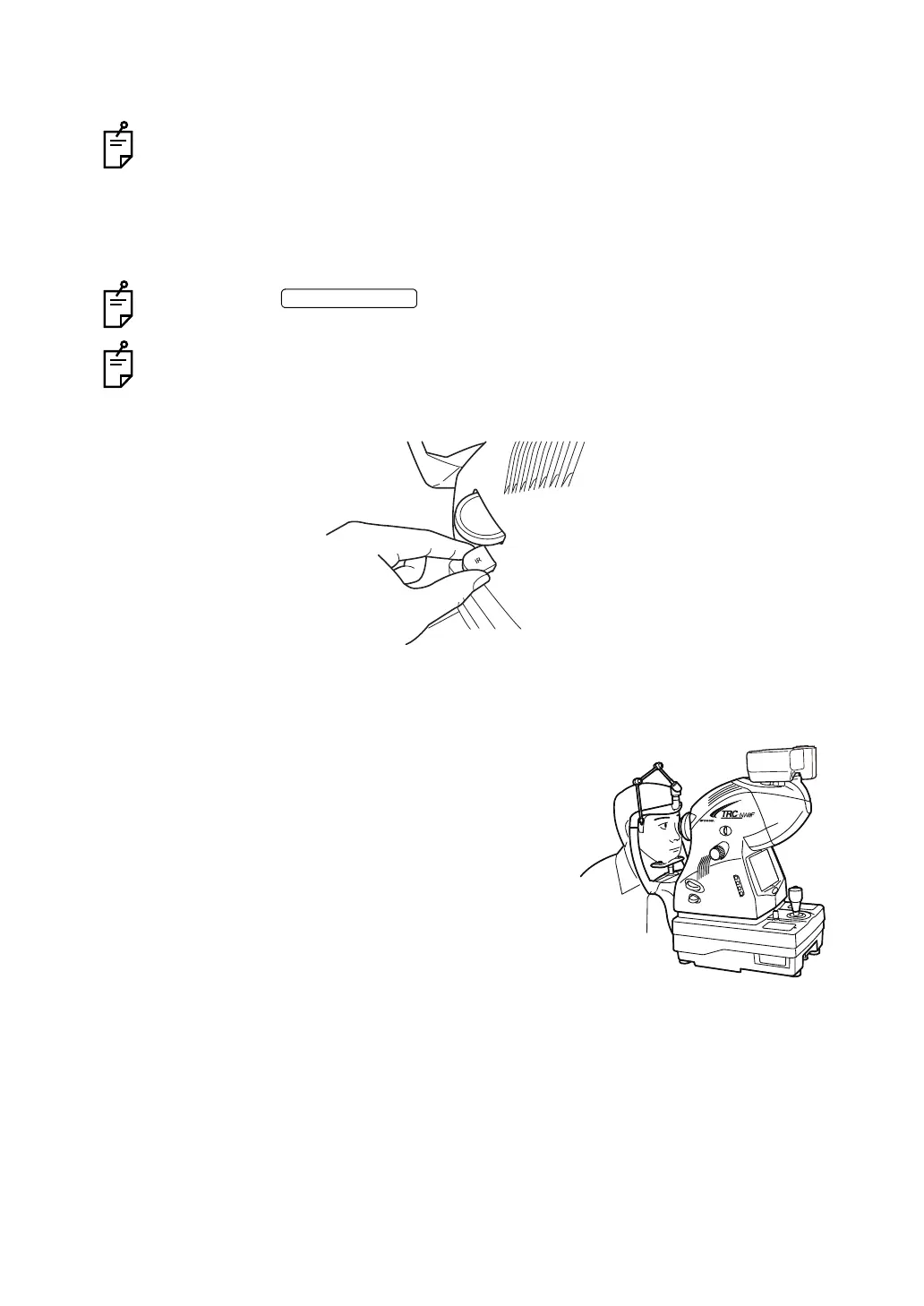
7 Make sure that the IR filter selector is on.
8 Operate the control lever to pull the instrument body closer to you.
9 Seat the patient comfortably.
10 Adjust the table height or chair height so the
patient has his/her chin placed centrally on the
chinrest.
IR filter selector being pushed in















 To Next Page