70
OBJECTIVE OPERATIONS
FAF PHOTOGRAPHY (Only in TRC-NW8F plus)
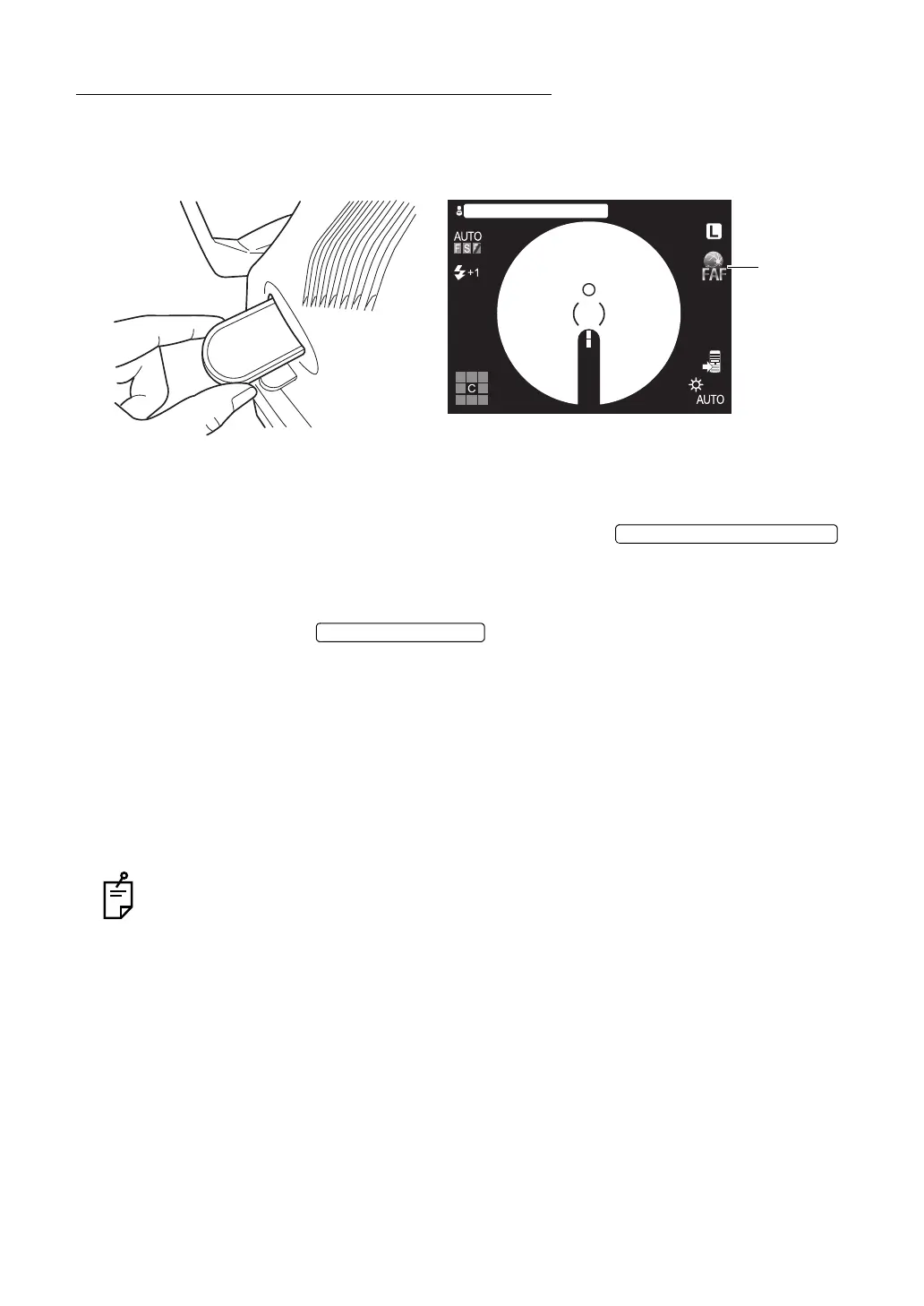
Setting the photography mode
Make sure that the photography mode is set to "Color photography" and then pull out the FAF
filter selector to your side.
Setting the illumination level
The auto illumination level adjustment is activated, so no manual adjustment is necessary.
When the auto function is OFF, set the illumination level with the .
See "Setting the illumination level" on page 46.
Setting the flash level
Set the flash level with the .
See "Setting the flash level" on page 47.
Changing the diopter compensation level
Push in the diopter compensation lens selector and change the diopter compensation lens to
(0).
See "Changing the diopter compensation lens" on page 48.
Centering and photography
Refer to "Centering and photography" on page 49.
The photographed image is not displayed on the color LCD monitor. It is displayed on
the monitor connected to the image filing system.
100
100
ABCDEFGHIJKLMNOPQRS
ILLUMINATION LEVEL SWITCH















 To Next Page