37
PREPARATIONS
SETTING THE RECORDING MEDIA TO SAVE IMAGE
Set the recording medium to save the photographed image.
In the instrument setting when shipped, it is not possible to save the image in the record-
ing device such as the USB memory (commercial product), etc. For changing the set-
ting, contact your dealer or TOPCON (see the back cover).
When saving the image in the recording device such as the USB memory (commer-
cial product), etc.
In the case of TRC-NW8F, connect the recording device such as the USB memory to the input/
output terminal. The instrument automatically recognizes the USB memory and the recording
device recognition icon is displayed on the color LCD monitor. The photographed image will be
saved in the USB memory.
In the case of TRC-NW8F plus, even if the USB memory is connected, the recording device
recognition icon is not displayed and only the FAF photography image can be saved.
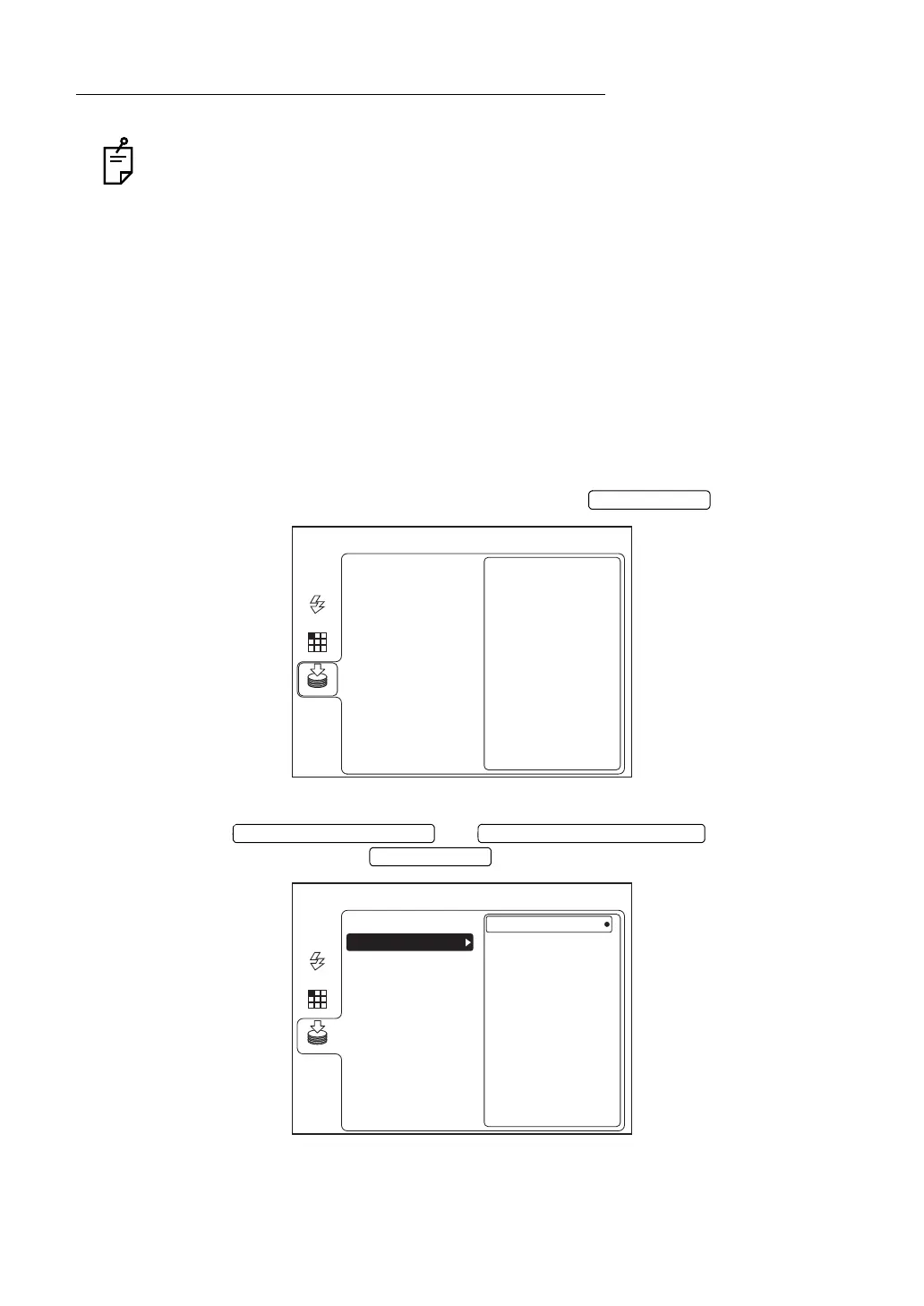
When disconnecting the USB memory, follow the procedure shown below in both of the mod-
els.
1 Select "MEMORY" on the "MENU" screen and press the .
2 Press the or to select "USB
MEMORY". Then, press the .
MENU
USB MEMORY
AUTO
FIXATION
FLASH
MEMORY
SD CARD
*The above figure shows the screen of TRC-NW8F.
MENU
REMOVE
USB MEMORY
AUTO
FIXATION
FLASH
MEMORY
SD CARD
*The above figure shows the screen of TRC-NW8F.















 To Next Page