46
BASIC OPERATIONS
COLOR PHOTOGRAPHY (CENTER)
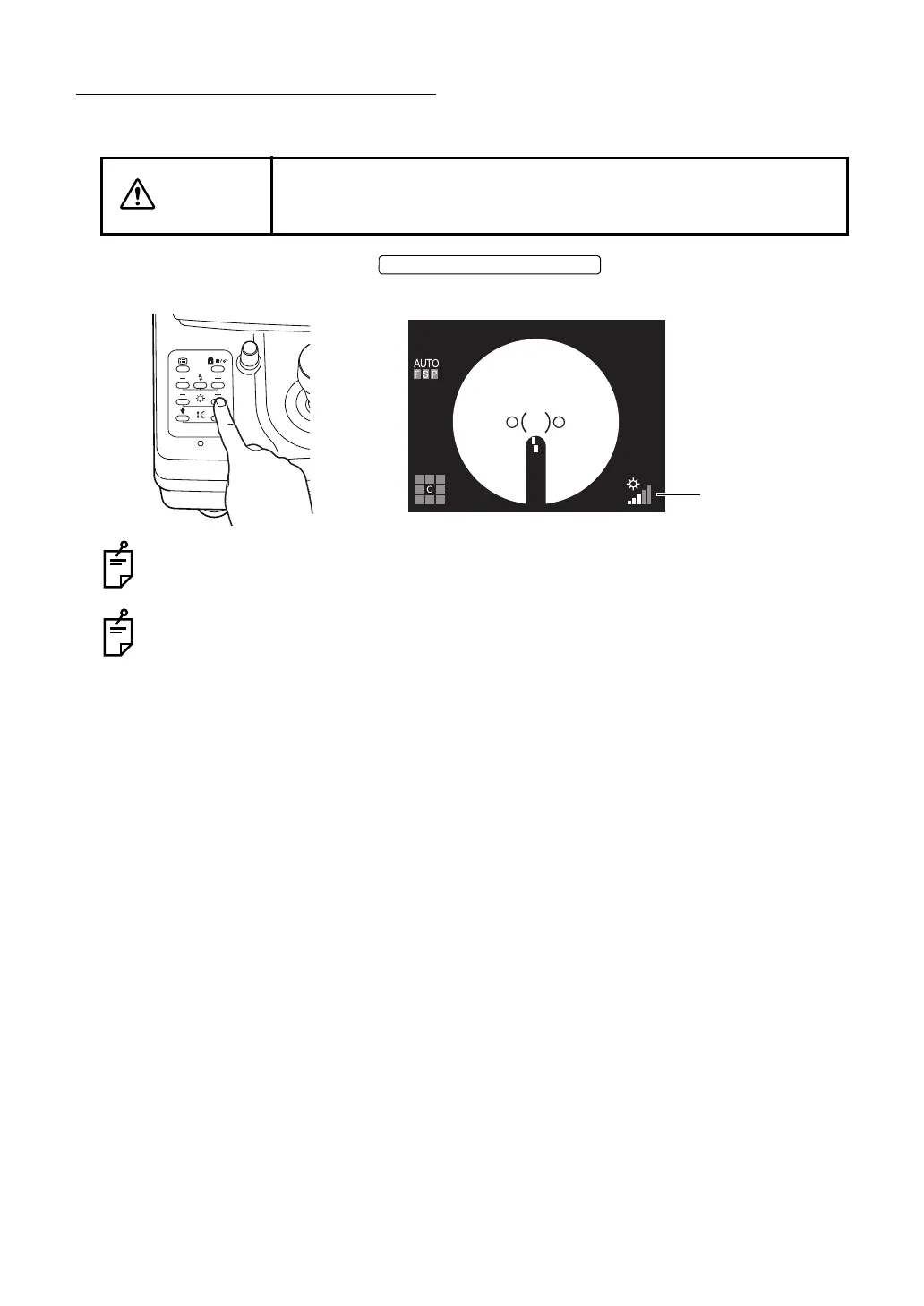
Setting the illumination level
Set the illumination level using the . (Only in TRC-NW8F)
You can verify the current level using the illumination level display on the color LCD monitor.
In TRC-NW8F, the illumination level has five steps.
When the instrument is first turned on, the illumination level is set to level 3.
In TRC-NW8F plus, there is an auto illumination level adjustment function. So, it is not
necessary to set the illumination level manually. ("AUTO" is displayed for the illumination
level.)
If you want to set it manually, set "OFF" for "ILLUMINATION" among the "AUTO" items in
"MENU". The illumination level set manually is displayed in eleven steps, "1/11" to "11/
11".
CAUTION
To avoid pain and discomfort to the patient and damage to the
patient's eye, do not brighten the illumination lamp more than neces-
sary.
ILLUMINATION LEVEL SWITCH















 To Next Page