73
OBJECTIVE OPERATIONS
IMAGE PLAYBACK MODE (Only in TRC-NW8F)
Reading the image
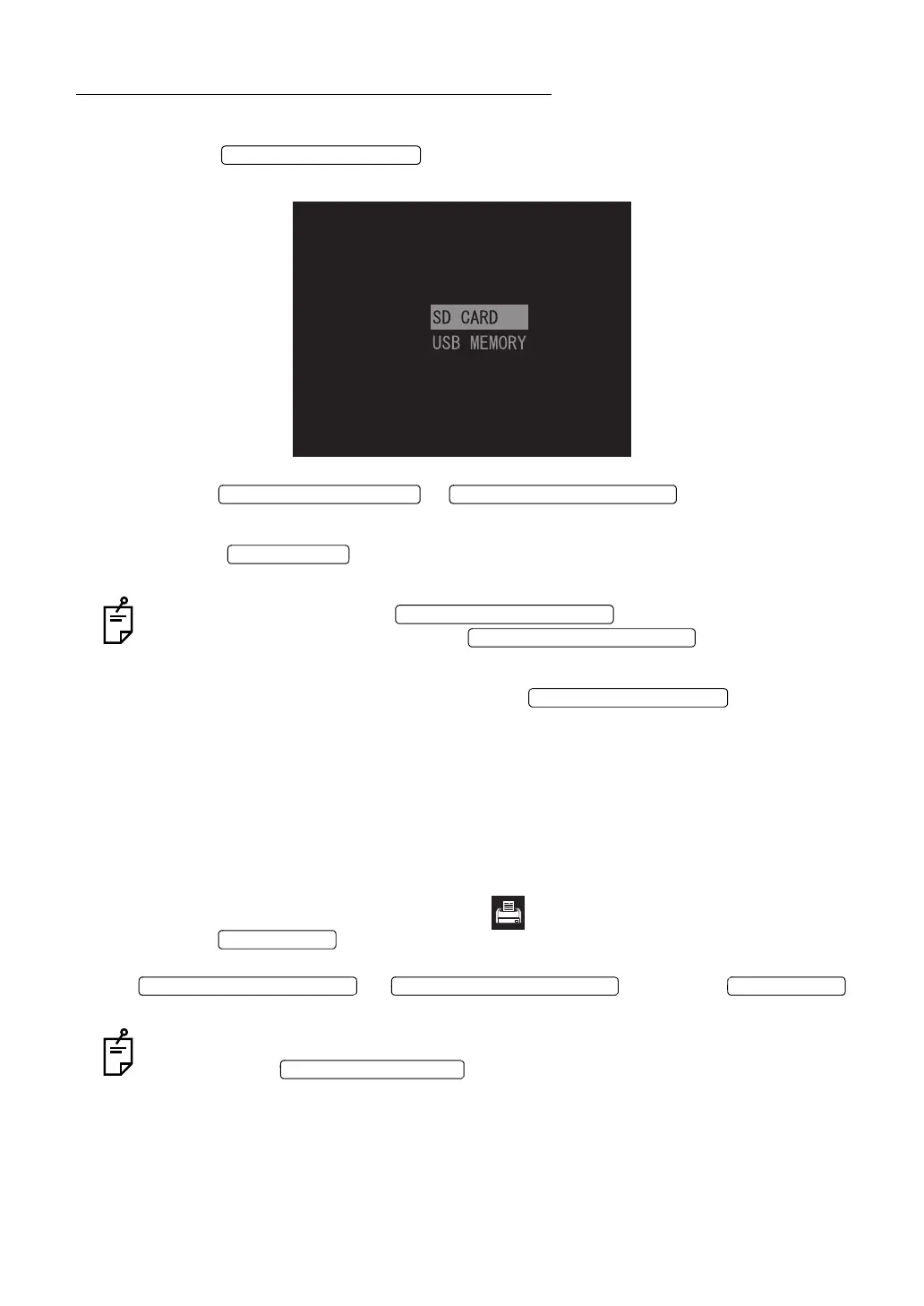
1 Press the on the Monitor screen. The following screen is indi-
cated on the color LCD monitor.
2 Press the or to select "SD CARD"
or "USB MEMORY".
3 Press the to decide the selected item. The image is read from the
selected the recording medium.
In this condition, press the , and the preceding photo-
graphed image is displayed. Press the , and the next pho-
tographed image is displayed.
4 To exit from the image playback mode, press the .
Printing the image
When a digital printer appropriate for Pict Bridge is connected to the instrument, direct print can
be performed.
1 Display the image to be printed on the color LCD monitor. For displaying it, refer to the
above-mentioned "Reading the image".
2 Make sure that the printer recognition icon appears on the color LCD monitor and
press the . The screen to confirm whether the image should be printed or
not appears. Select "CANCEL" to suspend printing, and "OK" to execute printing with the
or . Press the
again, and the image is printed.
When the preview screen appears right after taking a picture, the image is also printed
by pressing the .















 To Next Page