41
PREPARATIONS
Setting of the internal fixation target (FIXATION)
* When "DEFAULT" is set, "Center", "Center of optic disc" or "Center of macula" is lit in the DCF
mode. For details, refer to page 56. When "CUSTOM" is set, the optional point is lit in the DCF
mode. But, when shipped, the instrument is set so that the same point as "DEFAULT" may be
lit. When you want to change the lighting point for "CUSTOM", contact your dealer or TOPCON
office (see the back cover).
Setting of the recording medium to save image (MEMORY)
*"SD CARD" is displayed only in TRC-NW8F.
RESET FROM POWER SAVE STATE
This machine adopts the power save method for power saving.
When the instrument body is not operated within a set time, the power save function stops
power supply to the monitor, CCD camera, illumination light source and photography light
source.
When power save sets in, the power lamp on the control panel flickers and the monitor screen
goes off.
1 Press the .
The color LCD monitor is displayed and ready for photography.
When shipped, the power save set time is 10 minutes.
To change the set time, contact your dealer or TOPCON (see the back cover).
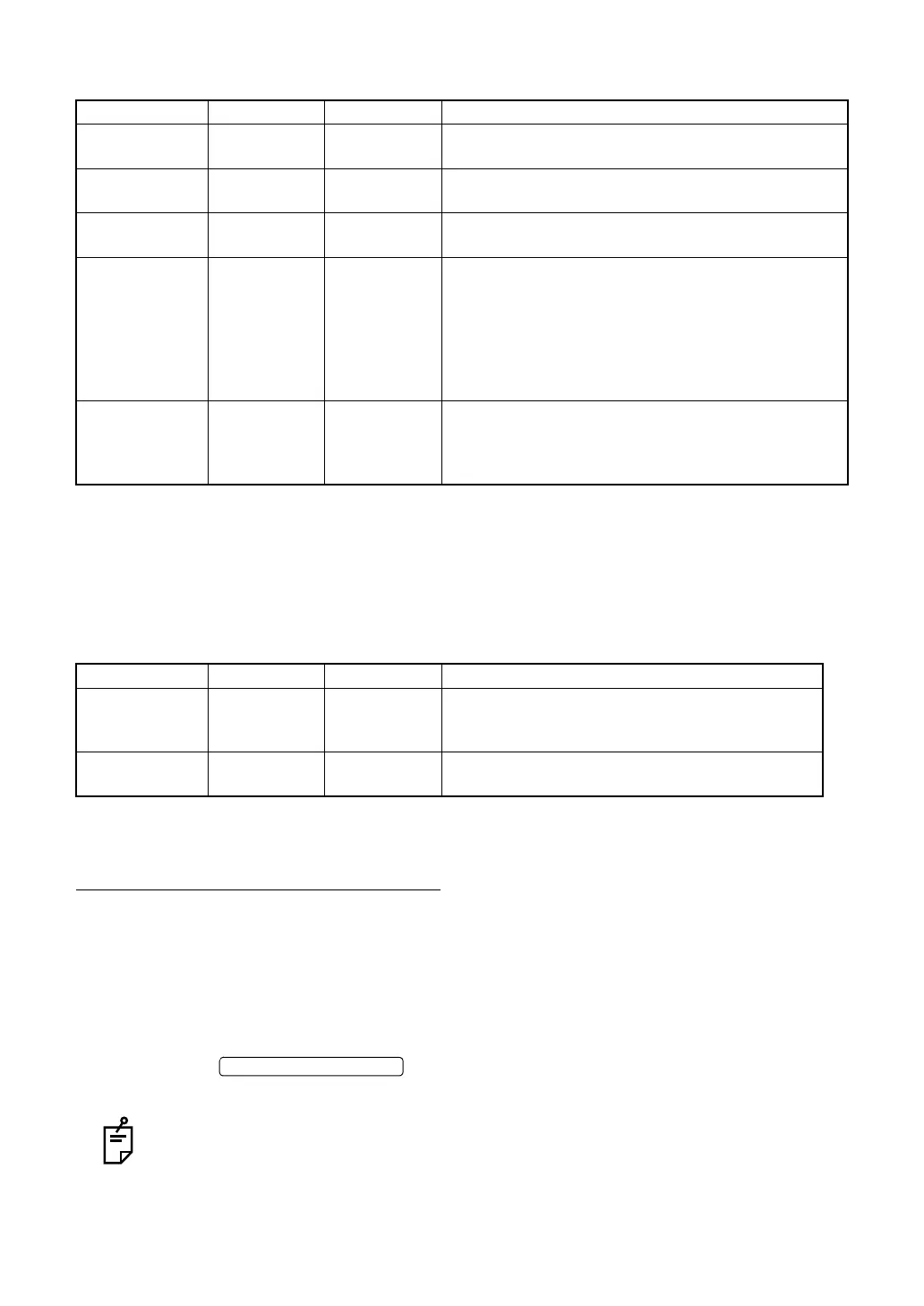
Item Options Initial setting Explanation
INT/EXT INTERNAL
EXTERNAL
INTERNAL Select the internal or external fixation target.
TYPE PERIPHERAL
DCF
PERIPHERAL When using the internal fixation target, select whether it
should be used as the peripheral fixation target or DCF.
* MODE DEFAULT
CUSTOM
DEFAULT To light up the LED when using DCF, select "Default
setting" or "Custom setting".
PERIPHERAL 4A/4B/5A/5B
/8POINT
/9POINT
8POINT Select the peripheral fixation target pattern.
4A (diagonal 4 positions)
4B (vertical-horizontal 4 positions)
5A (diagonal 4 positions + center)
5B (vertical-horizontal 4 positions + center)
8POINT (8 positions)
9POINT (8 positions + center)
DCF P2/P3 P2 Select the DCF pattern.
P2 (C: center, D: center of optic disc)
P3 (C: center, D: center of optic disc,
F: center of macula)
Item Options Initial setting Explanation
SD CARD ON
OFF
OFF Select "ON" to save the photographed image in SD
CARD. Select "OFF" not to save the photographed
image in it.
USB MEMORY REMOVE ----- Select "REMOVE" to remove the USB memory from
the instrument.















 To Next Page