74
OBJECTIVE OPERATIONS
Deleting the image
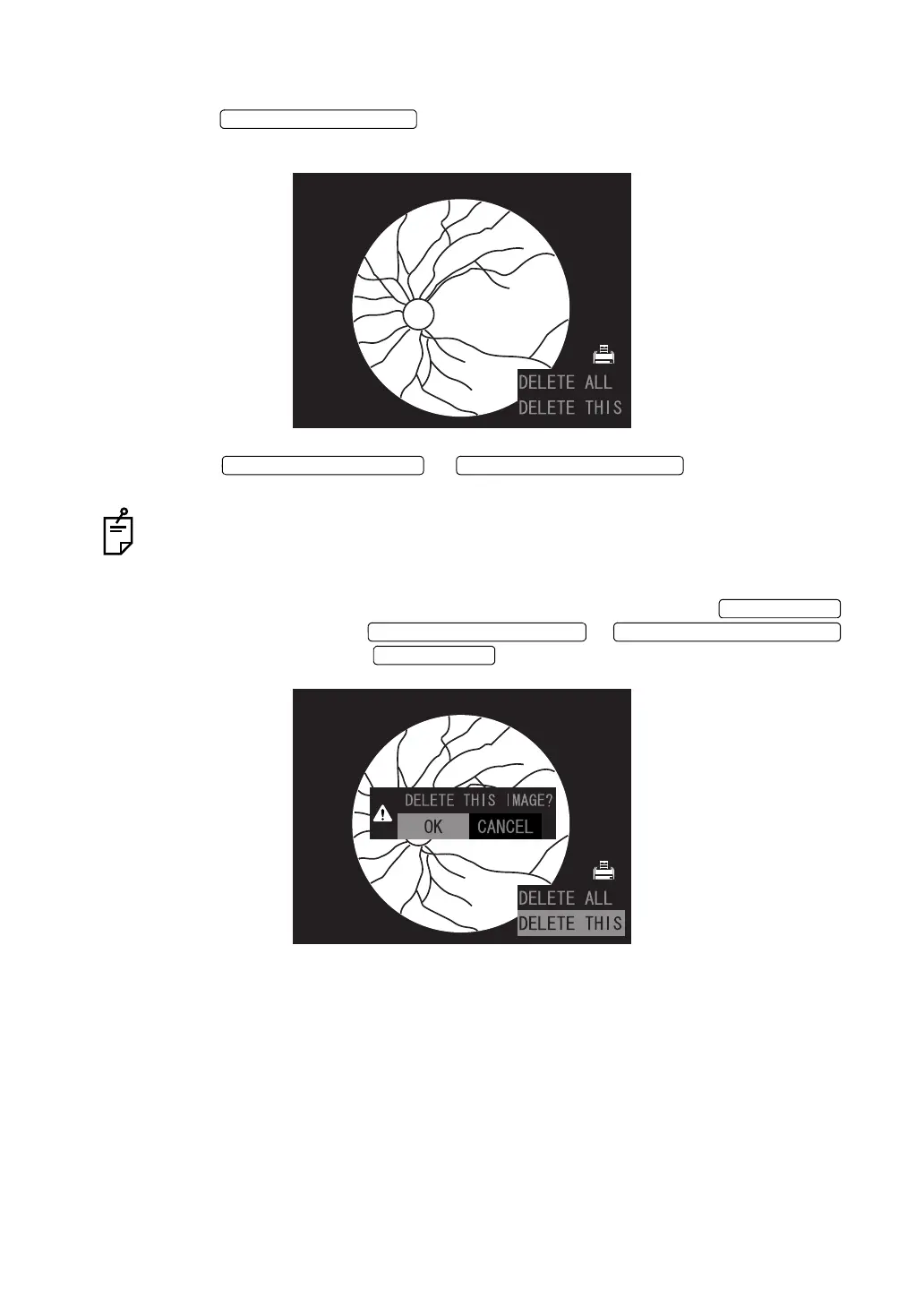
1 Press the in the condition where the image is read. The follow-
ing screen is indicated on the color LCD monitor.
2 Press the or ] to select "DELETE
THIS" or "DELETE ALL".
When "DELETE THIS" is selected, the read image is deleted. When "DELETE ALL" is
selected, all the images read from the recording media are deleted.
3 The following check message is displayed on the color LCD monitor. To stop the deletion
of the image, make sure that "CANCEL" is selected and then press the .
To delete the image, press the or ,
select "OK" and then press the .















 To Next Page