66
OBJECTIVE OPERATIONS
4 After checking the preview screen, press the .
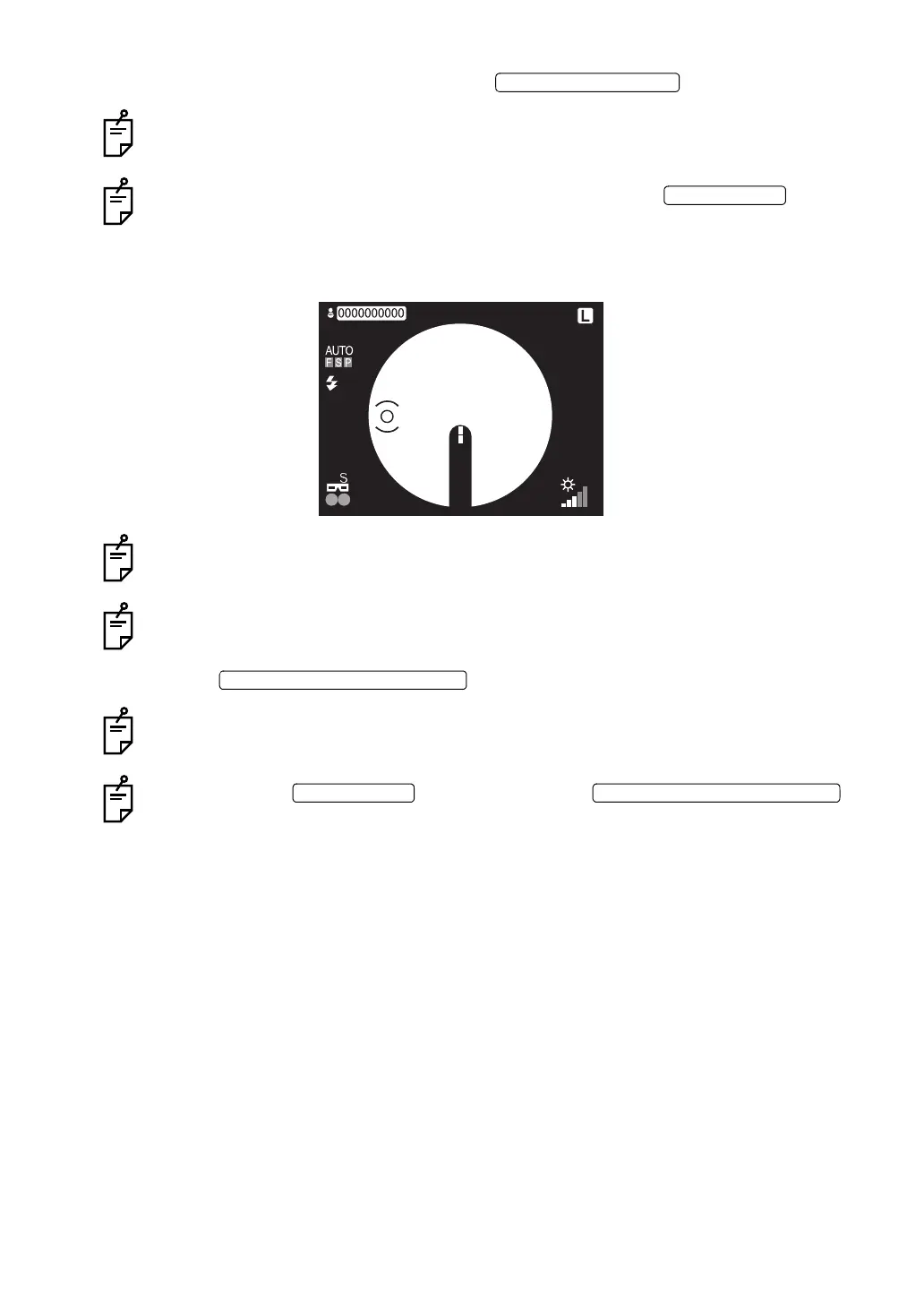
With this, the ( ) scale moves to the left.
When you want to take a picture of the right side next, press the .
The ( ) scale moves from the left side to the right side and you can perform the operation
of Step 3 again.
5 Bring the alignment bright spot into the ( ) scale, which has already been moved to the left.
With this, the instrument takes a picture of the other side and the preview screen
appears.
When the auto focus function is OFF, the operation is the same as the right side.
6 Press the .
With this, the stereo photography is finished and the normal monitor screen appears.
If you press the before pressing the ,
the ( ) scale moves right and left and it is possible to take additional pictures.
STEREO PHOTOGRAPHY SWITCH
STEREO PHOTOGRAPHY SWITCH















 To Next Page