68
OBJECTIVE OPERATIONS
Centering and photography
Refer to "Centering and photography" on page 49.
1 Carry out the intravenous injection of fluorescein and at the same time press the
.
By pressing the , the timer starts to count and, only for 20 seconds, the
buzzer beeps every second. When pressing the again, "STOP TIMER?" is
displayed on the screen. When selecting "OK", the timer stops counting and the display
disappears.
The results of FA photography are influenced by the injection amount and time of fluo-
rescein, etc.
To perform the visible FA observation, refer to "VISIBLE FA OBSERVATION" on page
72.
2 On the color LCD monitor, make sure that the alignment bright spots are changed into one
spot and it is in the ( ) scale and that the split lines are changed into one line. Then, press
the .
In FA photography, the auto shoot function and auto small pupil selector function cannot
be used.
In FA photography, the blink detection function will not operate.
When the auto focus function is ON, the focusing knob does not return to the initial posi-
tion in FA photography even if you pull the base unit toward you.
If you press the at intervals of less than 1.5 seconds, it is not
possible to take a picture. Press the at intervals of 1.5 seconds
or more.
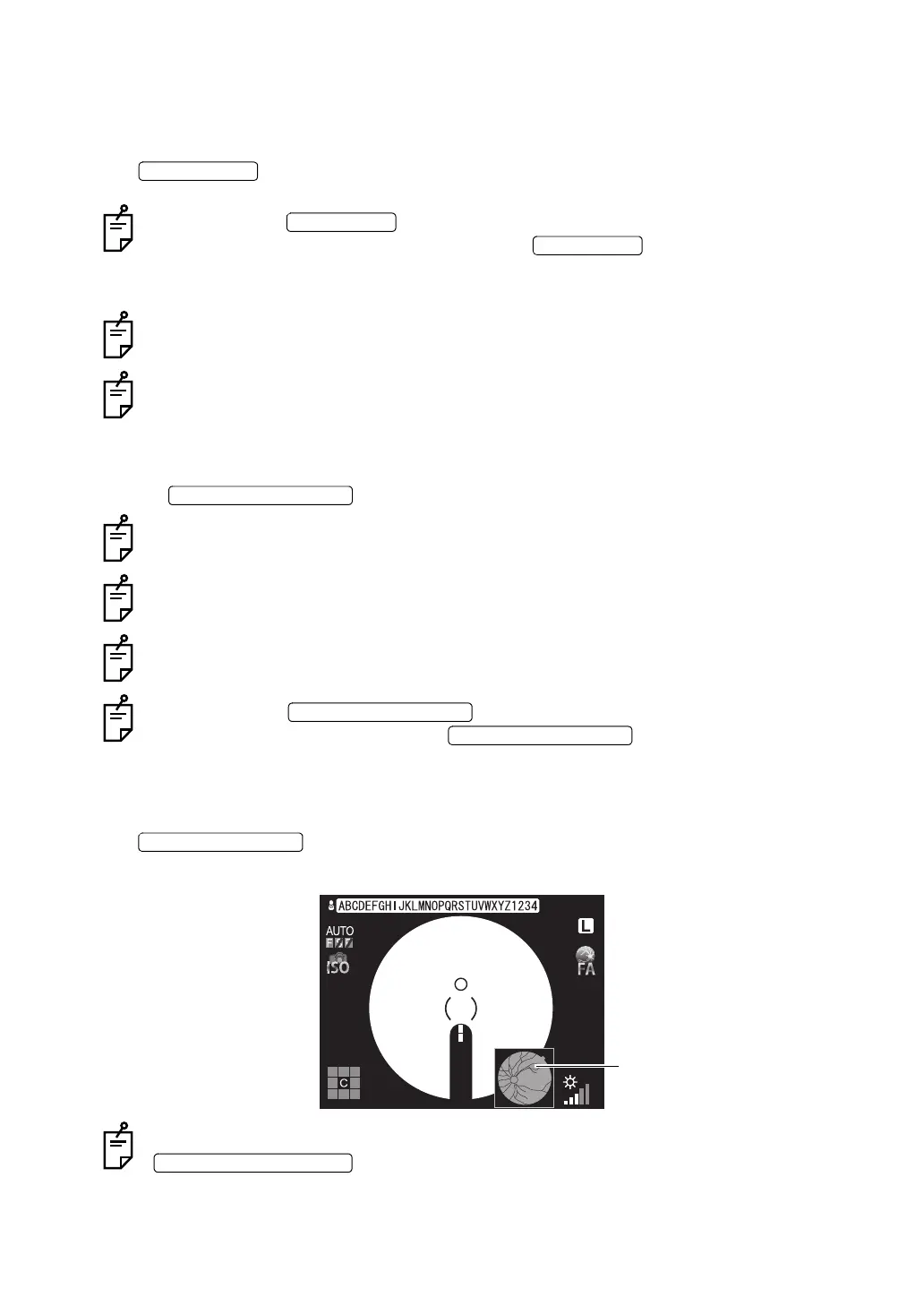
3 The photographed image is captured in the external recording device and the mini preview
of the photographed image is displayed on the color LCD monitor. Each time you press the
, the display is updated in turn. (Displayed only when TRC-NW8F is
used in the "STAND ALONE" setting.)
In FA photography, you cannot perform direct print by the Pict Bridge printer. Press the
and print the reproduced images.
00:10:13
100
100
L
00:10:12















 To Next Page