76
BEFORE REQUESTING SERVICE
Countermeasure when the battery is run down
For replacing the battery, contact your dealer or TOPCON (see the back cover).
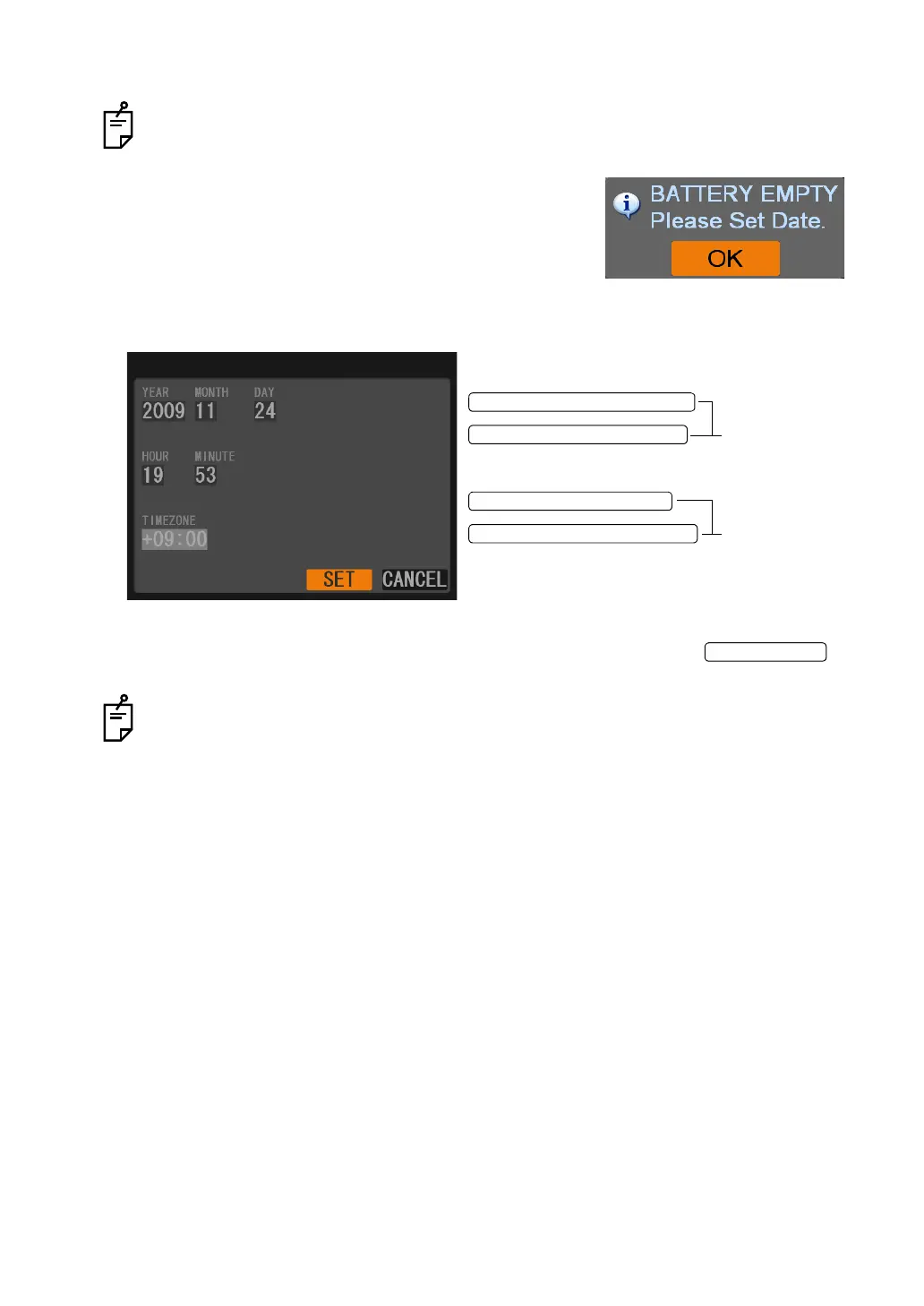
1 When the message shown at the right is displayed, it is
necessary to replace the battery.
2 Select "OK" and set the date as shown in Step3 and 4
before replacement. Consequently the setting of date is
valid until the power is turned off.
3 When the following screen appears, set the current time.
4 After you set the date except the time zone, select "SET" and press the to
finish setting.
The setting of the time zone is fixed when shipped, and so it cannot be changed.
RIGHTWARD CURSOR SWITCH
LEFTWARD CURSOR SWITCH
UPWARD CURSOR SWITCH
DOWNWARD CURSOR SWITCH
Shifts from one
item to another.
Changes the
value.















 To Next Page