CompassSetup
44
X‐63/X ‐63i/X‐62/X‐33/X‐32Installationand Calibra tion Manual P/N:7010‐0697
Compass Setup
Installing the Compass
Installing the Drivers (GX-60 Only)
1. CopythedriversfortheUSB‐SerialadaptertoaUSBflashdrive,andplugtheUSBflashdriveintothe
GX‐60ControlBox;theinstallationwizardscreenappears.
2. SelectInstallHardwareAutomatically,andtapNext.
3. ChoosethedriverstoinstallfromtheUSBflashdrive.
4. Afterinstalling,navigatetoControlpanelSystemHardwareDevicemanagerontheGX‐60.
5. TapthePorts(COM&LPT)icontoverifywhichporttheUSB‐to‐SerialBridgeisconnectedto.
Calibrating the Compass
1. In3D‐MC,tapTopconMenuButtonControl3D/2DControl2Dtoplace3D‐MCinto2Dmode.
2. tapTopconMenuButtonControlMachinesetup....
3. OntheMachineFilesscreen,selectyourmachine,andtapEdit;theConfigurationname/type
screenappears.
4. TapNextuntilyoureachtheBoom/Body(1)screen.
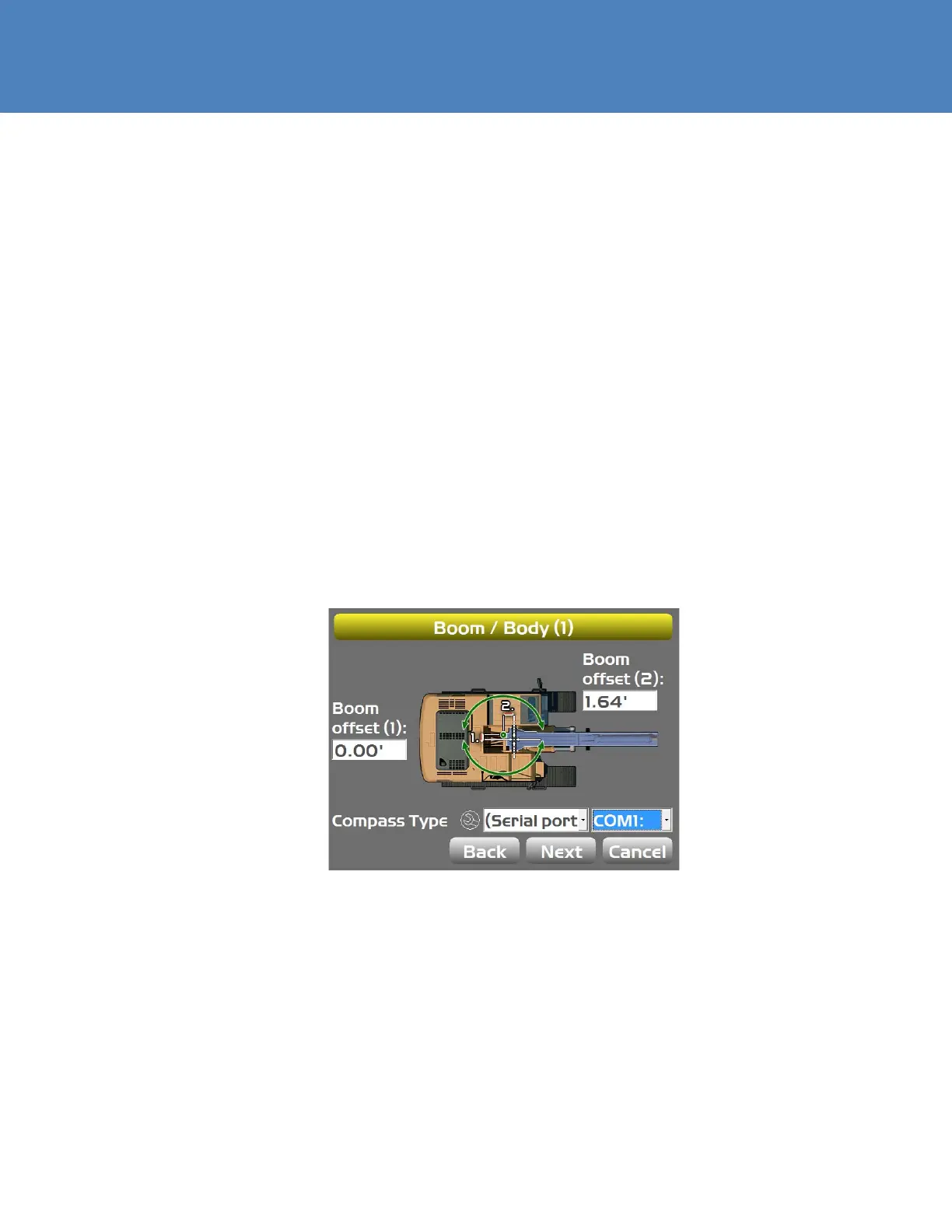
5. Select(Serialport)fortheCompassType,andthenselecttheappropriateCOMport(Figure59).
Figure59:SelecttheCompassTypeandCOMPort
6. TaptheWrenchicon;theCalibrateSerialCompassscreenappears.



 To Next Page