Verifying Setup
49
X‐63/X‐63i/X‐62/X‐33/X‐32InstallationandCalibrationManual P/N:7010‐0697
Troubleshooting
Whentroubleshooting,begin withthebucketsensors.Ifyouareunabletodeterminetheproblem,
proceedwiththesticksensor,andthentheboomsensor.Notethatforthebucketandboomsensors,there
areoptionalsecondarysensorsthatshouldbecheckediftheyareused.Ifyouareunabletodeterminethe
problemafterfollowingtheproceduresbelow,contactTopconsupport.
Troubleshooting the Bucket Sensor
1. Positionthebucketabovethestringlinesothatthebucketteethoredgeareattheirclosest
pointtothestring.
2. Placethebucketteethoredgeonthestring,andzerothebucketin3D‐MC.
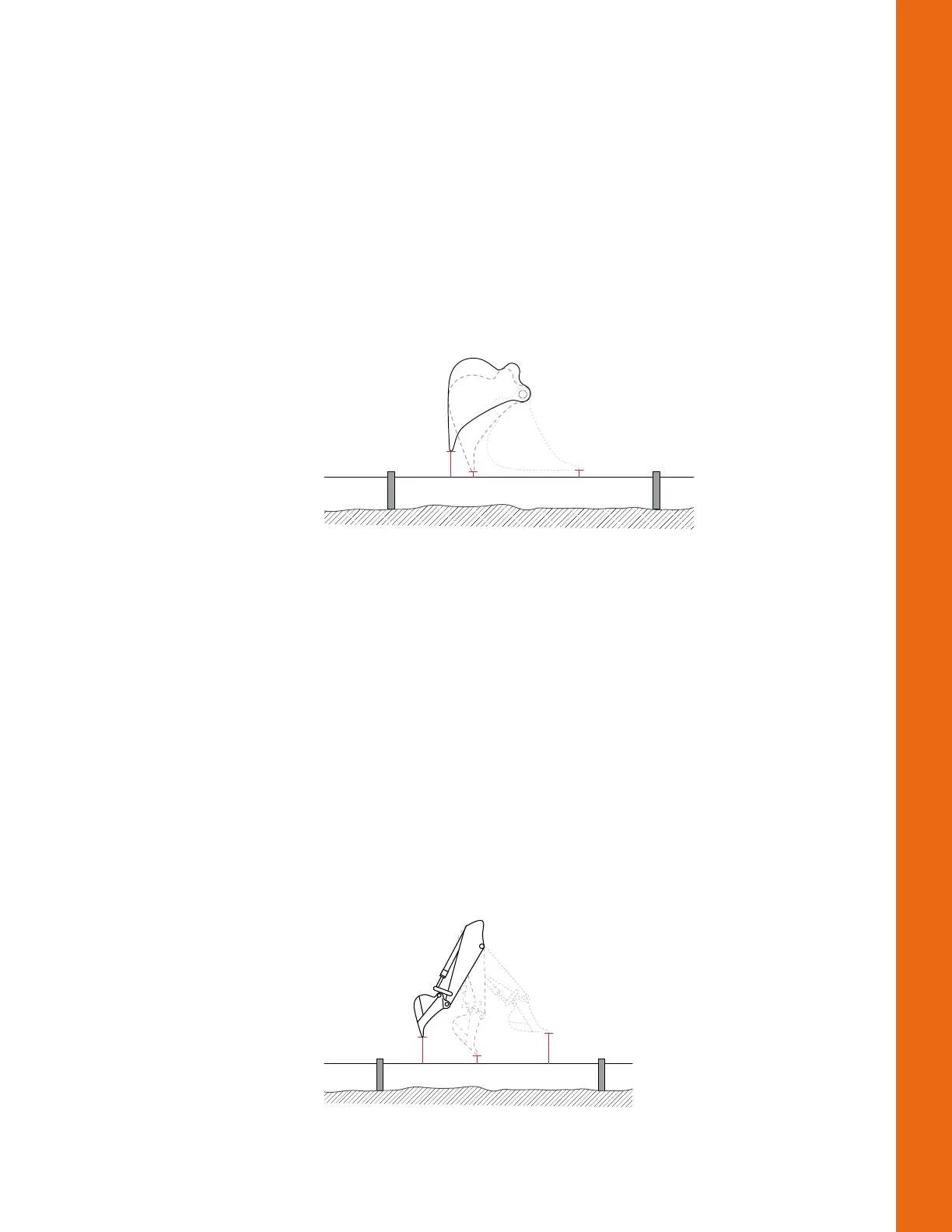
3. Curlonlythebucketinandoutinvariouspositions,andmeasurethedistancefromthestring
linetothebucketteethawithmeasuringtape(Figure63).
Figure68:StringLineVerification‐Bucket
4. Comparethemeasuringtapevalueswiththoseshownin3D‐MC.
5. Ifthemeasurementscomparedagainst3D‐MCmatch,therecouldbeanissuewithoneofthe
othersensors;repeatsteps1‐4andreverify.
6. Ifthemeasurementscomparedagainst3D‐MCstillmatch,checkthetiltbucketsensor(ifused),
andthenfollowthestepsin“TroubleshootingtheStickSensor”below.
7. Ifthemeasurementscomparedagainst3D‐MCdonotmatch,eachsensormustbeevaluatedfor
machinemeasurementorcalibrationerrors.
Troubleshooting the Stick Sensor
1. Positionthebucketabovethestringlinesothatthebucketteethoredgeareattheirclosest
pointtothestring.
2. Placethebucketteethoredgeonthestring,andzerothebucketin3D‐MC.
3. Curlonlythestickinandoutatvariouspositions,andmeasurethedistancefromthestringline
tothebucketteethwithameasuringtape(Figure69).
Figure69:StringLineVerification‐Stick



 To Next Page