VerifyingSetup
47
X‐63/X ‐63i/X‐62/X‐33/X‐32Installationand Calibra tion Manual P/N:7010‐0697
Verifying Setup
Aftermountingandcalibratingthesensors,verifytheaccuracyofthesensorsandtheeff ectivenessof
communicationwiththecontrolbox.Occasionally,thesesameverificationscanbeperformedafterseveral
monthsofusetoensurecontinuedexca vatingaccuracy.
For2Dsystems,thesectionsinthischapterarenotnecessaryasallverificationmethodsuseGPSantennas.
Therefore,elevationsmustbeverifiedfor2Dsystems.
Verifying Range of Motion
Verifyingtherangeofmotionvia3D‐MCwillensurethatallsensor sareworkingandcommunicatingwiththe
GX‐60ortheGX‐30.
Onthe
Main
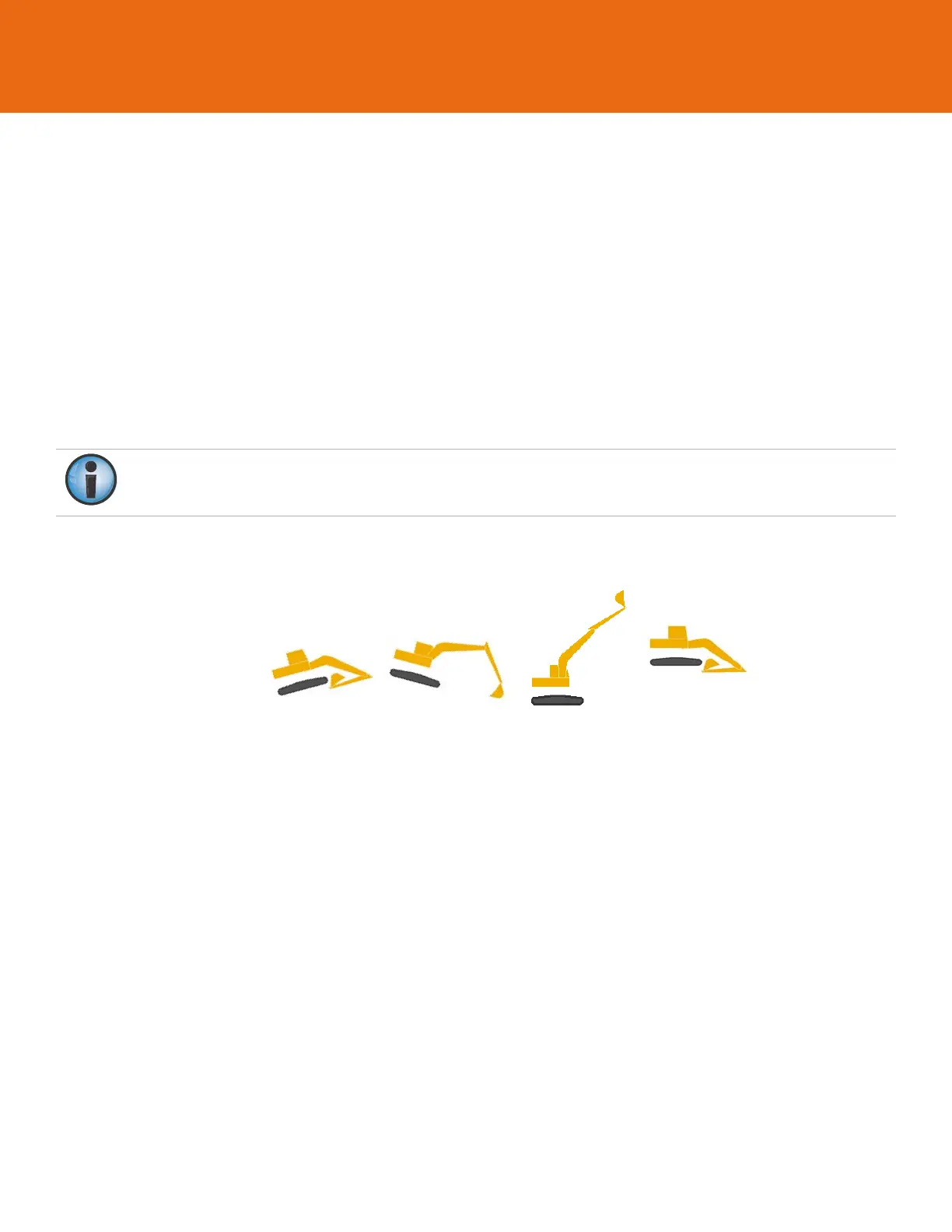
screenof3D‐MC,viewaprofileandmovethevariouspartsofthemachine.
•
Forthebody,tiltthemachinefront‐to‐back,thenleft‐to‐right.Theon‐screengraphicoftheex cavator
shouldtiltinthesamedirections.
Fortheboom,stickandbucket,slowlymoveeachthroughasmuchofthefullrangeofmotionaspr actical.
Verifythesamemovementonthe3D‐MCscreen.
Figure65:VerifyRangeofMotionin3D‐MC
Ifafullrangeofmotiondoesnotoccurforthemachineimage,checkthefollowing:
•
Thecorrectsensorhasbeenselectedforeachmachineelementin3D‐MC.
•
Thecorrectorientationhasbeenselected.
•
Thesensorcalibrationiscorrect.
•
Asensorhasnotbeenselectedformorethanonelocation.
•
Eachsensorisoperational.
Navigatetoeachsensor’scalibrationscreenandcheckthat
Pitch
and
Roll
valuesarepresentandchangewith
themachine’smove ment.Ifthevaluesareblank,thatsensorisnotreportingvalues:eitherthesensorhasnot
yetbeenfoundbytheGX‐60,orthesensorisnotfunctional.
Itisdifficulttorolltheexca vator.Ifnecessary,movethemachineontoasideslopetoverifytheroll.



 To Next Page