Compass Setup
Inst allingtheCompass
46
X‐63/X‐63i/X‐62/X‐33/X‐32InstallationandCalibrationManual P/N:7010‐0697
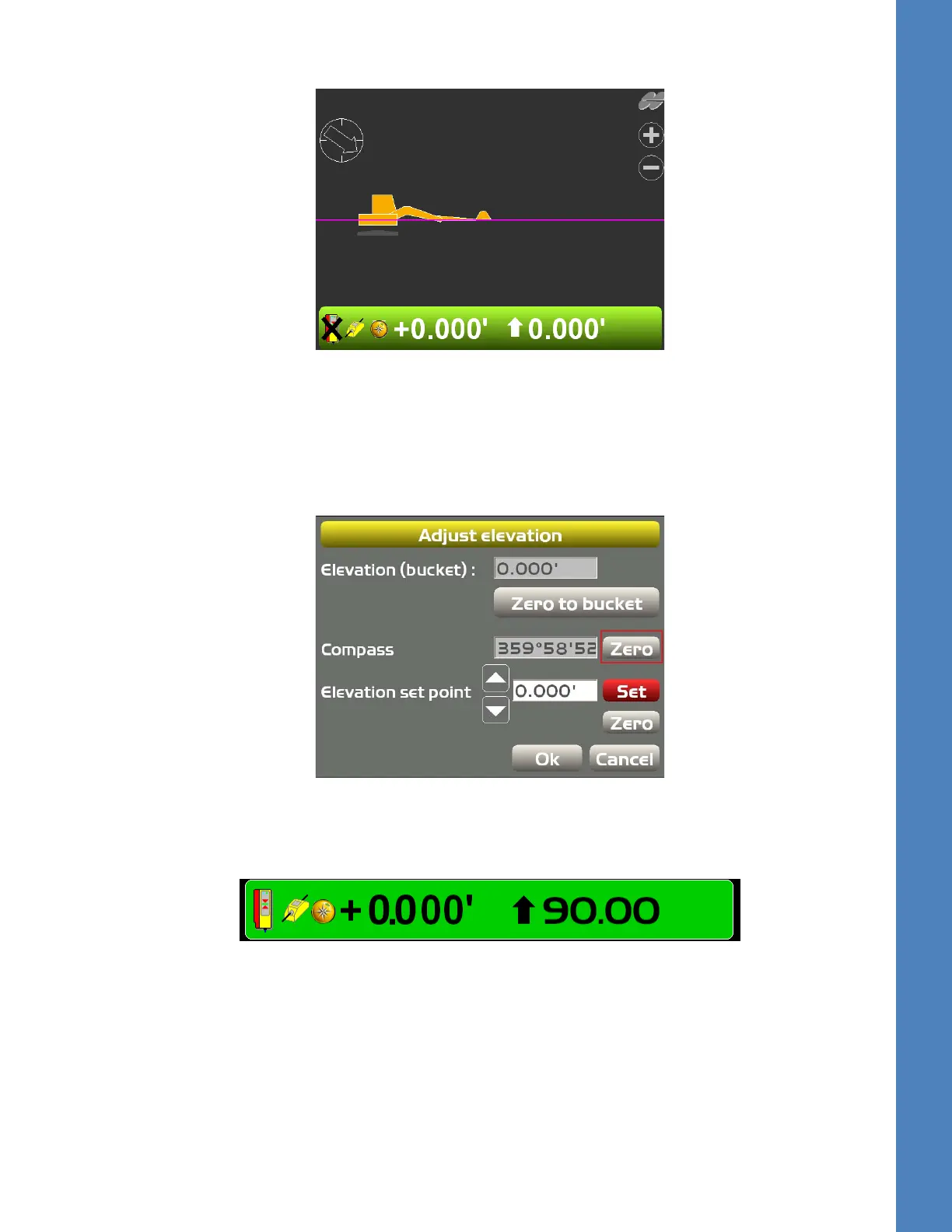
3. Onceset,asymbolforthecompassappearsin3D‐MC(Figure62).
Figure62:CompassNowActive
Adjusting Calibration
1. TaptheElevationControlKeyin3D‐MC;theAdjustelevationscreenappears.
2. TapZerofortheCompass,andthenrotatethecompass,forexample,90degrees(Figure63).
Figure63:AdjusttheCompassCalibration
3. TapSet,andthenOKtoreturntothemainscreen;theElevationControlKeyshouldnowreflect
youradjustmenttothecompass(
Figure64).
Figure64:ElevationControlKeyMatchesCompassAdjust ment



 To Next Page