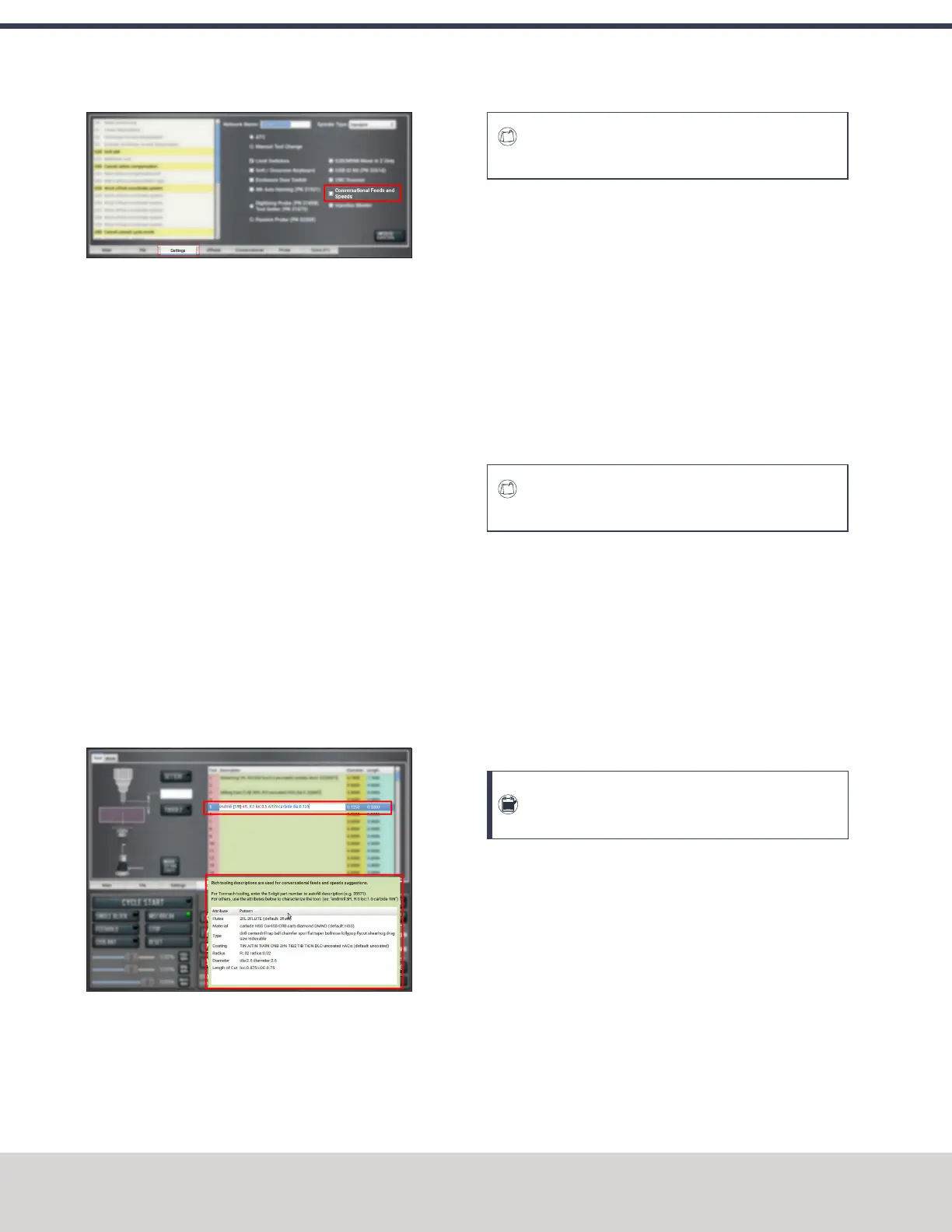
Figure 7-92: Settings tab.
Create Tool Descriptions
If desired, you can create tool descriptions in PathPilot.
Detailed tool descriptions allow you to receive feeds and
speeds suggestions in conversational programming. For
information, see "Use Feeds and Speeds Suggestions"
(page140).
Manually Enter Tool Descriptions
PathPilot uses keywords and patterns in the tool description to
recognize tooling features. For information, see"Tool Keywords
Reference" (on the next page).
To manually enter tool descriptions:
1. From the PathPilot interface, on the Offsets tab, identify
the Tool Table window.
2. Select a blank line.
3. Type a description for the tool. Descriptions are not case
sensitive.
If a pattern or word in the description is recognized,
PathPilot uses syntax highlighting to indicate a valid
description.
Figure 7-93: A manually-entered tool description.
Examples
To get accurate machining information, all tooling must be
described with detail: the more detail, the better the results.
E X A M P L E
Dia:.3125 4FL R:03 AlTiN CRB variable loc:.75
This description provides the following to PathPilot to calculate
machining information:
l 0.3125 tool diameter
l Four flutes
l 0.03 radius, or "bullnose"
l Aluminum-titanium nitrade coating
l Carbide
l Variable helix
l 0.75 length of cut (loc)
Using a personal description likely won’t contain meaningful
information for PathPilot.
E X A M P L E
Gold colored end mill from middle drawer
This description provides very little information, and PathPilot
defaults to basic cutter features:
l Two flutes
l Uncoated, high-speed steel end mill
l Length of cut based on the diameter
Automatically Generate Tool Descriptions
If you're using a Tormach tool, you can enter the part number
to automatically generate tool descriptions in the Tool Table
window.
Note: If you don't know the part number, you can
search for the tool at tormach.com.
1. From the PathPilot interface, on the Offsets tab, in the
Tool Table window, select a blank line.
©Tormach® 2020
Specifications subject to change without notice.
Page 142 Tormach 1100MX Operator's Manual (Version 0720A)
For the most recent version, see tormach.com/support
7: PATHPILOT TOOLS AND FEATURES



 To Next Page