100 Third Party Supp ort
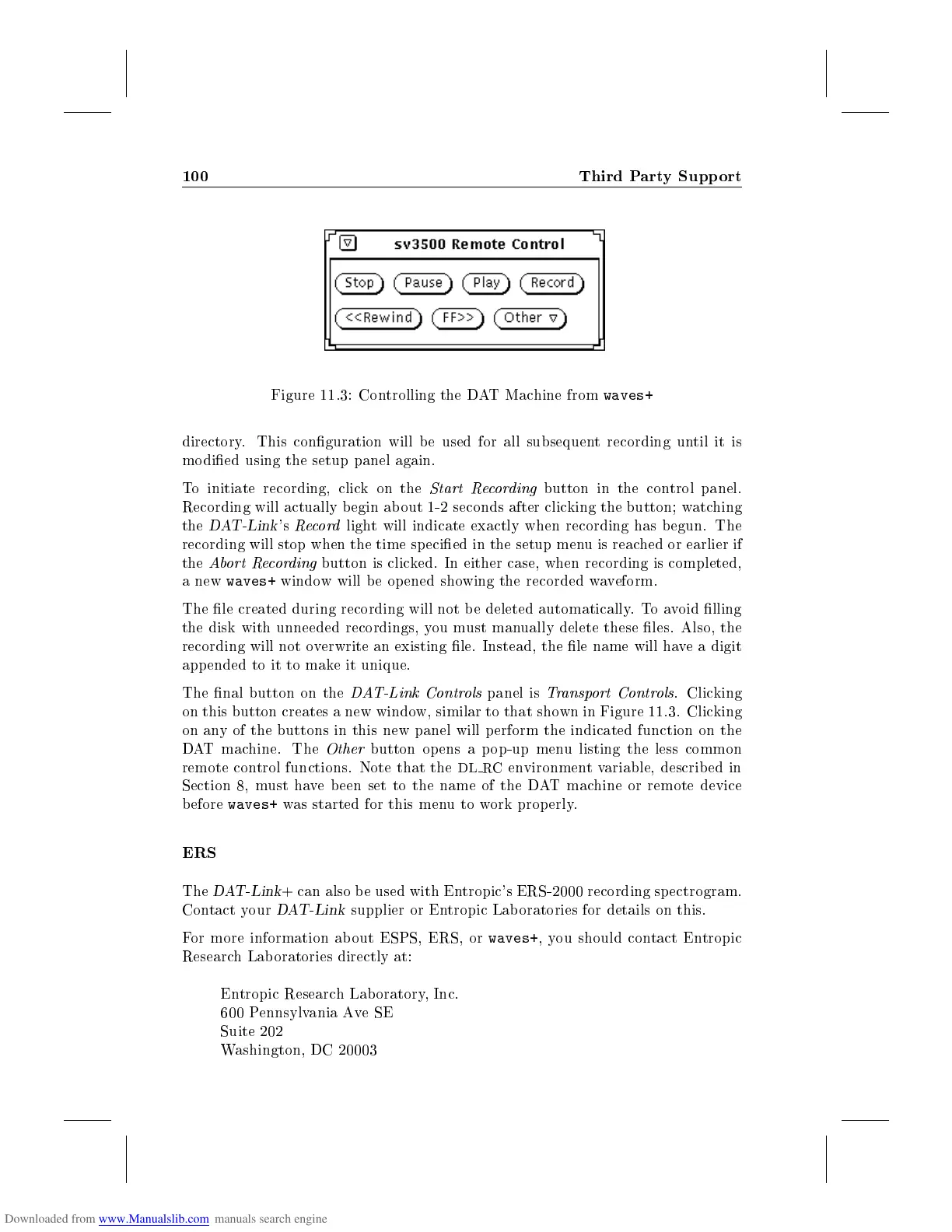
Figure 11.3: Controlling the DAT Machine from
waves+
directory. This conguration will be used for all subsequent recording until it is
modied using the setup panel again.
To initiate recording, click on the
Start Recording
button in the control panel.
Recording will actually b egin about 1-2 seconds after clicking the button; watching
the
DAT-Link
's
Record
light will indicate exactly when recording has b egun. The
recording will stop when the time specied in the setup menu is reached or earlier if
the
Abort Recording
button is clicked. In either case, when recording is completed,
a new
waves+
window will be op ened showing the recorded waveform.
The le created during recording will not b e deleted automatically. Toavoid lling
the disk with unneeded recordings, you must manually delete these les. Also, the
recording will not overwrite an existing le. Instead, the le name will have a digit
appended to it to make it unique.
The nal button on the
DAT-Link Controls
panel is
Transport Controls
. Clicking
on this button creates a new window, similar to that shown in Figure 11.3. Clicking
on any of the buttons in this new panel will perform the indicated function on the
DAT machine. The
Other
button opens a p op-up menu listing the less common
remote control functions. Note that the
DL RC
environmentvariable, described in
Section 8, must have b een set to the name of the DAT machine or remote device
before
waves+
was started for this menutowork properly.
ERS
The
DAT-Link
+ can also b e used with Entropic's ERS-2000 recording sp ectrogram.
Contact your
DAT-Link
supplier or Entropic Lab oratories for details on this.
For more information about ESPS, ERS, or
waves+
,you should contact Entropic
Research Lab oratories directly at:
Entropic Research Lab oratory, Inc.
600 Pennsylvania AveSE
Suite 202
Washington, DC 20003



 To Next Page