App endix E
DIP Switch settings
The
Options
switches on the rear of the
DAT-Link
are used to congure the
DAT-
Link
's SCSI interface to allow it to communicate with certain workstations which
do not supp ort generic SCSI devices. The following table gives the settings required
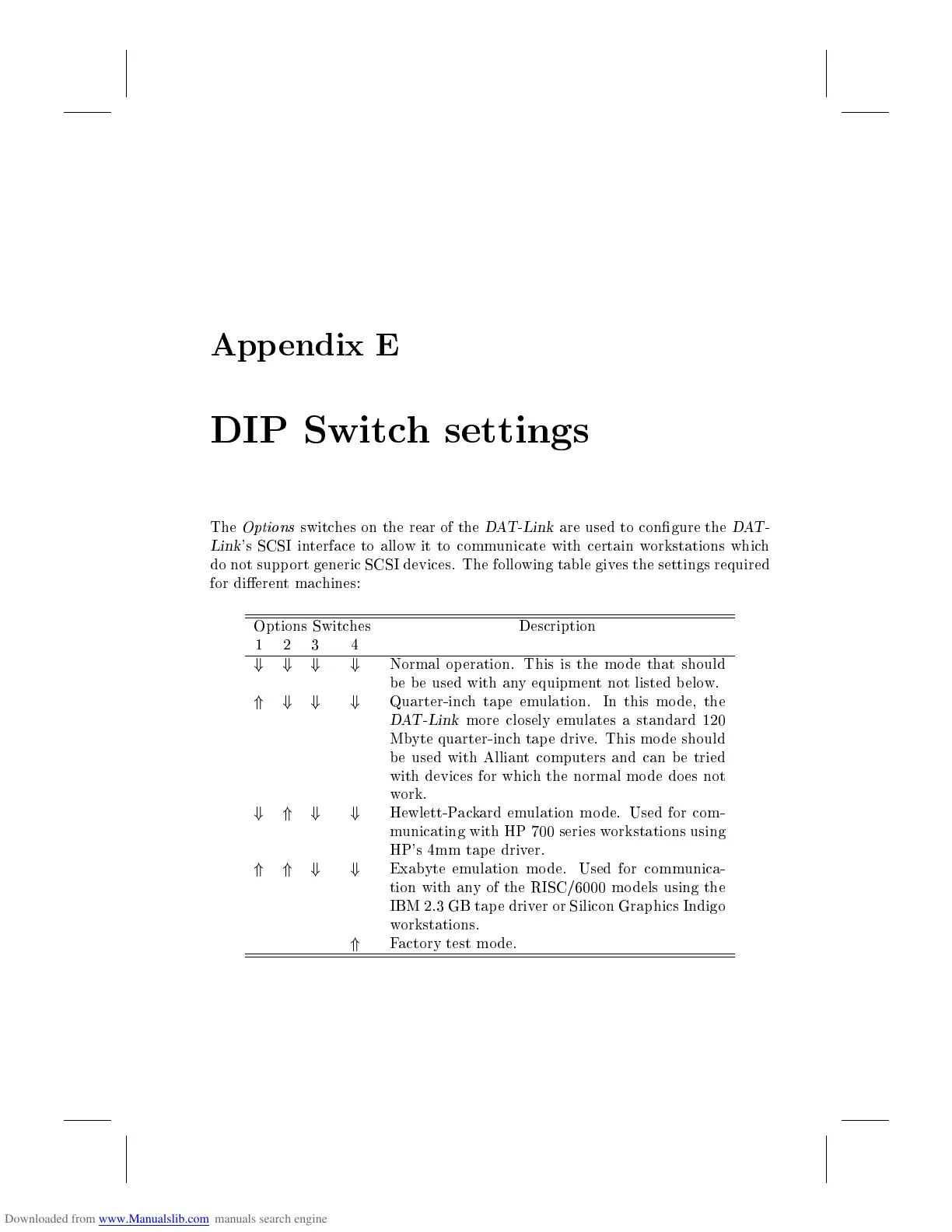
for dierent machines:
Options Switches Description
1 2 3 4
+ + + +
Normal operation. This is the mo de that should
be be used with any equipment not listed b elow.
* + + +
Quarter-inch tap e emulation. In this mo de, the
DAT-Link
more closely emulates a standard 120
Mbyte quarter-inch tap e drive. This mo de should
be used with Alliant computers and can b e tried
with devices for which the normal mode does not
work.
+ * + +
Hewlett-Packard emulation mode. Used for com-
municating with HP 700 series workstations using
HP's 4mm tap e driver.
* * + +
Exabyte emulation mode. Used for communica-
tion with any of the RISC/6000 models using the
IBM 2.3 GB tap e driver or Silicon Graphics Indigo
workstations.
*
Factory test mo de.



 To Next Page