52 AU-OPR-AureFloFT-EN,
Rev H
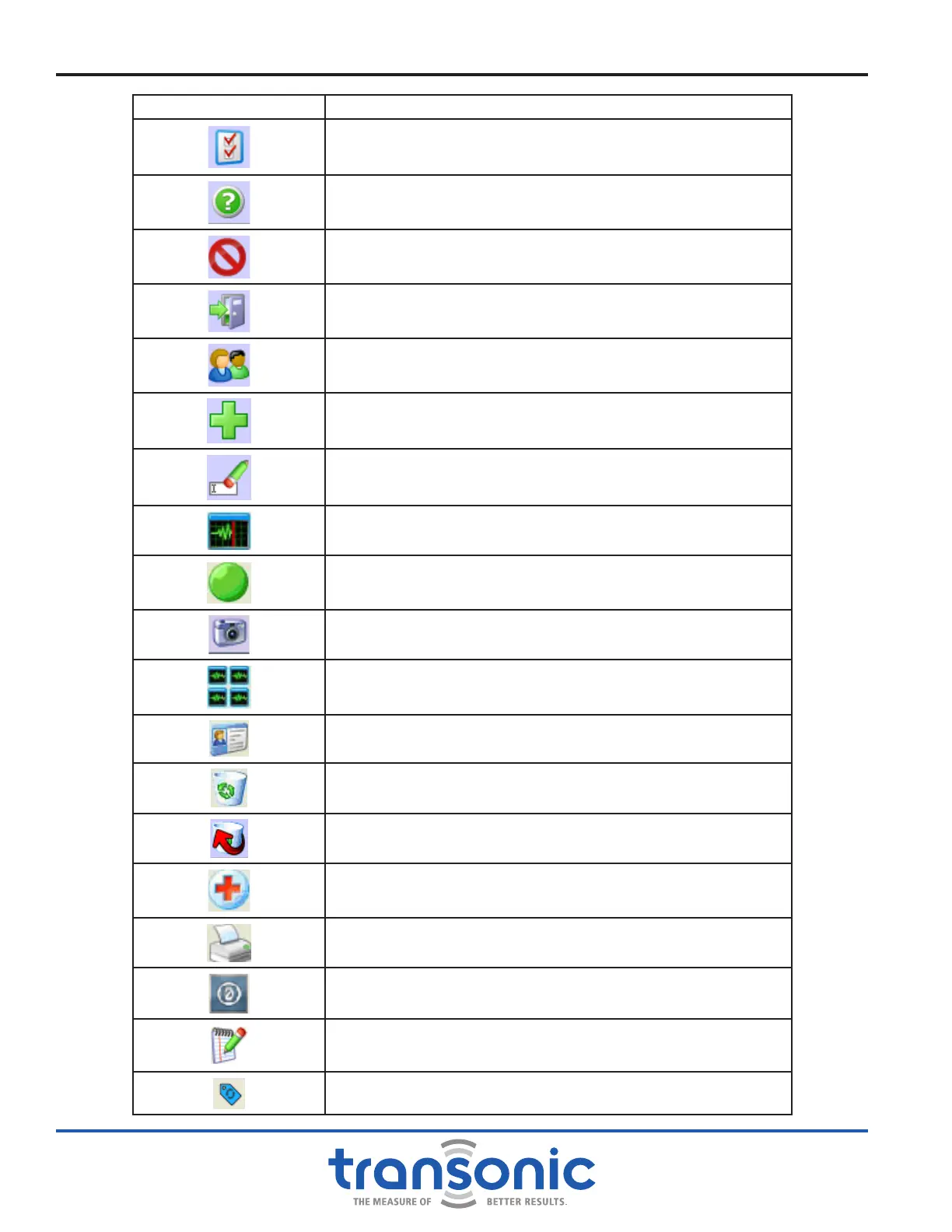
SOFTWARE ICON DESCRIPTION
FlowTrace
®
Settings, Display Options, Institution Name,
Rename Institution, Add Surgeon, Display ECG & Demo Mode
Help: Common button functionality descriptions
Cancel: Cancel any changes in a pop-up screen
Quit FlowTrace
®
Select Patient
Add: Surgery, Patient or Graft
Rename: Institution, Surgery, Surgeon or Patient
Realtime Mode
Recording Mode (Start Recording)
Snapshot Mode or Take Snapshot
Portfolio Mode
Patient Settings
Delete
Undo Delete
Change Surgery
Print
Zero Offset (available during Microsurgery only)
Add note to snapshot
Marked events of changed in selected vessels
Appendix I: Software Icons



 To Previous Page