Model 3440-L 6–25
6. SPECIAL FUNCTIONS
BAUD RATE
The speed at which characters are transmitted to a printer or computer is
determined by the setting of this special function. The baud rate is
normally configured at bps or bits per second. A speed of 300 baud would
then be approximately 300 bps.
Valid baud rates for the 3440-L gauge are 300, 600, 1200, 2400, and 4800.
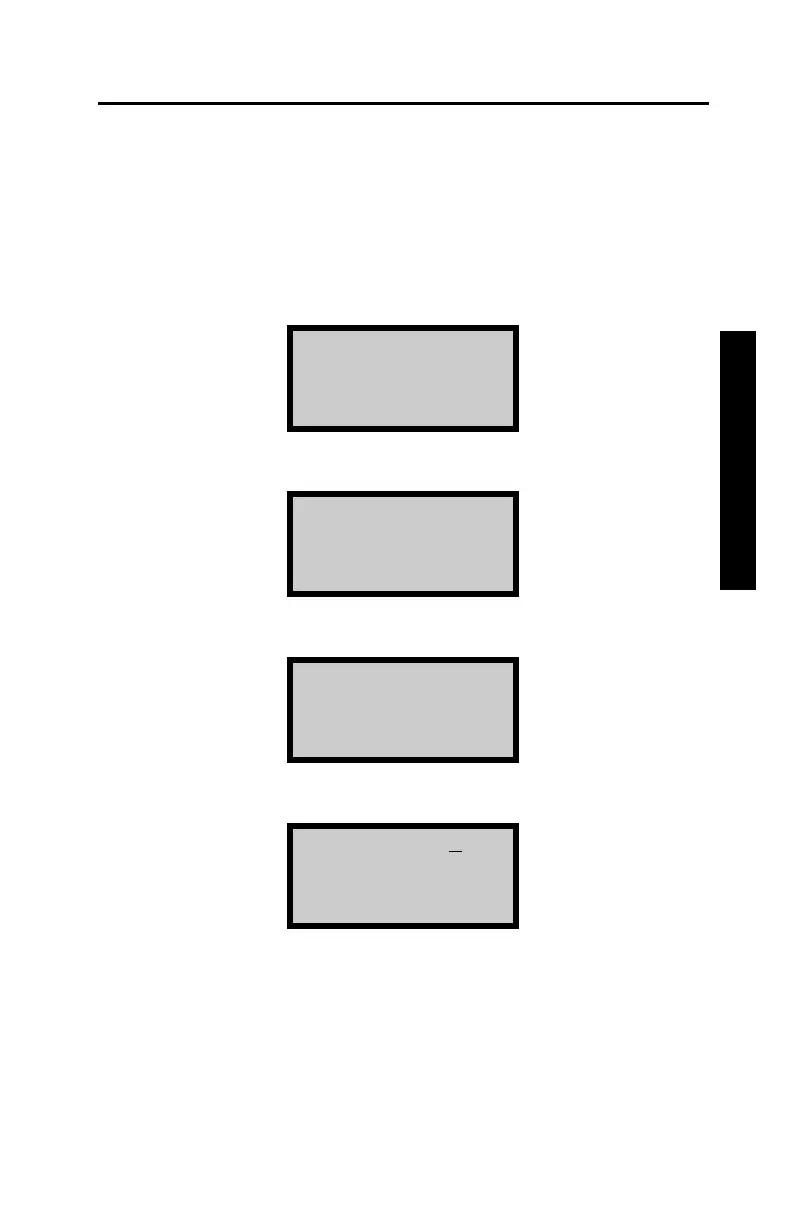
To execute the Baud Rate function, press 〈SHIFT〉 and 〈SPECIAL〉 for:
SPECIAL FUNCTION
YES- Next menu
1- STAT TEST
2- DRIFT TEST
Press 〈YES〉 three times for the display:
YES- Next menu
9- SET UNITS
10- BAUD RATE
11-COMM PROTOCOL
Press 〈1〉 〈0〉 for the display:
Baud Rate = 600
Do you want to
make a change?
Press 〈YES〉 to change the baud rate. The display will be:
Baud rate = 600
Input new rate.
Press ENTER
when finished.
Input the new baud rate and press 〈START/ENTER〉. After a few seconds,
the display will return to READY.
NOTE
If the wrong baud rate is entered, the error message –
ERROR– Illegal baud rate is briefly displayed. The gauge
then returns to the Do you want to make a change?
display shown above.










 To Next Page