Model 3440-L 6–11
6. SPECIAL FUNCTIONS
AUTO-STATION
The Auto-Station function allows the operator to initialize a station
number. When this function is enabled, the gauge will automatically
increment the station number by one after each reading is stored.
To enable the Auto-Station function, press 〈SHIFT〉 and 〈SPECIAL〉 for:
SPECIAL FUNCTION
YES- Next menu
1- STAT TEST
2- DRIFT TEST
Press 〈YES〉 one time for the display:
YES- Next menu
3- RECOVER ERASE
4- KEYPAD DATA
5- AUTO STATION
Press 〈5〉 for the display:
Auto-Station
DISABLED
Do you want to
ENABLE?
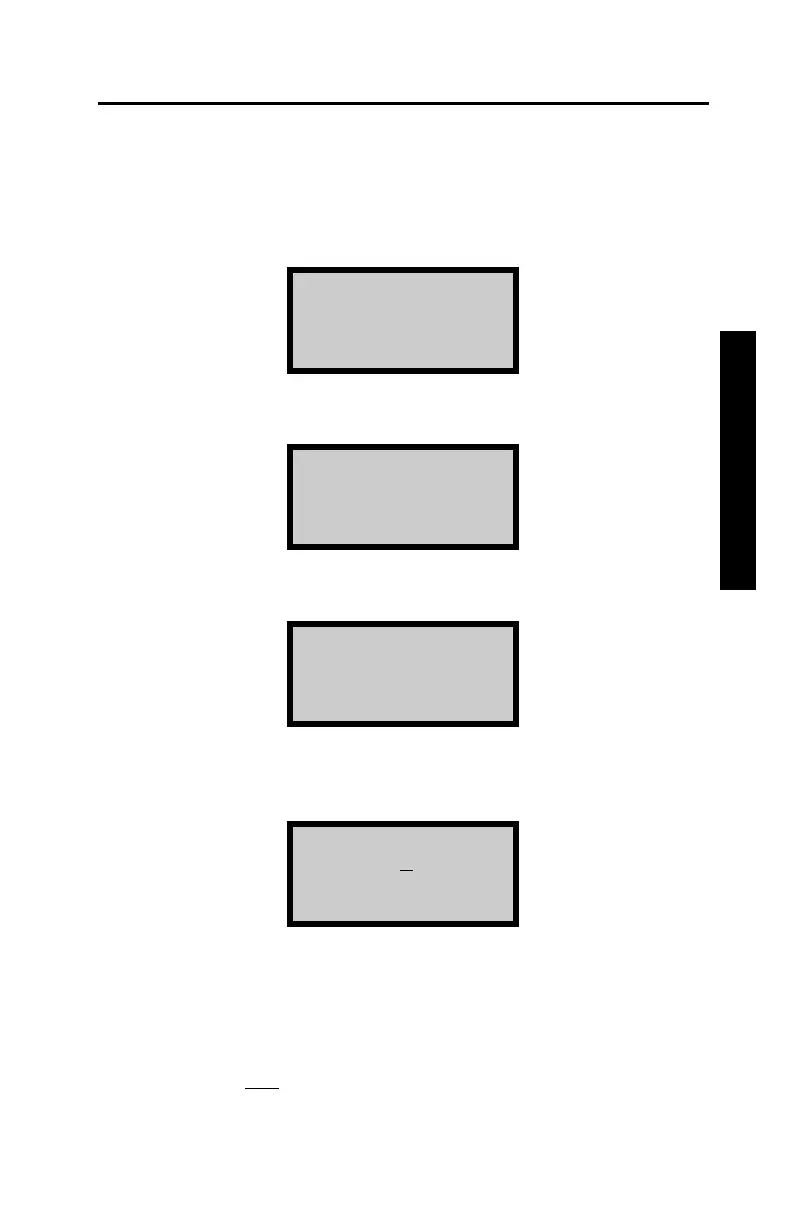
Press 〈YES〉 to enable this function. The display will request the first
station number.
Initial Station
Number: x
Input and
Press ENTER
Input any sequence of numeric digits and press 〈START/ENTER〉.
The gauge will return to the READY display.
NOTE
Whenever a new
project number is entered into the gauge, the
Auto-Station function is automatically disabled.










 To Next Page