RF POWER SUPPLY and MATCHINGBOX
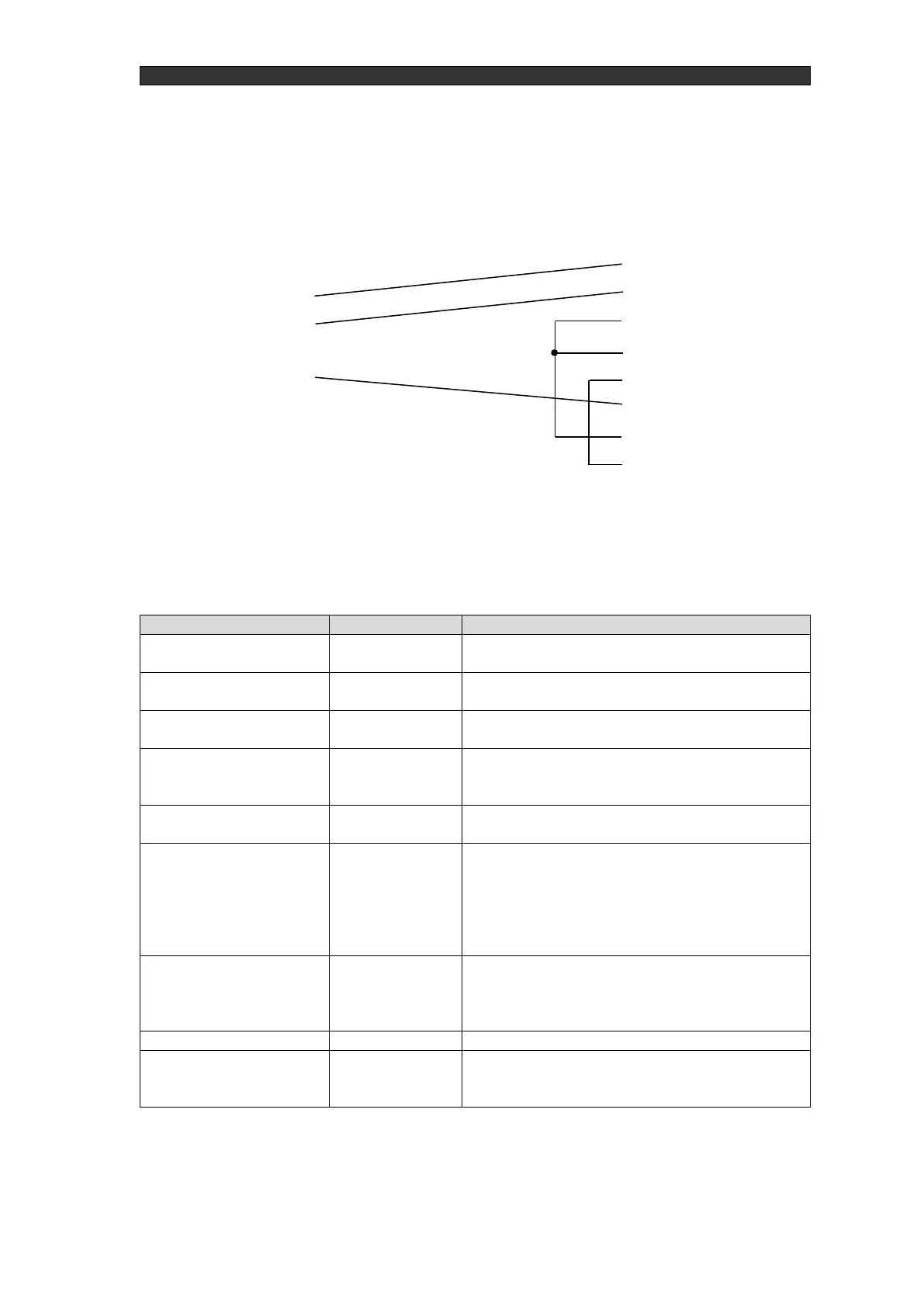
RF Generator
(D-sub 9-pin)
Control equipment
(D-sub 25-pin)
Figure 4-35 RS-232C connection example (9-pin to 25-pin)
Table 4-8 RS-232C mode commands
Response when ON: [CR]
Response when OFF (when it could not turn ON): N[CR]
Response when OFF: [CR]
Response when ON (when it could not turn OFF): N[CR]
Response when ON: 1[CR]
Response when OFF : 0[CR]
Specify in watts
Response when setting reflected: [CR]
Response when setting could not be reflected: N[CR]
Check output setting power
Returned in watts
Response: XXXX[CR] (zero suppressed)
Returns Pf[W], PR[W], TUNE[%], MATCH[%], VDC[V],
VPP[V], and whether or not there is an alarm (0-1) in the
order shown below
XX,XX,XX,XX,XX,XX,XX[CR]
Zero suppressed,When VDC is negative, - is added to the
beginning of VDC[V].
Specified in TUNE, MATCH order in a range between 0
and 99.
Response when command accepted: [CR]
Response when command not accepted: N[CR]
Check model/software version
Returns the model name and software version in that order.
XXXXXXXXX,XX,XX,XX[CR]
Response when command not accepted: N[CR]



 To Next Page