RF POWER SUPPLY and MATCHINGBOX
87
8. Troubleshooting
This chapter explains corrective actions for when problems occur.
8-1. Troubleshooting
When problems occur, refer to "RF generator troubleshooting list" and "Matching box
troubleshooting list" and check the problems.
8-1-1. RF generator troubleshooting
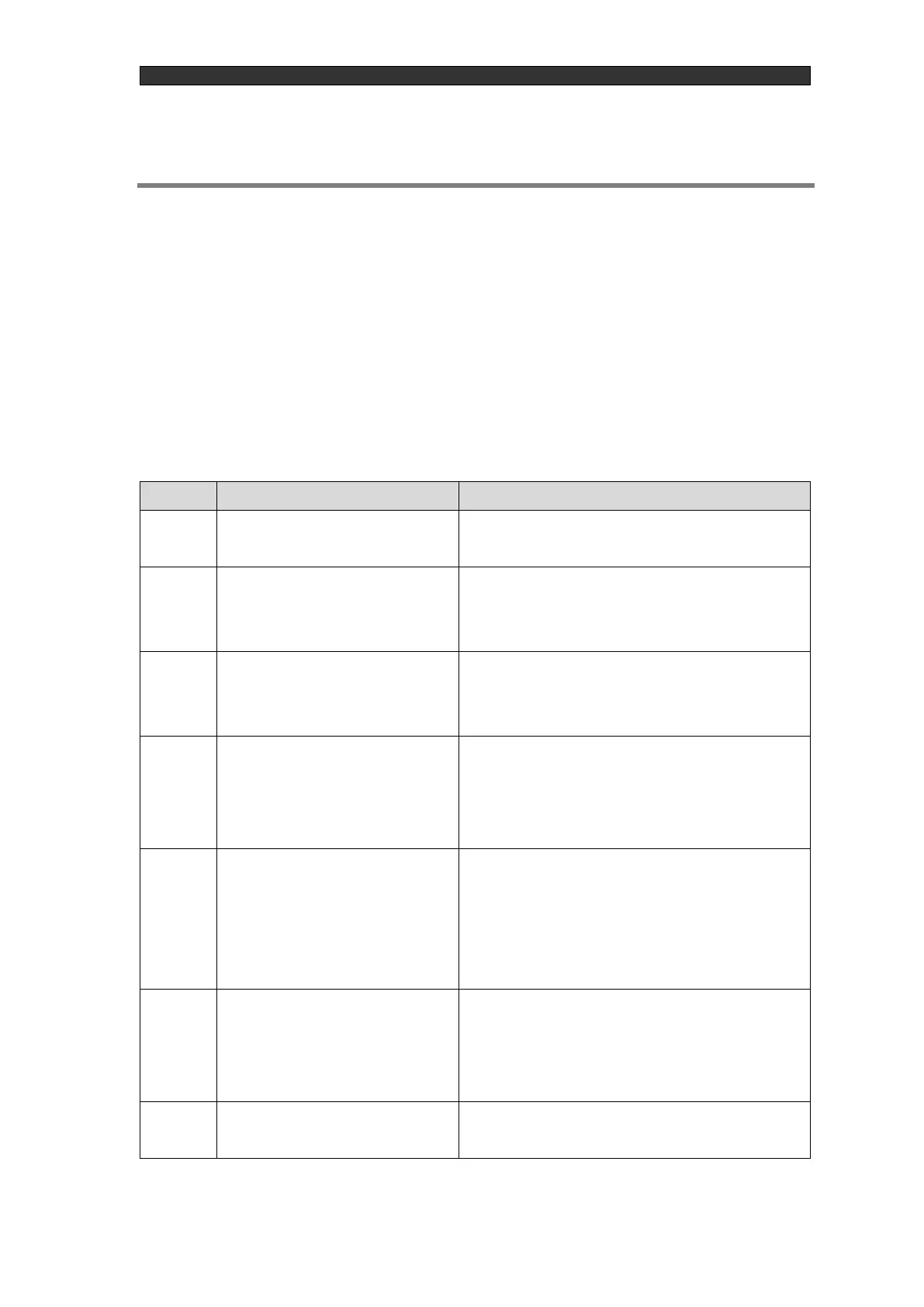
Table 8-1 RF generator troubleshooting list
The screen is blank even when the
breaker is turned on.
The required voltage has not been applied.
The "DC SOURCE FAIL" alarm is
displayed when the breaker is
turned on.
The required voltage has not been applied or possible
internal component damage.
"INTERLOCK" is displayed and
RF cannot be turned on.
①Pins 16 and 17 of "EXT.CONT", the external
control connector, are not short circuited.
②The matching box interlock is not released.
The interlock and alarm are
reset/cleared but RF cannot be
turned on.
①Not in the mode where you want to perform
external control of RF-ON/RF-OFF or a panel
operation of RF-ON/RF-OFF.
②Internal component damaged
RF-ON is red but no output at all.
①External command voltage is not supplied when
set to external control.
②The output setting is 0 W.
③No OSC signal is input when the OSC setting is
EXT.
RF-ON is red but the output does
not rise to the output setting value.
①RF Generator internal element damage
②External command voltage has fallen when set to
external control.
③Matching not achieved.
The control panel text is garbled or
otherwise unintelligible.
①If improved by turning the breaker off and on, this
may be noise.



 To Next Page