63
Change to "RFOP=PANEL" and "AMOP=PANEL". Change the setting by pressing the " "
" " keys to select the appropriate parameter, and then press the "ENT" key. Press the "▲"
and "▼" keys to modify the setting. Finally, press the "ENT" key to confirm the change in
the setting.
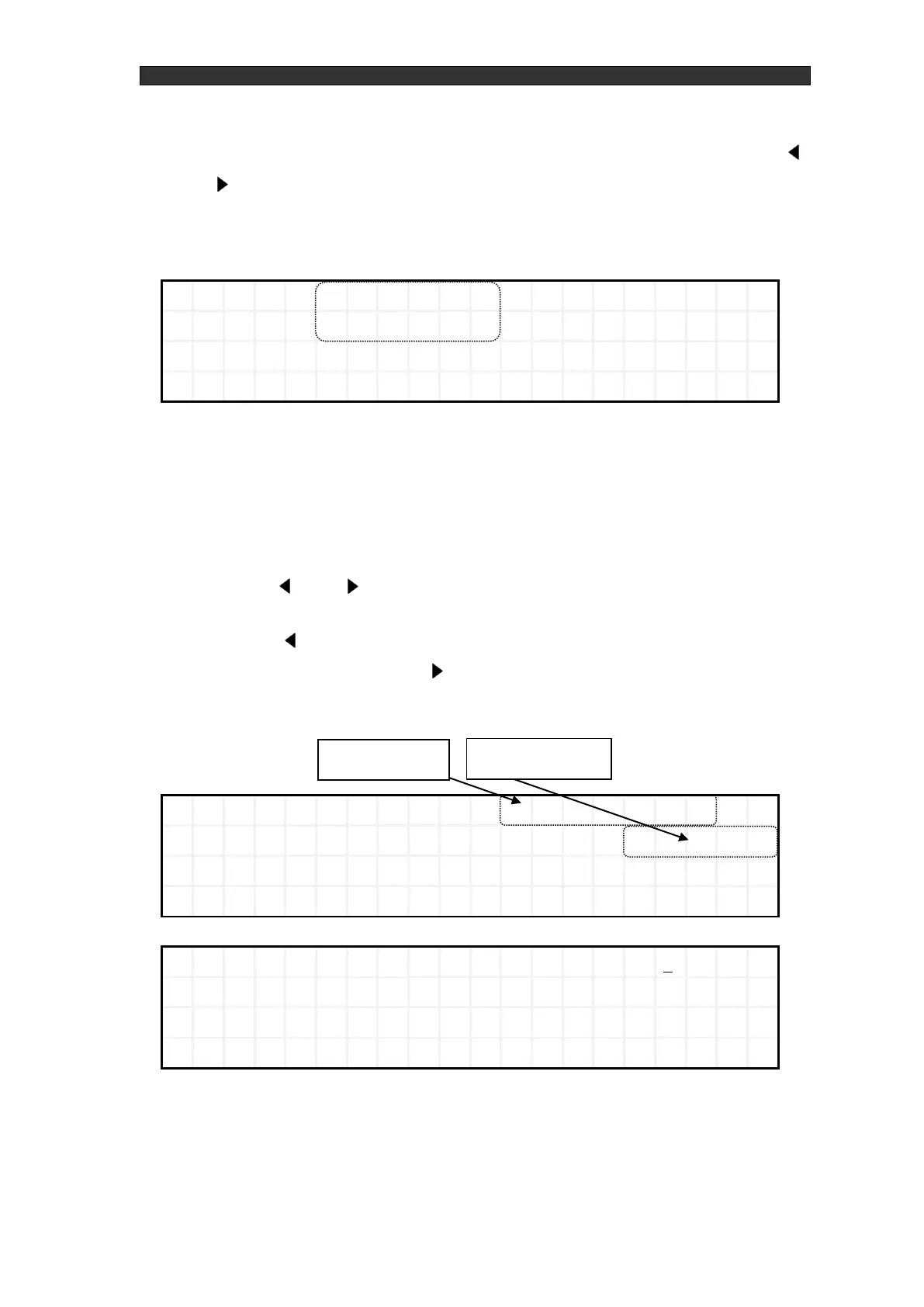
Figure 5-3 Control mode selection screen - After changing parameters (P2)
② Output settings
Return to the P1 main screen and configure the Pf setting and the AMC setting. To change
the Pf setting and AMC setting, move the cursor to it, press the "ENT" key, and change the
setting.
Press the " " and " " keys to increase and decrease the digit flashing in the Pf setting.
You can move to a digit by pressing the "▲" and "▼" keys.
Press the " " key twice in succession on the left-most digital to make the value the
maximum value, and press the " " key twice in succession on the right-most digital to
make the value the maximum value.



 To Next Page