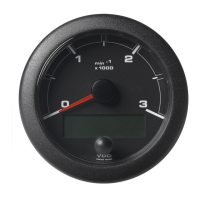
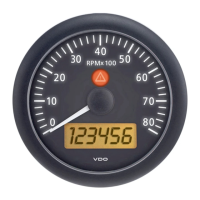
The dialog "Warn Lamps/Illumination" allows to
diagnose the Warn Lamps and the Illumination of a
connected Set of Instruments.
• Illumination switches the illumination for all
instruments on/of.
• All Lamps on switches all warn lamps in the
connected instruments on / off.
• Slave 0 - 15 switches individual warn lamps
on / off .
• Intensity trimms the intensity of the warn
lamps.
Pointer position can be used to check out the
functioning of the individual Pointer Instruments.
After selection of the Instrument to be tested in the
top window the Pointer position trimmer may be
moved dynamically to various positions the check if
the Pointer in the selected device follows in
accordance. The Pointer position is shown in two
digital values, as angle Phi [°] and in steps.. The
same test may be performed automatic. If this is
selected, the Pointer position will move dynamically
from zero, to half to full scale.
June 2009
Training WinGauge Software
page 54

 To Next Page
 Loading...