OAM Devices
If OAM is enabled, any link partner that supports the IEEE 802.3ah protocol, will be discovered
automatically and be displayed under the "OAM Discover" tab.
Go back to top Go back to ToC
7.1.5 Starting/Stopping a BERT
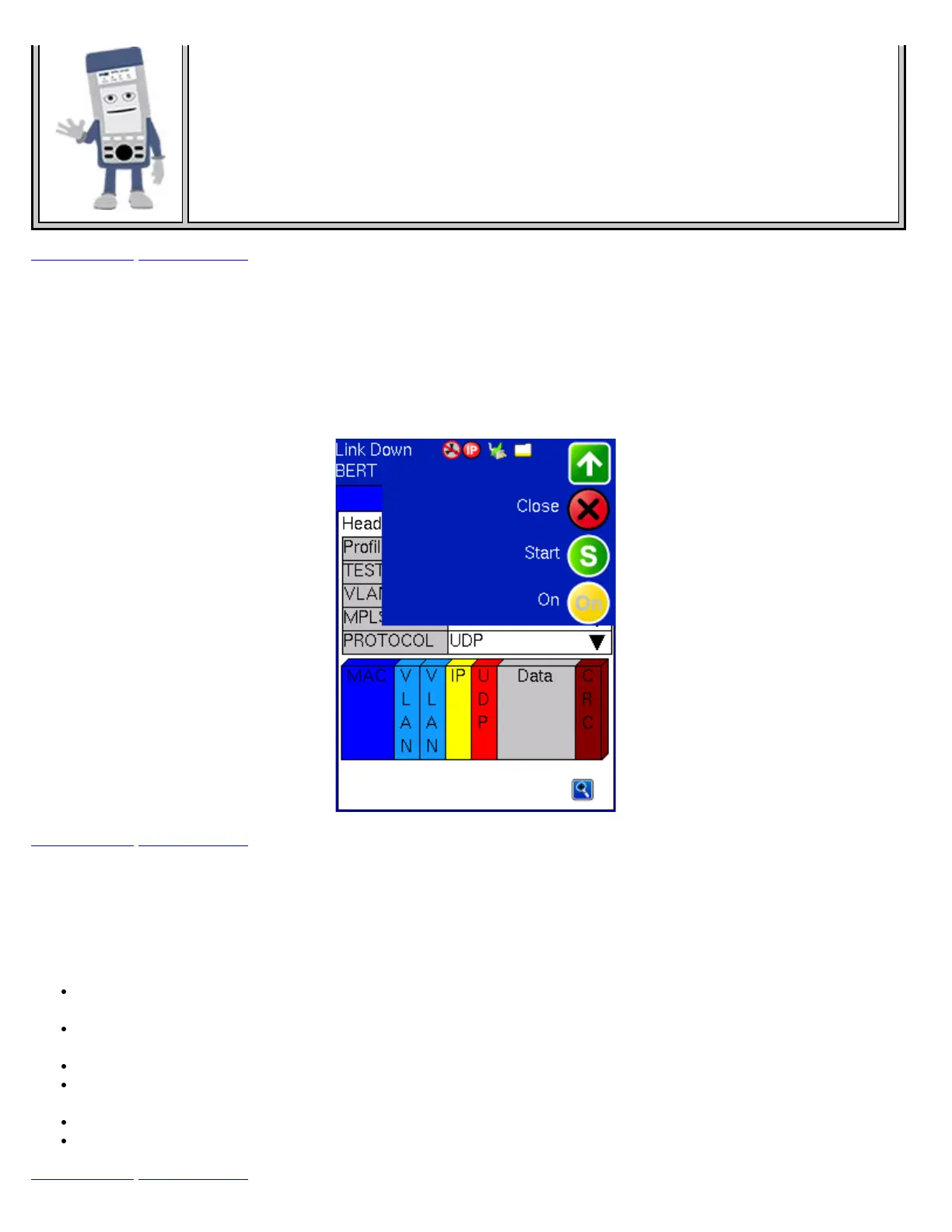
Once all the necessary configurations have been completed, the user can start the test by selecting Start from the top right
corner action pull-down menu (green arrow pointing down). Once selected, the test will start immediately and the icon will
change to a Stop indication. To stop the test, simply tap the Stop icon. If testing on any of the fiber ports, ensure the LASER is
switched ON before starting the test.
BERT Start
Go back to top Go back to ToC
7.2 BERT Results
7.2.1 Summary
Summary tab: The following results including the Start (ST) and Elapsed (ET) times are displayed:
Line rate (Mbps): Negotiated rate of the interface (10M, 100M, or 1000M). This value is always fixed since it depends on
the maximum capacity of the link under test, hence the test interface that is configured.
Framed rate: (Payload + MAC/IP Header + VLAN Tag + Type/Length + CRC) / (Payload + Total Overhead) * Line Rate %
(in Mbps)
Data rate: Payload / (Payload + Total Overhead) * Line Rate %
Utilization: % of Line Rate. For example, if we transmit 100Mbps on a 1Gbps interface then the utilization value is 10%
(or 100Mbps) of the total link capacity (or Line Rate)
Number of bytes
Optical power: Optical level measured by the SFP or XFP transceiver
Go back to top Go back to ToC
TX130M+_e-manual_D07-00-051P_RevD00



 To Next Page