5.6 Status Bar Component
The status bar indicates UPS status by:
• Scrolling messages to inform viewers; see Table 5.1 below through Table 5.3 on page87.
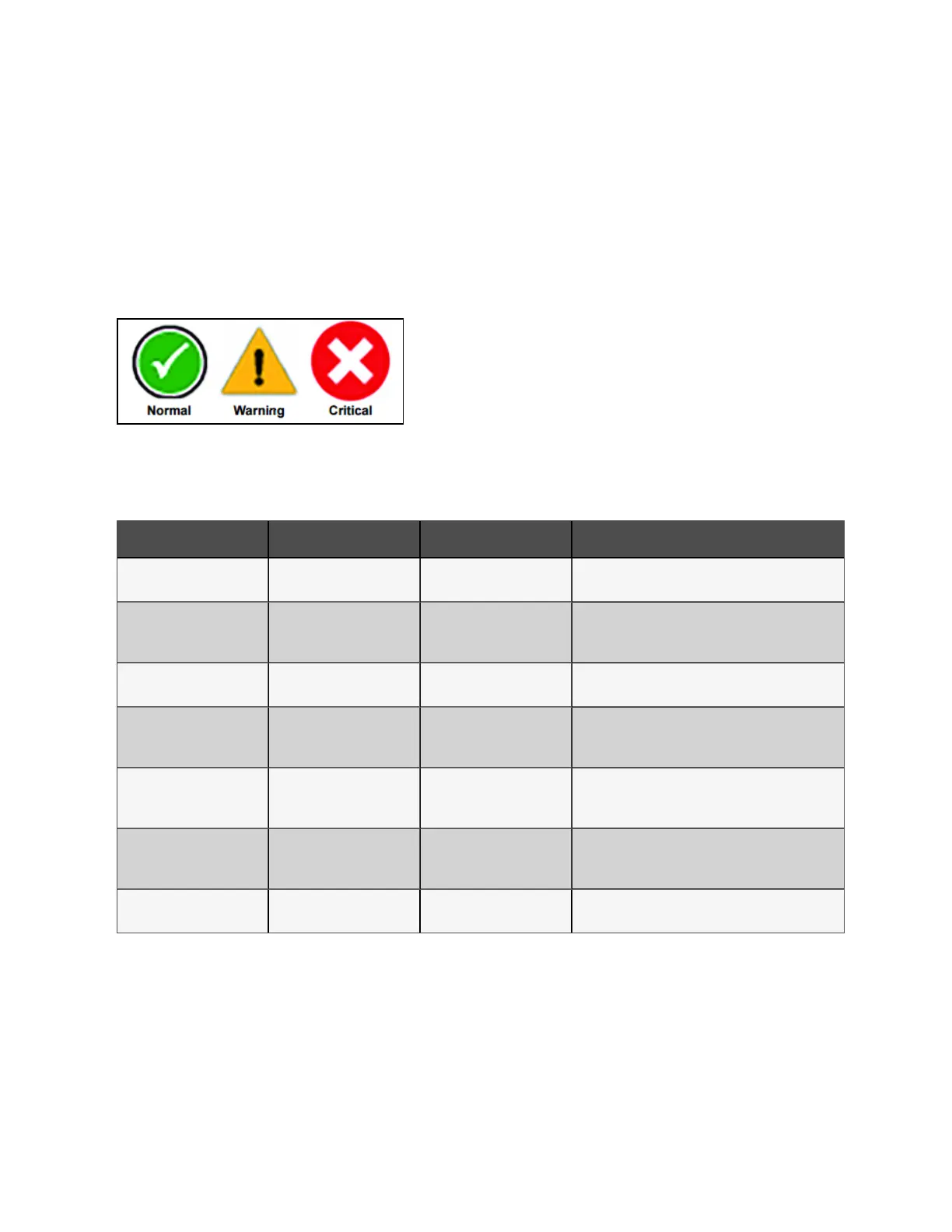
• Changing color; green for normal, yellow for warning, and red for alarm.
• Showing an icon inside the bar; shown at right.
5.6.1 Status Bar Messages
Up to three messages may scroll through the status bar to the right of the status icon. Each message will have a duration of
four seconds, except they change immediately if the system’s status changes.
M essa ge 1 M essa ge 2 M essa ge 3 D efinition
Load on inverter
Frequency converter mode
active
Output frequency X Hz
This system is in normal operating mode, supplied by
the inverter and operating as a frequency converter
Load on inverter Energy saving mode active /
This system is in normal operating mode, supplied by
the inverter, and has one of the energy saving modes
active
Load on inverter Operation normal /
This system is in normal operating mode, supplied by
the inverter, and has no special configurations
Load on bypass Energy saving mode active /
This system is in normal operating mode, supplied by
the bypass , and has one of the energy saving modes
active
Load on battery Battery test in progress /
This system is in normal operating mode, supplied by
the inverter via the battery, and a battery test is actively
running
Load off Energy saving mode active /
This system is in normal operating mode, load not
supplied by this unit, and has one of the energy saving
modes active
Load on inverter Test mode active /
This system is in normal operating mode, for the test
mode that is activated
Table 5.1 Norm al status m essag es
5 Operator Control and Display Panel
85
Vertiv™ Liebert® APM Plus User Manual













 To Next Page