The SIC card (see Figure 9.9 on the previous page) should be installed in the Intellislot port (see Figure 4.4 on page37) in the
UPS. See Table 4.9 on page44 for installation positions of optional cards.
Method for installation:
1. Remove the cover of Intellislot port. Note to reserve the removed screws and take care of the cover for future
use.
2. Insert the SIC card (along two sides of the Intellislot port) into the port position recommended in Table 4.9 on
page44, and then fasten the screws.
For more information of the SIC card, refer to Site Interface Web/SNMP Agent Card User Manual in accessory.
Refer to Signal Cable Connection Steps for routing of the signal cables.
9.2.9 IS-Relay Card
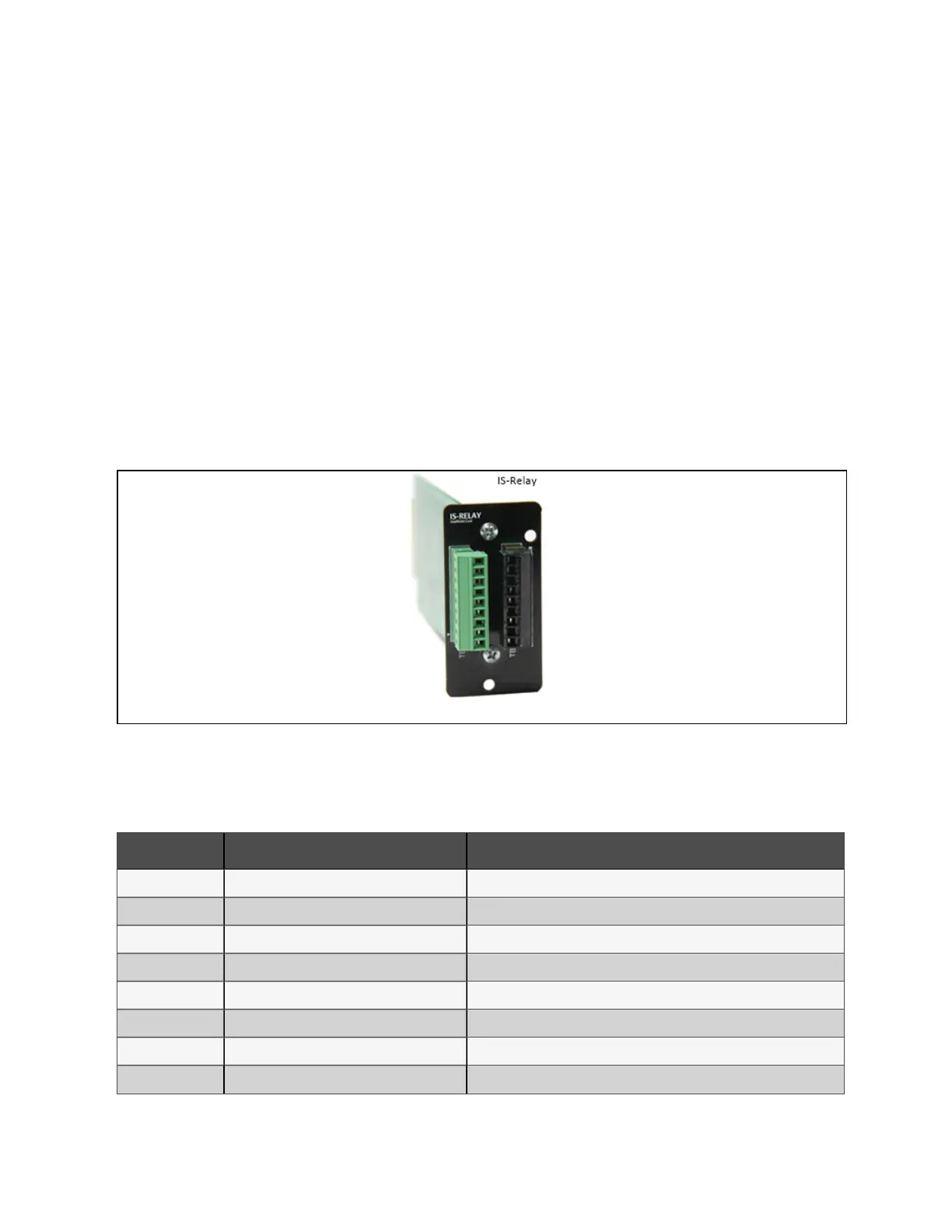
The appearance of the IS-Relay card is shown in Figure 9.10 below.
Figure 9.10 Appearan ce of IS -R elay card
The UPS provides IS-Relay card for the user to use the dry contact signal to monitor the UPS.
The functions of the IS-Relay card are listed in Table 9.3 below.
Pin Fu nction O peratio n
1 Common-Low Battery
2 Low Battery Closed if low battery point occurs
3 Low Battery Closed if battery is OK
4 Common-UPS Fault
5 UPS Fault Closed if UPS fault occurs
6 UPS Fault Closed if no UPS failure
7 Common-On Battery
8 On Battery Closed if On Battery power (Utility failure)
Table 9.3 Fu nction of UP S IS-R elay card
9 Options
153
Vertiv™ Liebert® APM Plus User Manual













 To Next Page