6.2.2 Startup Procedures in ECO Mode
1. Open the front door of the UPS, ensure that the internal maintenance bypass switch Q3 is disconnected, and that
the input cables and copper bars are reliably connected.
W ARN ING ! In parallel UPS configuration, all op erations related to disconnection or connection
of the m ainten ance bypass sw itch sh all be executed within three seco nds to avoid overload
situations & dam age to the maintenance bypass sw itch.
2. Close the output switch Q5, bypass input switch Q2, rectifier input switch Q1, and all external output isolating
switches (if any) of the UPS in turn.
At the moment, the system is powered on, and the startup screen pops up.
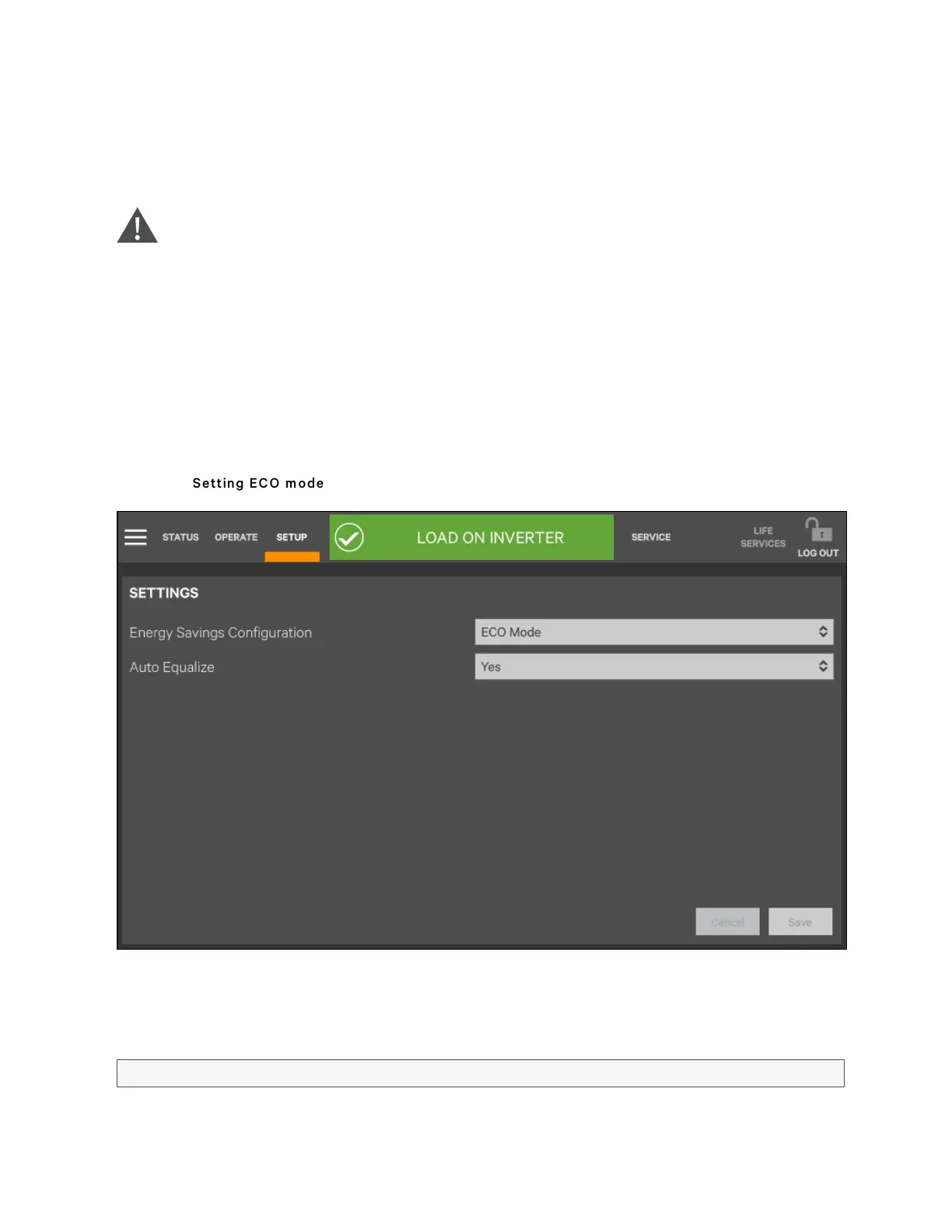
3. If ECO mode is required, contact Vertiv service engineer to set it through the setting software. If you wish to set it
by yourself, you can enable it through the sub-menu under 'SETUP' on the TOUCHSCREEN screen. For details,
refer to Operator Controls.
Figure 6.6 Setting ECO m od e
4. When the rectifier start process is finished, start the system according to Startup Procedures in Normal Mode.
After the inverter runs normally, if the bypass voltage is within the range of ECO power supply, then the system
works in ECO mode; otherwise the system will transfer to inverter. The system will automatically work in ECO
mode after the bypass voltage is within the range of ECO power supply and lasts for five minutes.
UPS operated in ECO mode
6 Single UPS Operation Introduction
100
Vertiv™ Liebert® APM Plus User Manual













 To Next Page