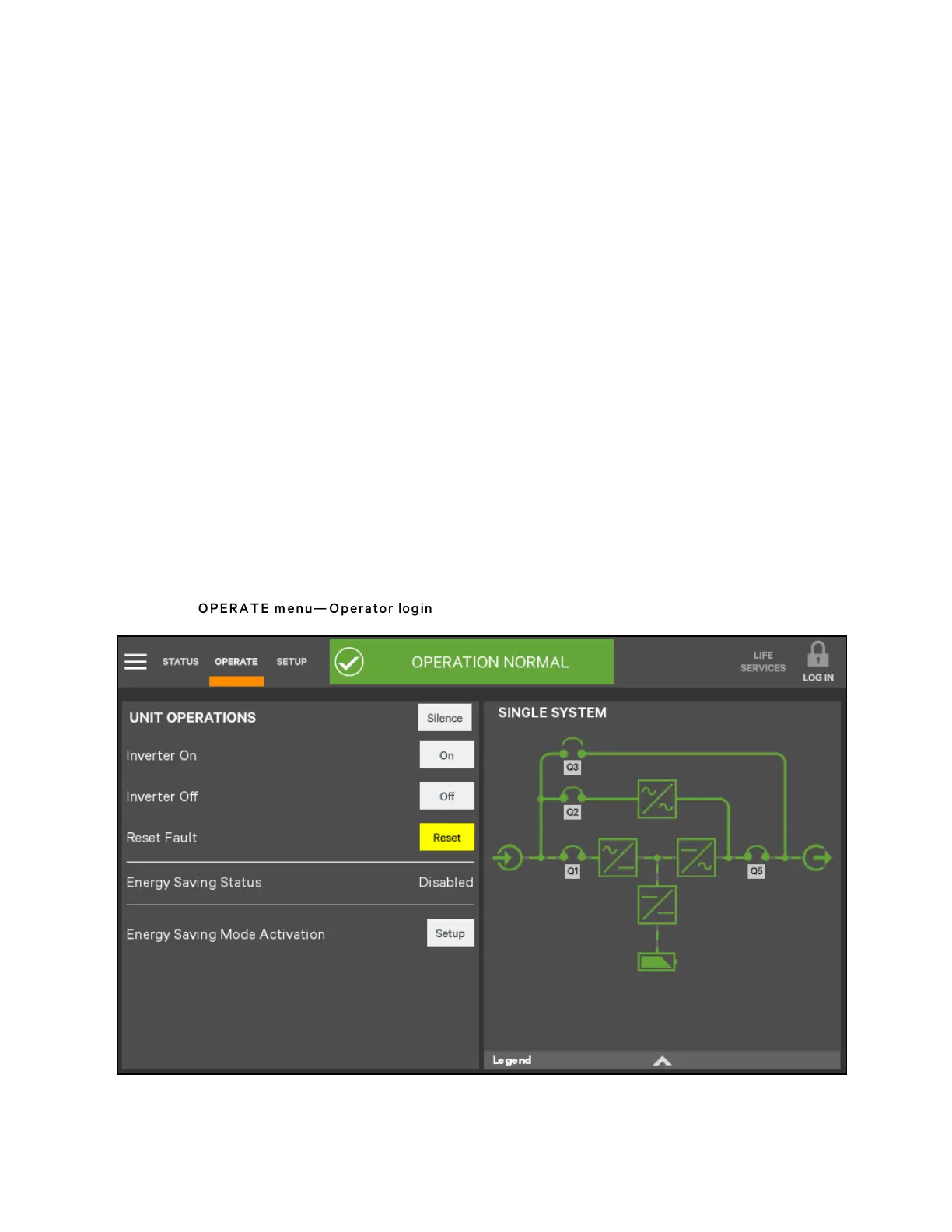
5.3.3 Operator Controls
The Operator login confers control of UPS functions:
• Silence (Alarm)
• Inverter On
• Inverter Off
• Reset Fault
• Energy Saving Mode Activation
• Battery Operations
Each command is available under the OPERATE menu. The OPERATE menu may be used by logging in with Operator,
Administrator, and Service access.
N O T E: Risk of im proper operation can cause load drop resulting in equipm ent dam age. The Inverter
O n, Inverter Off, R eset Fault, and Energy Saving Mode A ctivation com m ands will be available
w henever the U P S is operating. Before executing any com m an d, verify that the U P S status is suitab le
for the com m and to b e perform ed.
Operate Menu Commands
All Operator commands are available from the OPERATE menu. The menu is available whenever the UPS has input power.
The UPS need not be supplying power to the load for the menu to be available. The animated mimic is not linked to data in
this view—touching a component will not cause it to display data.
Figure 5.16 O PERA TE m en u— Operator login
5 Operator Control and Display Panel
64
Vertiv™ Liebert® APM Plus User Manual













 To Next Page