6.2.3 Startup Procedures in Battery Mode (Battery Cold Start)
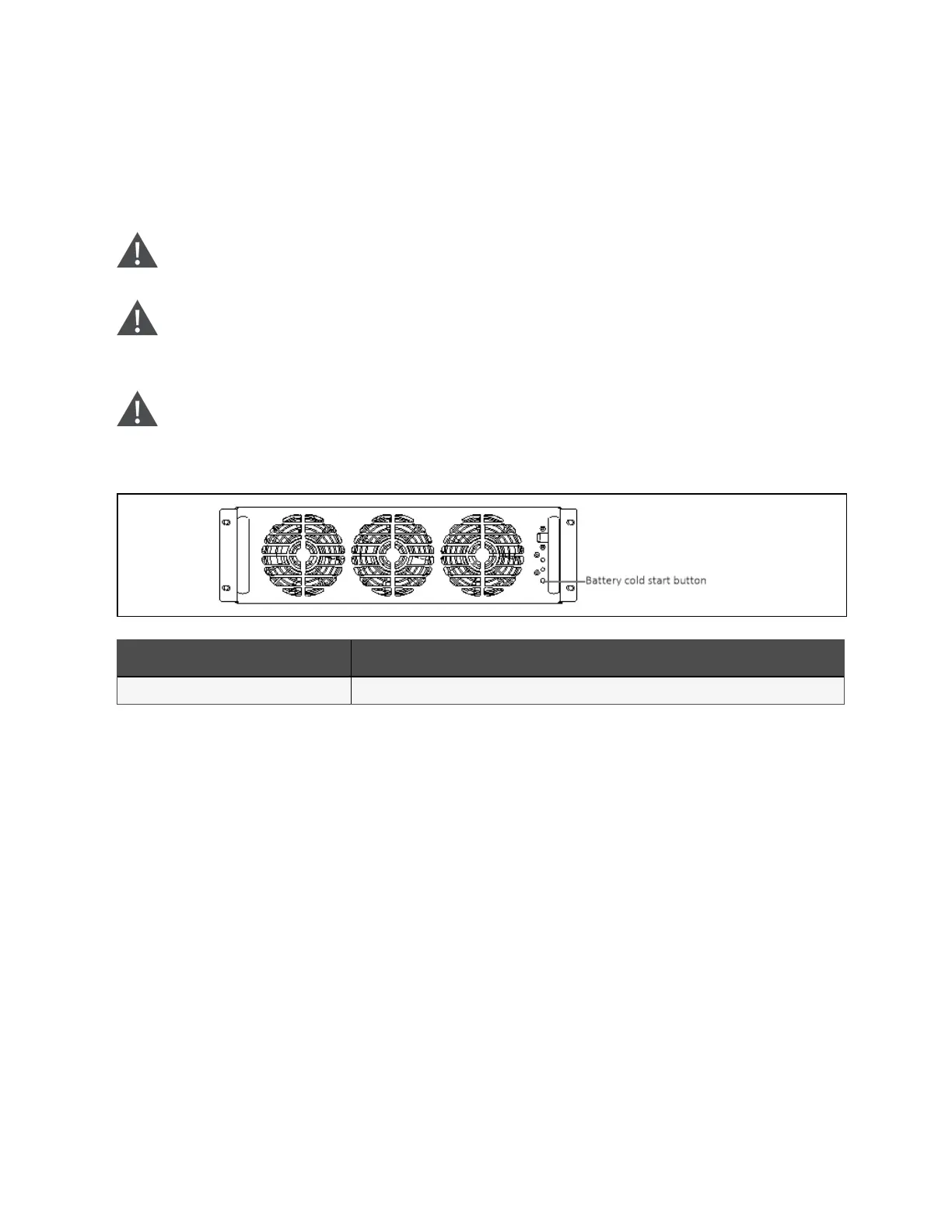
1. Please wait for 30 sec after battery path switch is closed, press the battery cold start button (see Figure 6.7
below for its position) of any module.
2. When the rectifier starts, start the system according to steps 4 to 6 in Startup Procedures in Normal Mode.
W ARN ING ! S tart the UPS by strictly follow in g the ab ove procedures.
W ARN ING ! P ress an d hold the battery cold start button for 1s to p erform the ab ove
procedures.
W ARN ING ! D o no t press the battery cold start button before sw itching on the B C B .
Figure 6.7 Battery cold start b utton
N o. Descriptio n
1 Battery cold start button
6 Single UPS Operation Introduction
101
Vertiv™ Liebert® APM Plus User Manual













 To Next Page