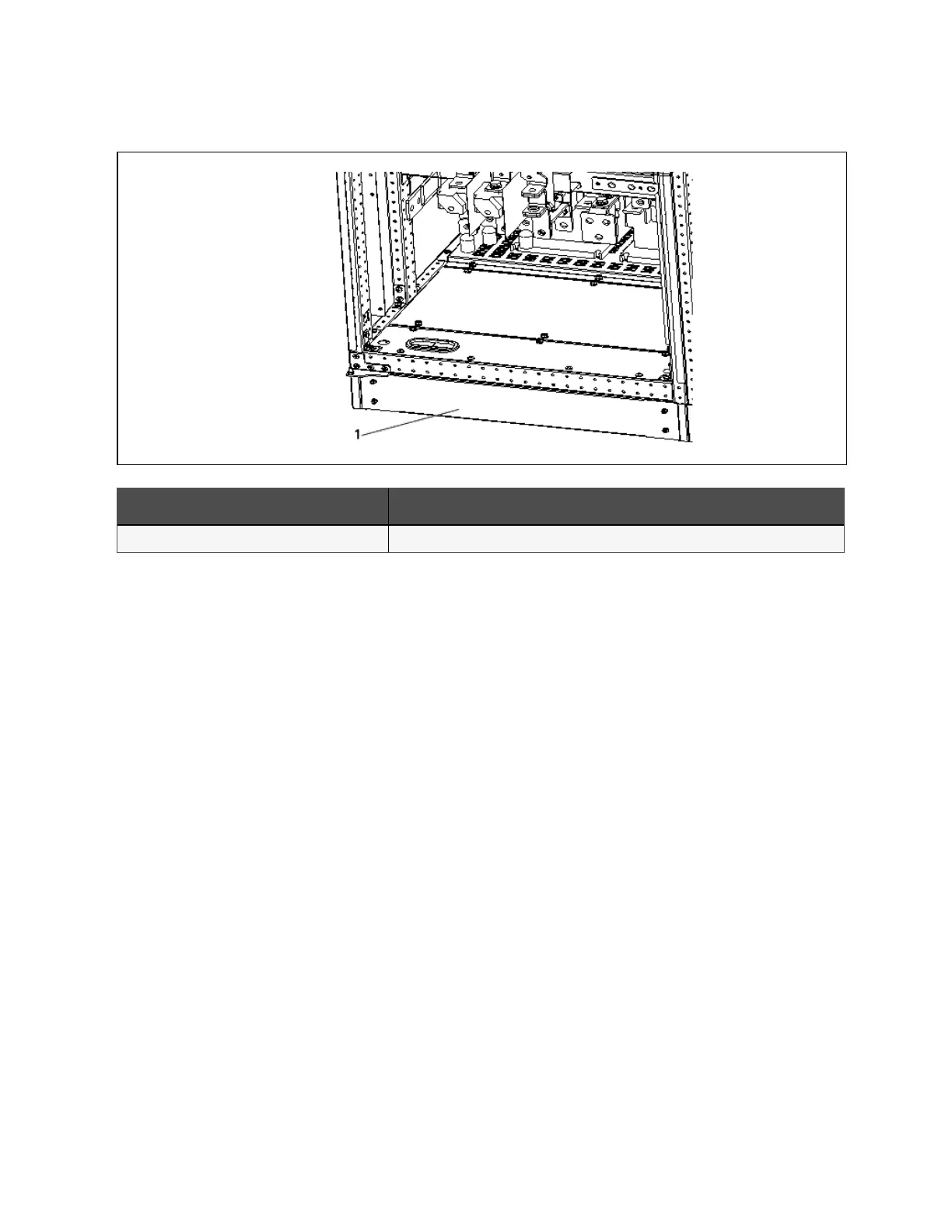
Figure 3.6 Installing decorative p late
N o. Descriptio n
1 Decorative plate
5. Use the forklift to move the UPS to its installation position, and fasten it to the ground.
3.5 Initial Inspection
Before installing the UPS, carry out the following inspections:
1. Ensure that the environment of the UPS equipment room meets the environmental requirement specified in the
product technical specifications, especially the ambient temperature, ventilation conditions, and the dust
situations.
2. Unpack the UPS and battery under the guidance of authorized service engineer. Visually inspect whether the
UPS and battery have any transportation damage. If there is any damage, report to the carrier or Vertiv
representative immediately.
3. Verify the UPS label and confirm the correctness of the UPS. The UPS label is attached on the back of the door.
The model, capacity, and key parameters of the UPS are marked on the label.
3 Mechanical Installation
23
Vertiv™ Liebert® APM Plus User Manual













 To Next Page