5.5 Viewing UPS Component Status
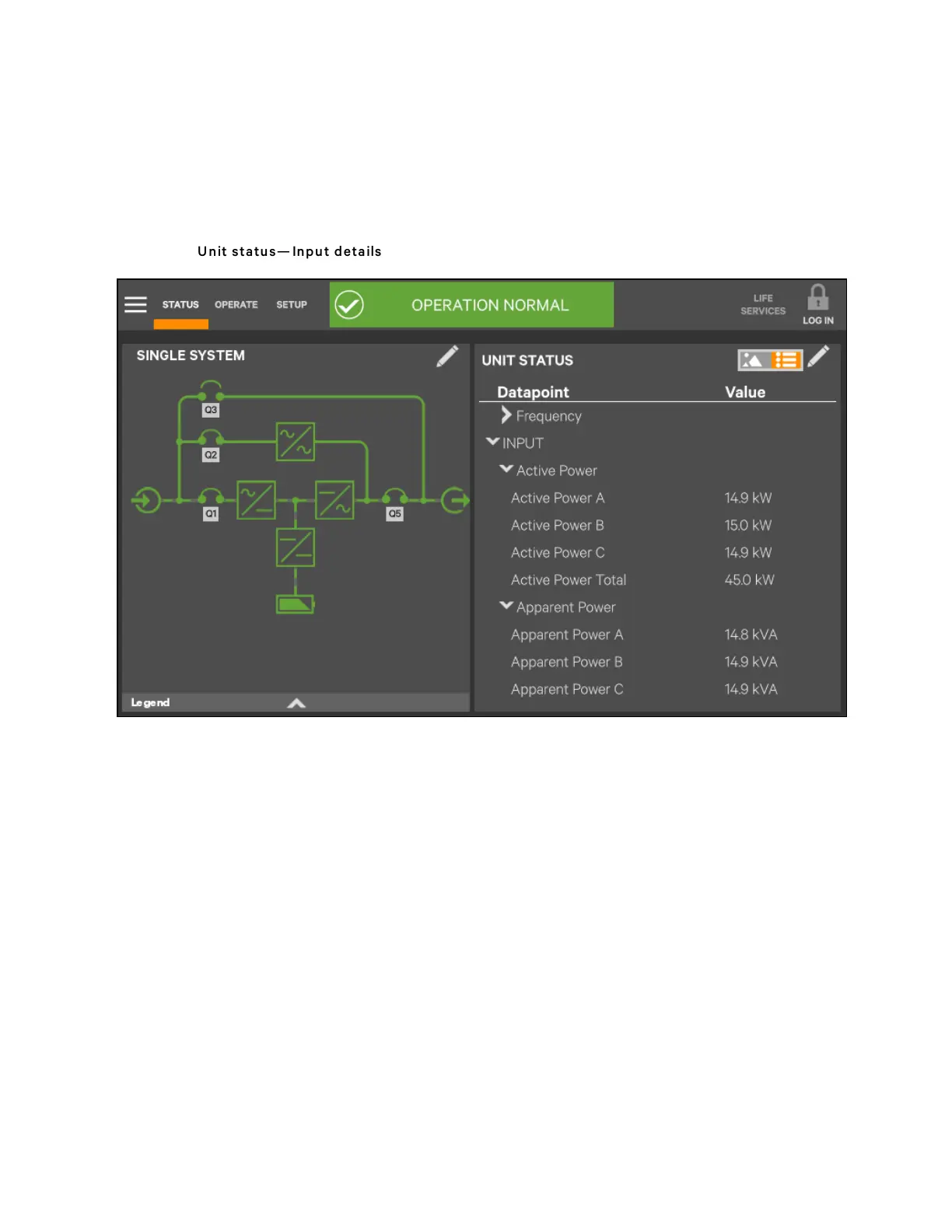
The animated mimic screen permits viewing details about the main components installed and configured in the UPS. The data
list opens on the opposite side of the screen and, for most parameters, expands to show all details for the component touched.
The same component information can be obtained by going to the Status -> Components menu.
Figure 5.31 U nit status— Inpu t details
5 Operator Control and Display Panel
82
Vertiv™ Liebert® APM Plus User Manual













 To Next Page