6.9 Selecting Language
Use the following procedures to select the language:
1. Click on the icon.
2. Click on the icon.
3. Click the item of Display.
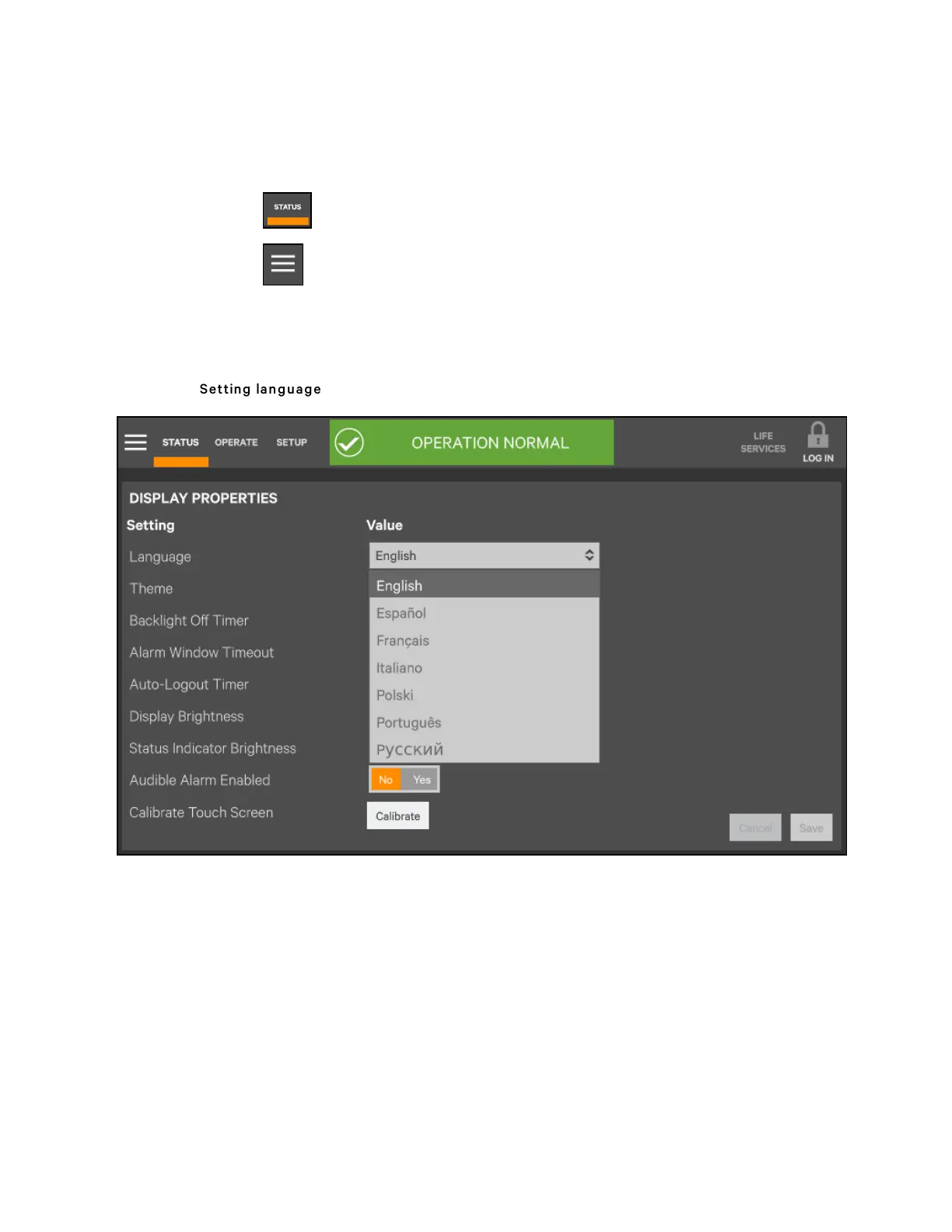
4. Click 'Display Properties'.
5. As shown in Figure 6.11 below, click 'Language' to set the language you need.
Figure 6.11 Setting lang uag e
6 Single UPS Operation Introduction
109
Vertiv™ Liebert® APM Plus User Manual













 To Next Page