5.3 Operation
5.3.1 Log In to the Liebert APM Plus Touchscreen Control Panel
The Liebert® APM Plus Touchscreen Control Panel is On whenever the UPS has control power. It may be inactive and appear
dark, depending on its settings. If it is inactive, touch the TOUCHSCREEN to wake it up.
To log in to the Liebert APM Plus Touchscreen Control Panel:
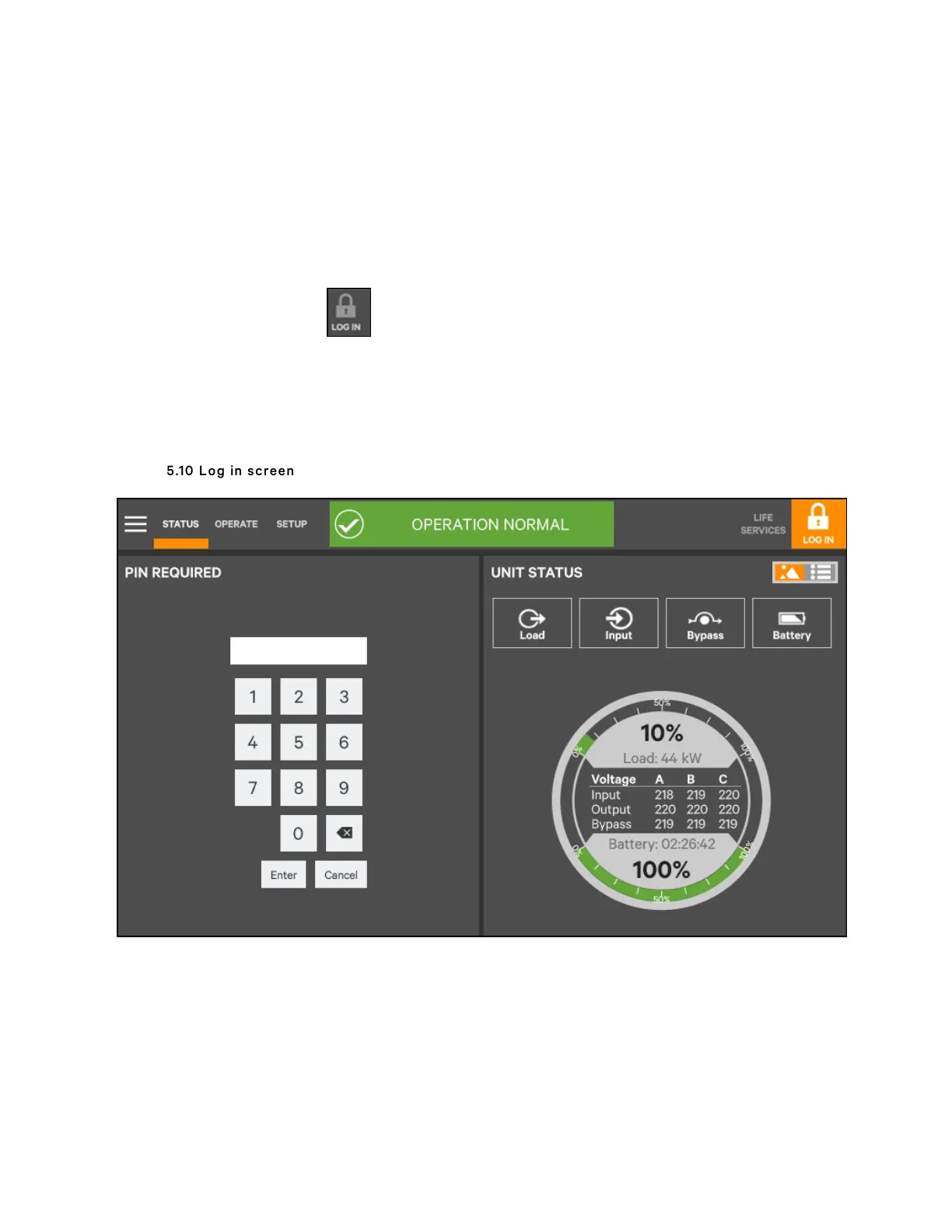
1. Touch the LOG IN icon at the top right of the screen. The lock and background will change color and
open the PIN REQUIRED screen, which has a keypad.
2. Enter the PIN REQUIRED as shown below.
3. Touch Enter.
N O T E: Entering an incorrect P IN w ill generate a screen saying the num ber is invalid.
Figure 5.10 Log in screen
5 Operator Control and Display Panel
56
Vertiv™ Liebert® APM Plus User Manual













 To Next Page