8-14 Videojet DataFlex 6530 Operator Manual - Rev AA
Troubleshooting
8.4 CLARiTY Error Messages
If CLARiTY displays a fault or warning, perform the following:
• Read the fault or warning message.
• Perform the task as per the message.
• Clear the message from the display (sometimes the message clears automatically
when the fault is corrected, and sometimes you have to clear it by touching the Clear
button).
8.4.1 Reading a Fault Message or Warning
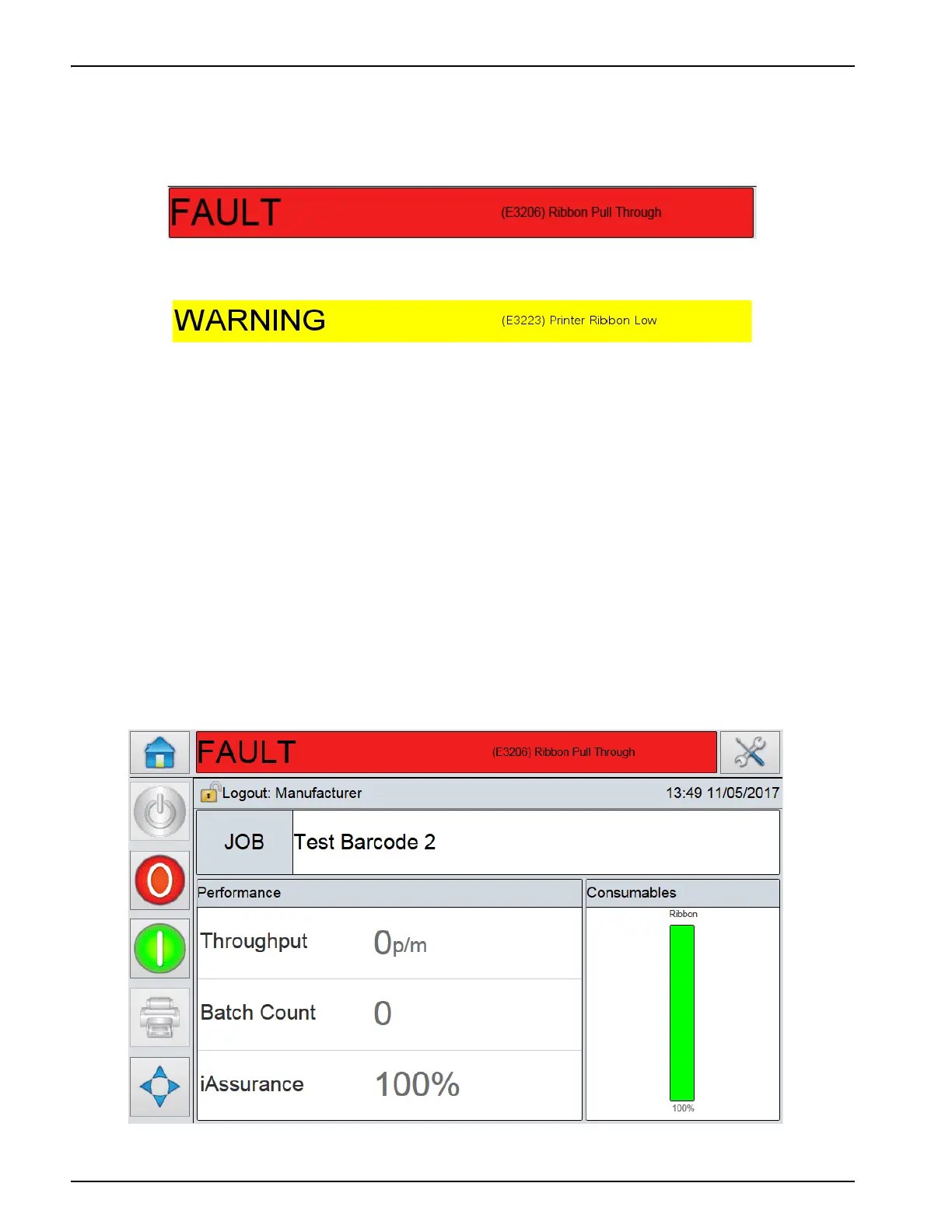
When a fault or warning occurs, CLARiTY displays the fault message in the status window at
the top of all pages.
When a fault occurs, the printer’s fault output relay will open. If this relay is wired into the
packaging machine’s stop circuit, it can be used to ensure that the packaging machine is stopped
in the event of an error. This prevents the uncoded product from being produced when the
printer has a fault.
For example, when the ribbon supply is pulled by the substrate, CLARiTY will display the red
FAULT banner with the message Ribbon Pull Through, as shown in Figure 8-3.
Figure 8-2: Warning Status
Figure 8-3: Fault Display



 To Next Page