Videojet DataFlex 6530 Operator Manual - Rev AA 6-9
Job Editor
• If you want to step back through the job select screens to make alterations to the
variable data, touch .
• To cancel the job selection altogether, touch .
6.4.2 Touch To Edit
To update and change user fields quickly and easily in a printing job, the user can use the ‘Touch
To Edit’ feature.
Note: Touch to Edit feature is turned off by default and needs to be activated in Clarity Configuration
Manager.
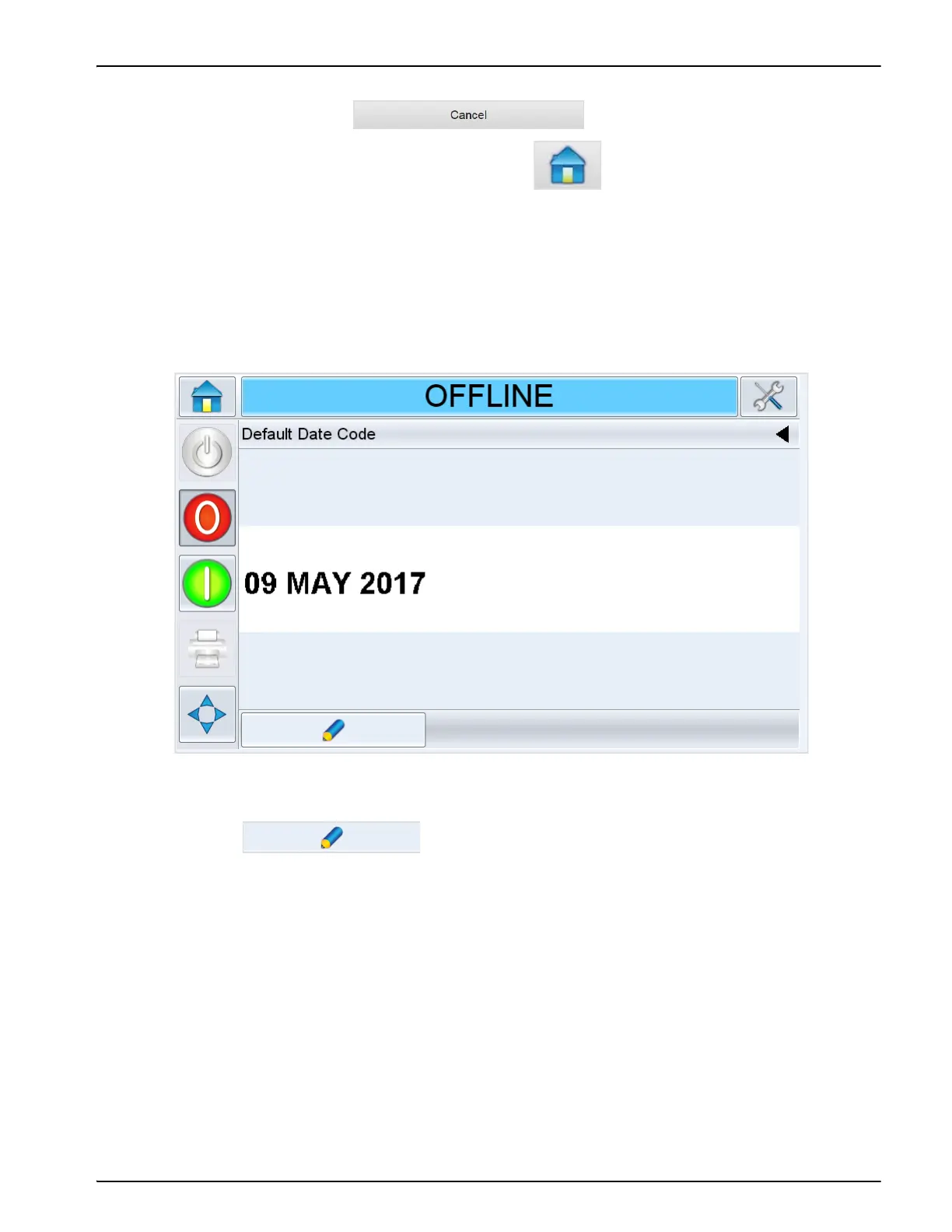
1. Select the current job details bar to display the job preview.
2. Touch to view the user editable fields.
Figure 6-7: Default Date Code Window



 To Next Page