5-6 Videojet DataFlex 6530 Operator Manual - Rev AA
CLARiTY Operating System
5.2.2 Performance Screen
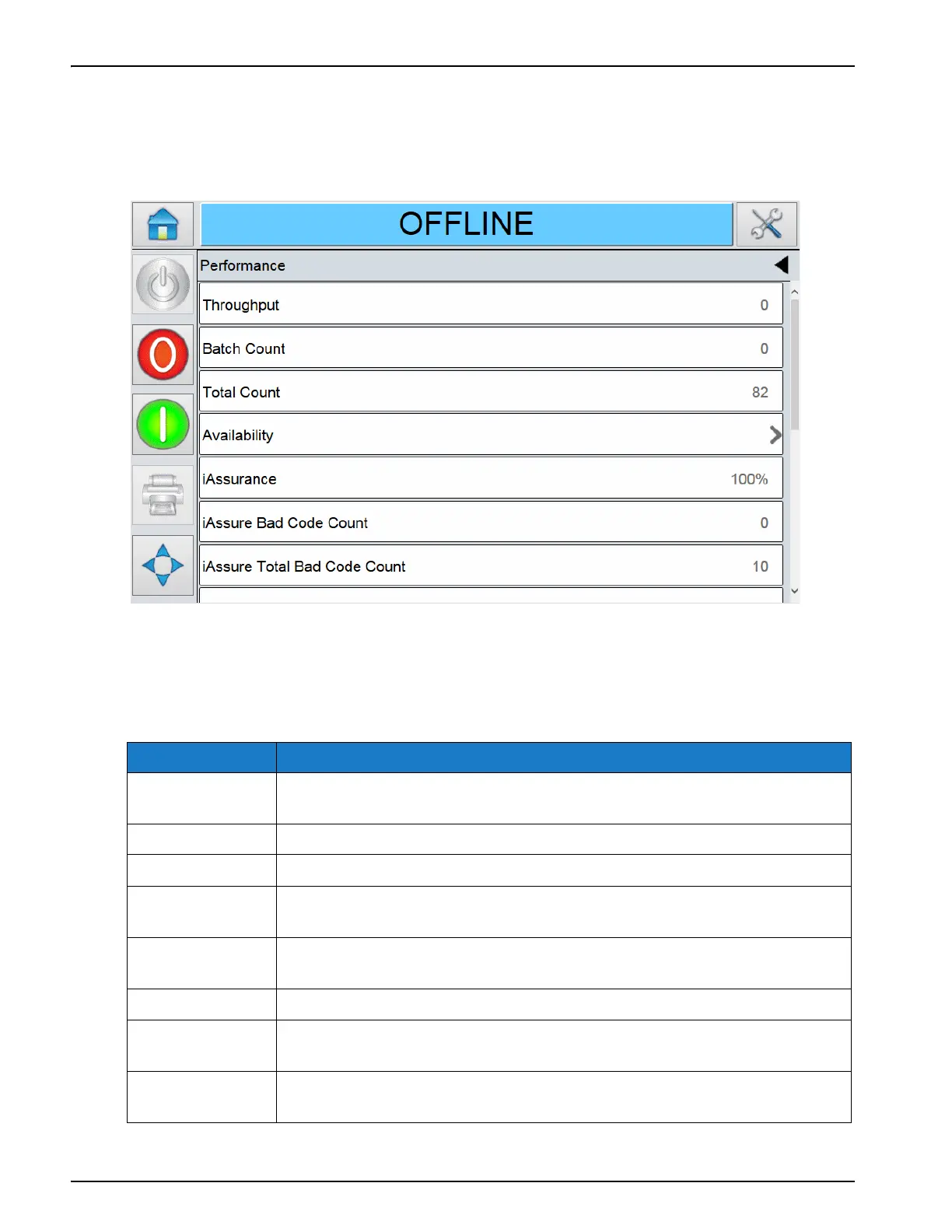
Touch the Performance area on the Home screen. The Performance screen opens as shown in
Figure 5-4.
Note: Use the scroll bar to scroll up and down the screen.
The Performance screen displays the following options as shown in Table 5-4.
Option Description
Throughput The throughput of the printer in prints per minute since the current job
was loaded.
Batch Count The number of prints since the current Job was loaded.
Total Count The number of prints over the life of the printer.
Batch Barcode
Counts
The number of barcode prints since the current Job was loaded (this menu
is available only when the barcode scanner is attached).
Availability The printer availability and operational availability information. For more
information, refer “Availability” on page B-1.
iAssurance The % of good prints detected.
iAssurance Bad
Code Count
The current count of bad codes (for the current run).
iAssurance Total
Bad Code Count
The total number of bad codes detected.
Table 5-4: Performance Option
Figure 5-4: Performance Screen



 To Next Page