Videojet DataFlex 6530 Operator Manual - Rev AA 4-11
Startup
4.8.3 Removing a Used Ribbon
To remove the used ribbon, proceed as follows:
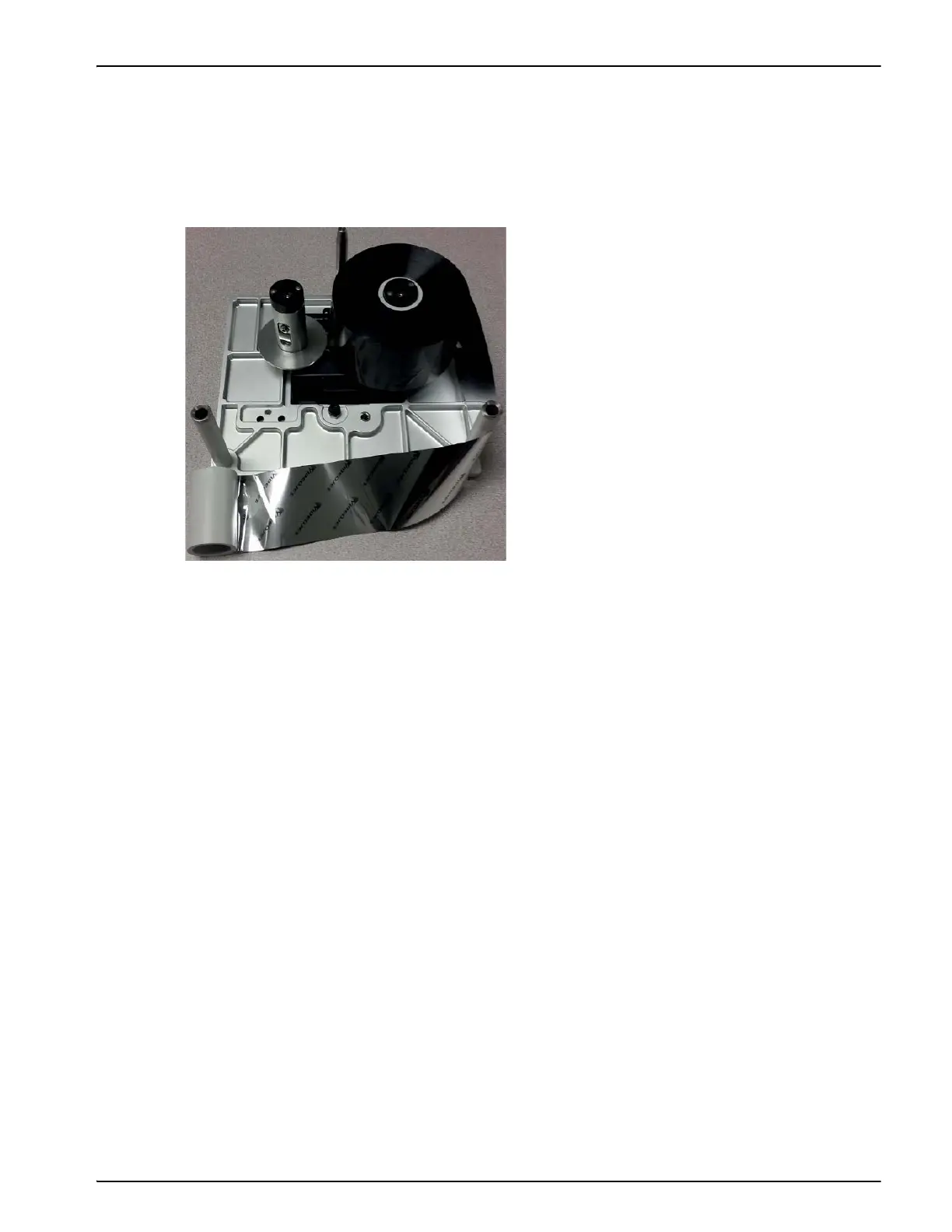
1. Pull the two ribbon spools (one full of used ribbon) from the cassette firmly, as shown in
Figure 4-14. The discs that are situated under each spool can be used to lever the spool off the
cassette.
2. Discard the used ribbon and spools.
Sometimes you might need to remove a ribbon temporarily (perhaps because you need a
ribbon of a different width for a job). When you put a partly used ribbon reel back into the
printer, ensure that:
• You push the unused reel onto the black disc holder.
• You push the partly used reel onto the silver disc holder.
Figure 4-14: Ribbon Spools Removal



 To Next Page