Videojet DataFlex 6530 Operator Manual - Rev AA 4-7
Startup
4.8 Loading the Ribbon
Loading the ribbon involves removing the printer cassette and loading the ribbon roll on the
printer cassette.
4.8.1 Removing the Cassette
To remove the cassette, proceed as follows:
1. Ensure that the printer is in the OFFLINE state (Refer Figure 4-2 on page 4-2).
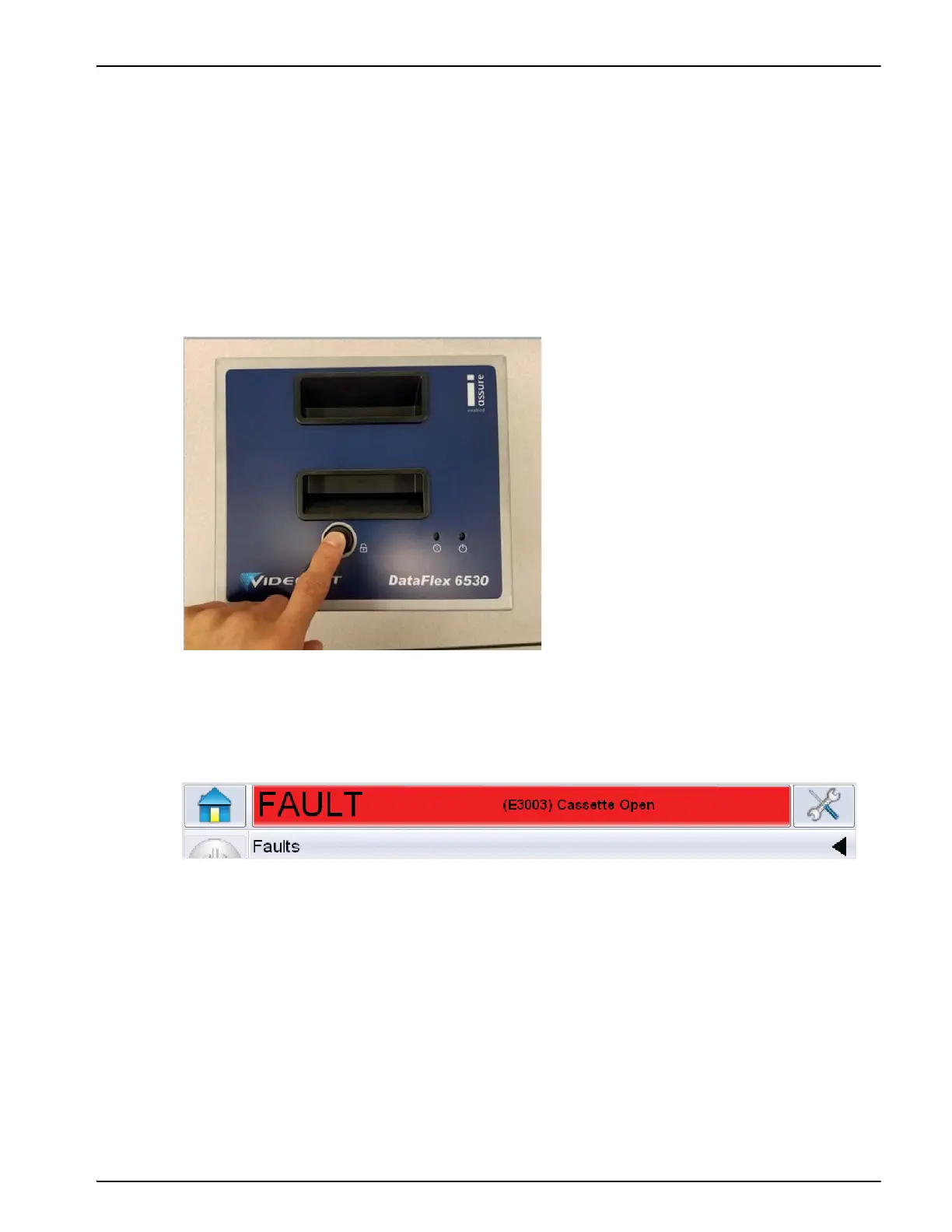
2. Press the circular black release button on the front of the printer, as shown in Figure 4-8. The
button clicks as the cassette unlocks from the printer body.
At this point, CLARiTY displays the Cassette Open fault (Figure 4-9).
Figure 4-8: Cassette Unlocking
Figure 4-9: Cassette Open Fault



 To Next Page