Videojet DataFlex 6530 Operator Manual - Rev AA 5-35
CLARiTY Operating System
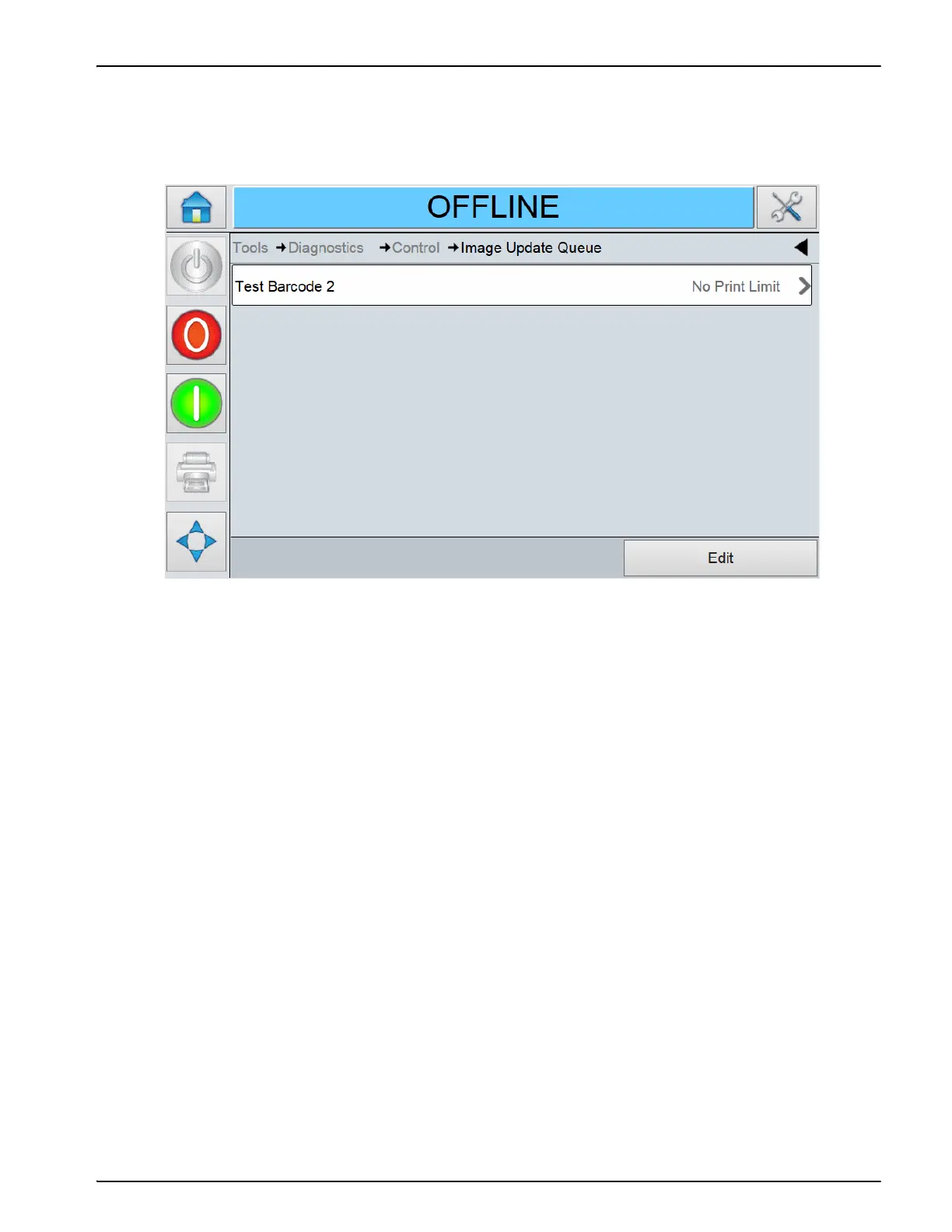
Using the Image Update Queue Screen
Touch Image Update Queue on the Control screen to view the parameters (Figure 5-31).
5.3.1.4 Using the Options Screen
There are no options available at this time, it may be introduced in a future version of
CLARiTY.
Figure 5-30: Image Update Queue Screen



 To Next Page