5-34 Videojet DataFlex 6530 Operator Manual - Rev AA
CLARiTY Operating System
Using the Production Audit Log Screen
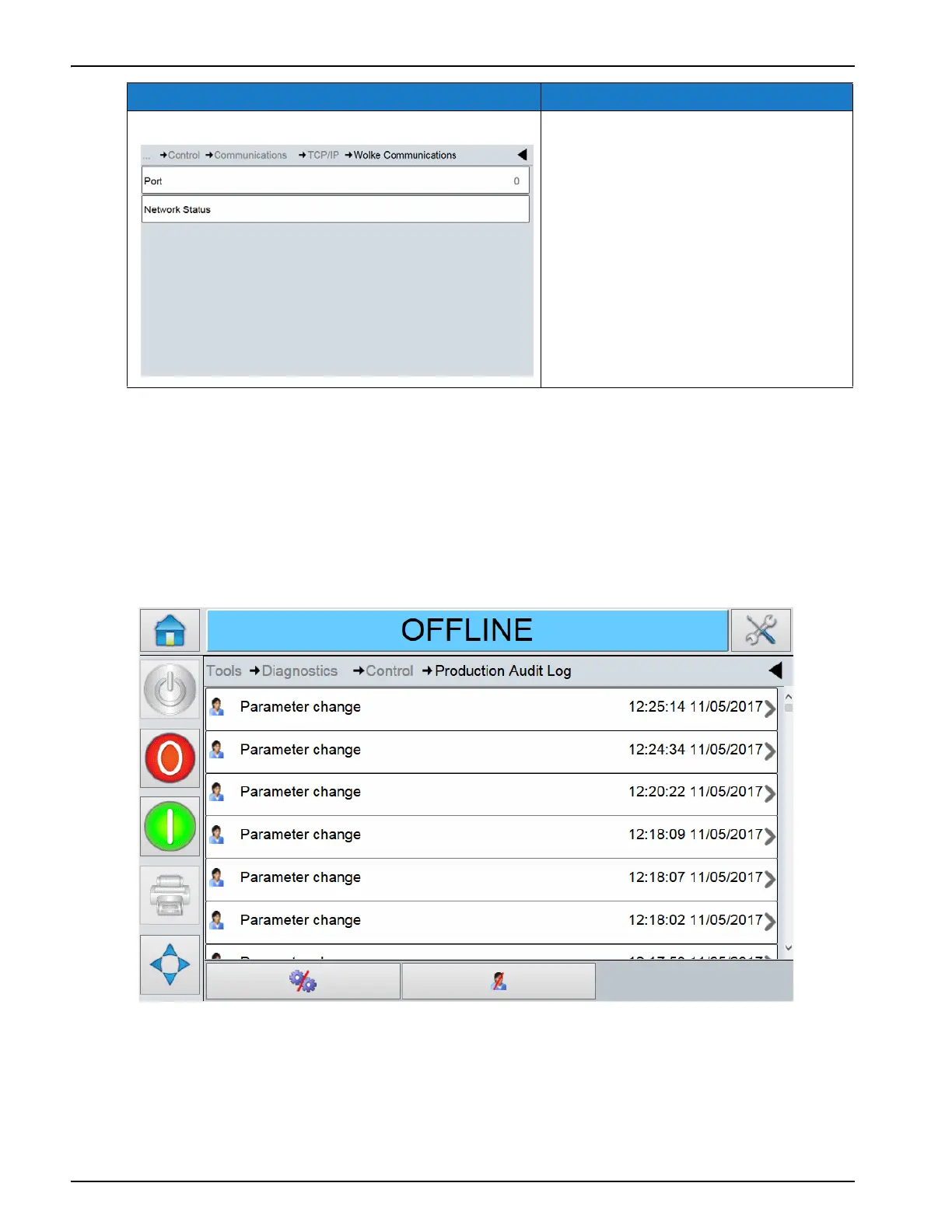
Touch Production Audit Log on the Control screen to view the parameters (Figure 5-30).
Note: This option is available if logging is enabled on the printer using CLARiTY Configuration
Manager.
Note: Logs can also be backed up to a USB memory stick if one is inserted into the printer
Wolke Communications The TCP/IP port number, and
network status for Wolke
communications.
Option Description
Table 5-23: TCP/IP Screen Description (continued)
Figure 5-29: Production Audit Log Screen



 To Next Page