5-40 Videojet DataFlex 6530 Operator Manual - Rev AA
CLARiTY Operating System
5.4 Password Protection
Password protection on the user interface allows different protected access levels for the various
operational features. During installation, you can set the standard or advanced password
selection using CLARiTY Config Manager. Refer to Videojet DataFlex 6530 Service Manual (Part
Number: 463041).
Note: If you do not want to have password protection, you can select None option.
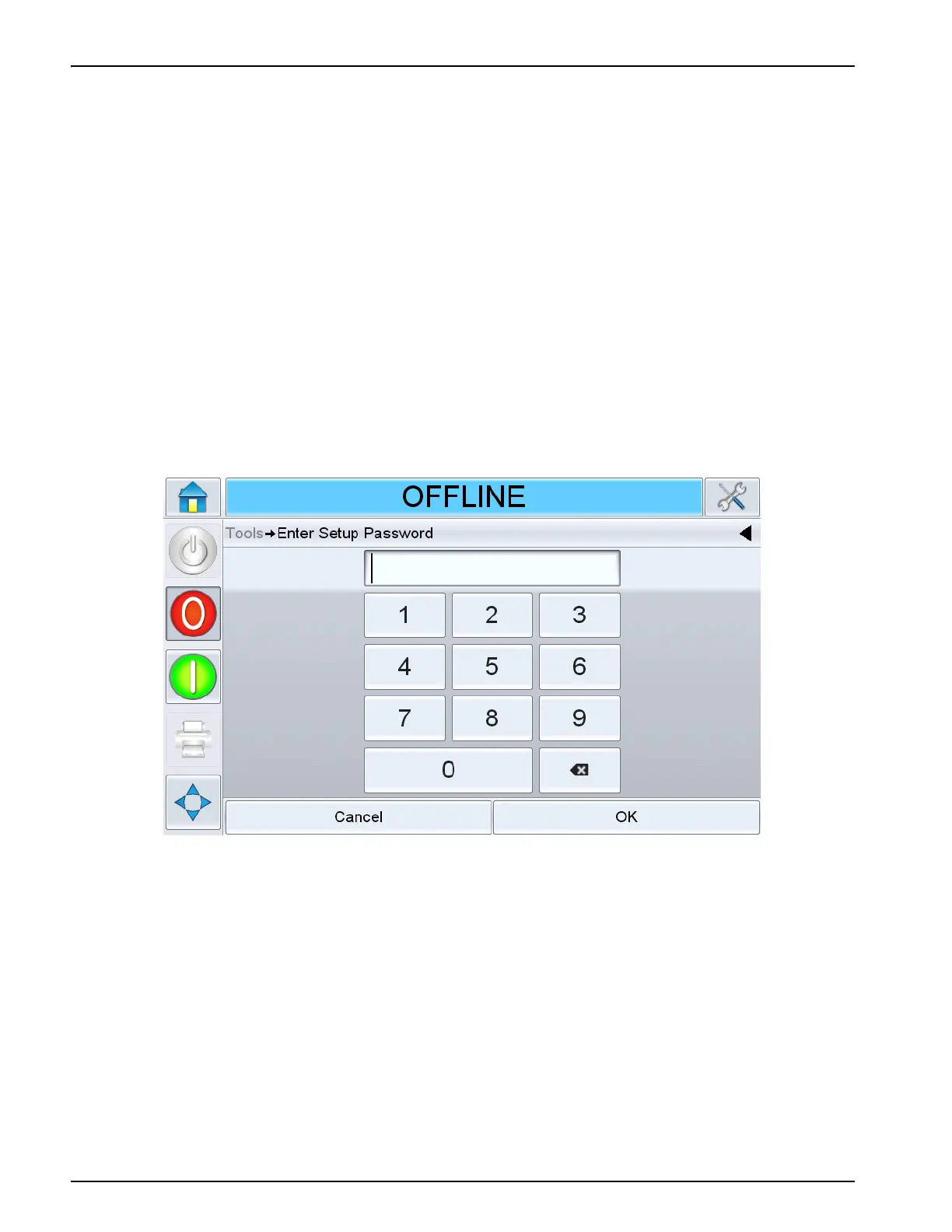
Password control can be set up as per the user requirement. When the user tries to access a
function that is password protected the user interface prompts the user to enter the password.
When the correct password is entered, that function or menu becomes available. The password
level remains active until logged out by the user or timed out.
• Standard Passwords: For example, if the Diagnostics function is password protected,
when the user accesses the Diagnostics Menu by navigating to Tools > Diagnostics,
CLARiTY prompts the user to enter the password.
• Advanced Passwords: The user is prompted to select the required username and
enter the associated password.
5.5 Master/Slave Printers
CLARiTY Master/Slave mode allows up to four printers to be connected together and to be used
as a group (the group can have only one master). This section describes the use of Master/Slave
mode at:
• Level 1-Group Job Select
• Level 2-Group Control
Further information on the CLARiTY Master/Slave mode is given in the Service Manual.
Figure 5-34: Password Screen



 To Next Page