Videojet DataFlex 6530 Operator Manual - Rev AA 5-11
CLARiTY Operating System
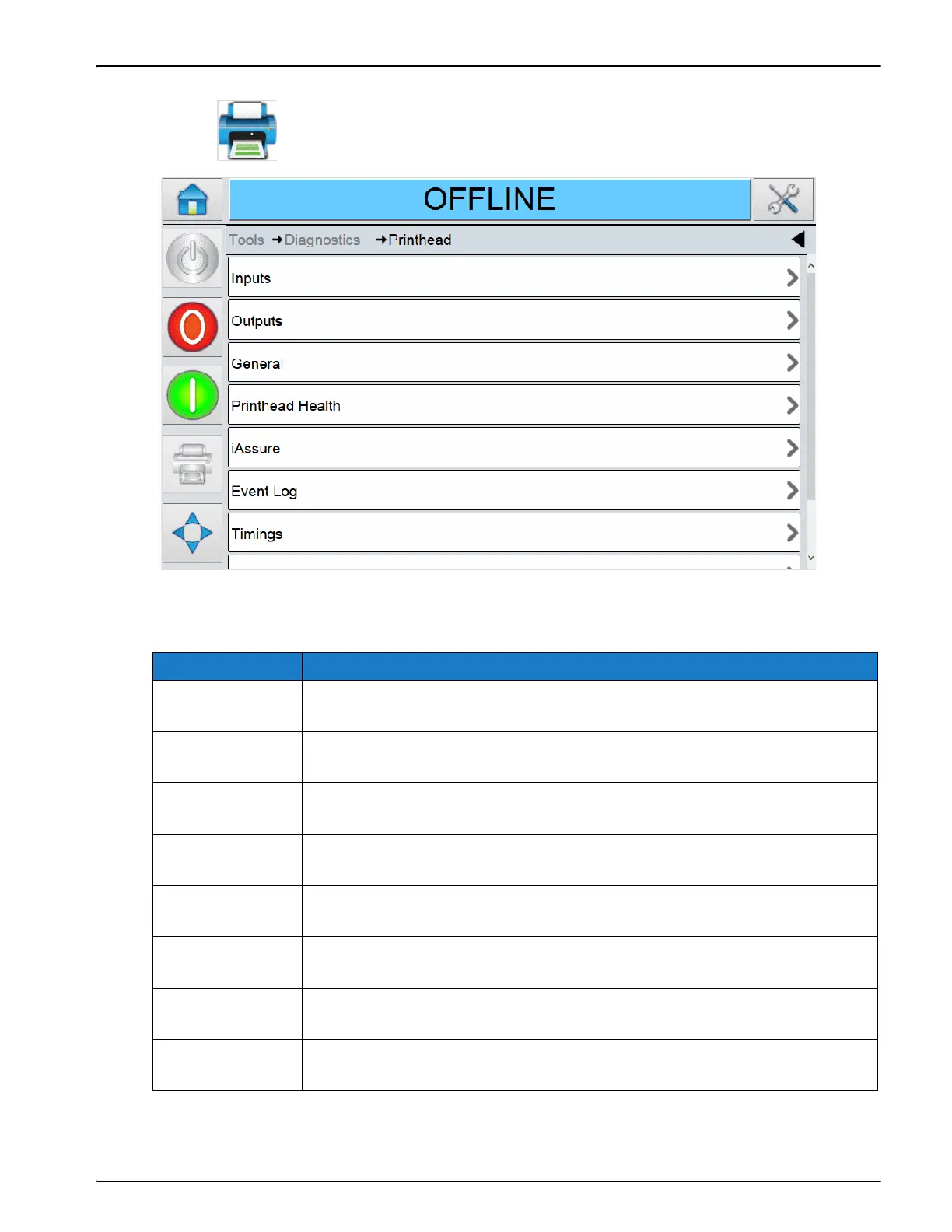
5.3.1.1 Using the Printhead Screen
Touch on the Diagnostics screen to access the printhead parameters (Figure 5-7).
The Printhead screen displays the following parameters:
Option Description
Inputs The status of the three external inputs parameters and the internal input
parameters. Refer to “Using the Inputs Screen” on page 5-13.
Outputs The status of a physical output on the printer. Refer to “Using the Outputs
Screen” on page 5-15.
General The general parameters like Printhead Mode, Printing Mode, High
Throughput Mode etc. Refer to “Using the General Screen” on page 5-16.
Printhead Health The printhead health log. Refer to “Using the Printhead Health Screen”
on page 5-16.
iAssure The iAssure parameters. Refer to “Using the iAssure Screen” on
page 5-18.
Event Log The log of events responsible for the printer downtime. Refer to “Using
the Event Log Screen” on page 5-19.
Timings The count for various printer operations. Refer to “Using the Timings
Screen” on page 5-20.
Encoder Profiles The encoder profile. Refer to “Using the Encoder Profiles Screen” on
page 5-21.
Table 5-8: Printhead Screen Description
Figure 5-7: Printhead Diagnostics Screen



 To Next Page