4-12 Videojet DataFlex 6530 Operator Manual - Rev AA
Startup
4.8.4 Reinstalling the Cassette
To reinstall the cassette, proceed as follows:
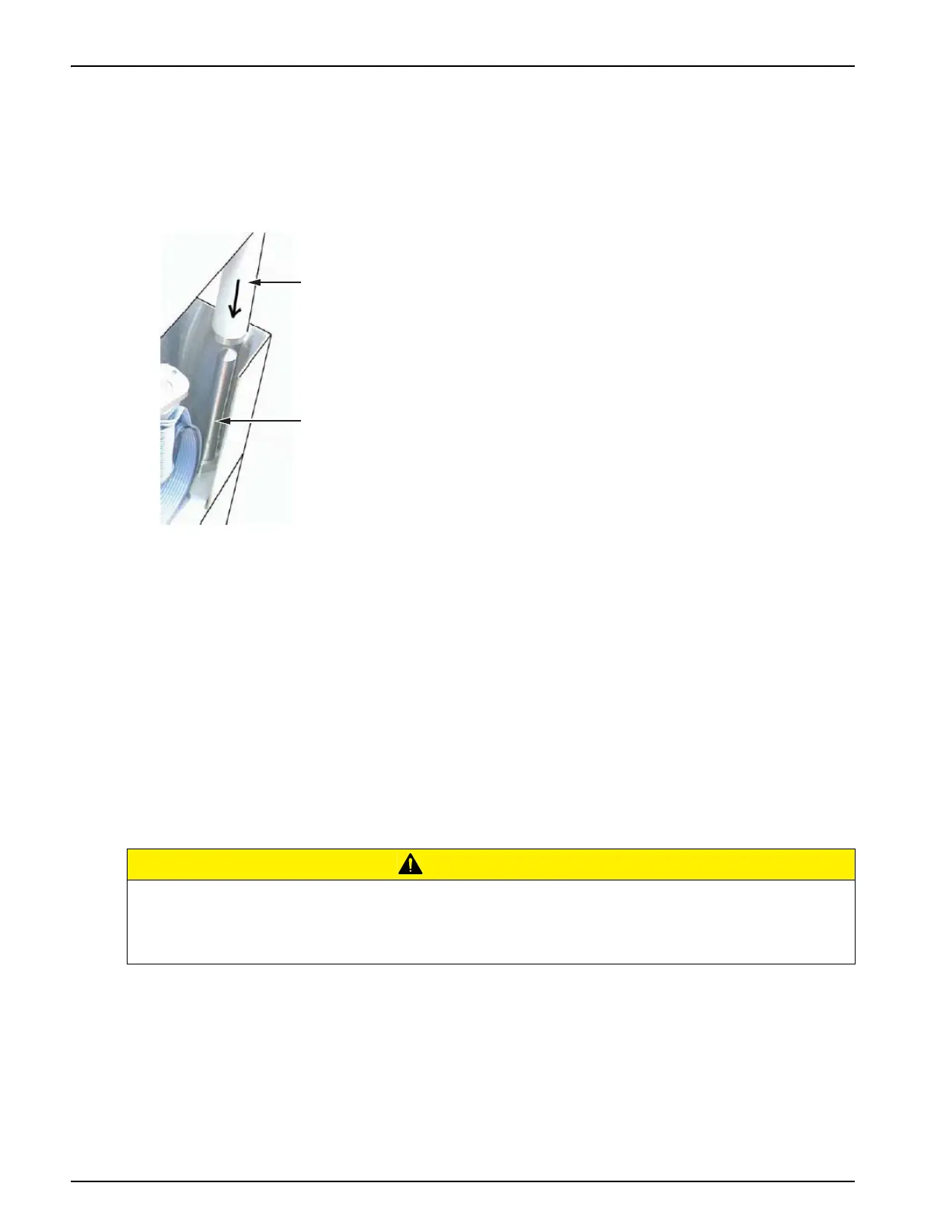
1. Hold the cassette above the printer body. Align the guide pin on the cassette into the hole in
the baseplate and align the two locating rods (Figure 4-15) that protrude from the printer
body into the holes at the ends of the two ribbon rollers.
2. Push the cassette onto the printer body and press until it locks into place.
The Cassette Open fault message clears automatically, and the status changes to OFFLINE
state.
4.8.5 Using Ribbons of Different Widths and, Colors
Different widths of ribbon can be used in the 53 mm variant of the printhead:
• The maximum ribbon width setting for the 53 mm printer is 55 mm.
The minimum ribbon width for the 53 mm printer is 20 mm.
CAUTION
RIBBON SETTING.
Failure to set the ribbon width correctly can cause a Ribbon break message to be displayed
(even though the ribbon is intact). It can also cause the ribbon to wind too tightly onto the used
ribbon spool. This can make it difficult to remove the spool of used ribbon.
Figure 4-15: Locating Rod Alignment
1. Ribbon Roller
2. Locating Rod



 To Next Page