Videojet DataFlex 6530 Operator Manual - Rev AA 8-15
Troubleshooting
Several faults and warnings may occur at the same time. Faults will always be displayed first.
To view the faults/warnings in more detail and to view instructions on what to do about them,
touch the red or yellow area in the status window at the top of the CLARiTY display.
8.4.2 Clearing a Fault Message or Warning
The instructions in this section provides information on how to clear a fault message. A similar
procedure is used to clear warnings.
To view the details of the fault list, proceed as follows:
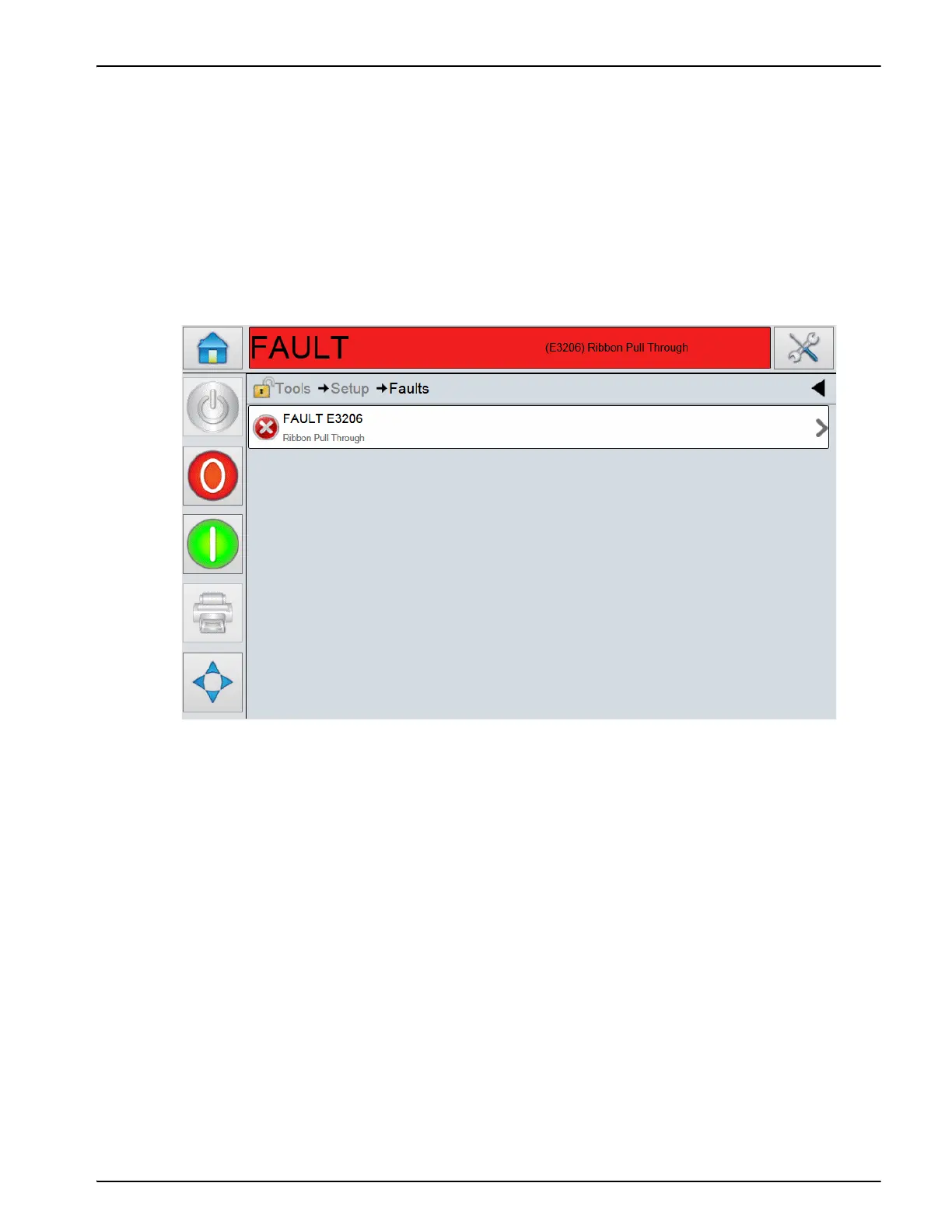
1. Touch the red FAULT message to view the list of faults (see Figure 8-4).
2. Touch the fault name in the list.
Figure 8-4: Fault Selection



 To Next Page