8-16 Videojet DataFlex 6530 Operator Manual - Rev AA
Troubleshooting
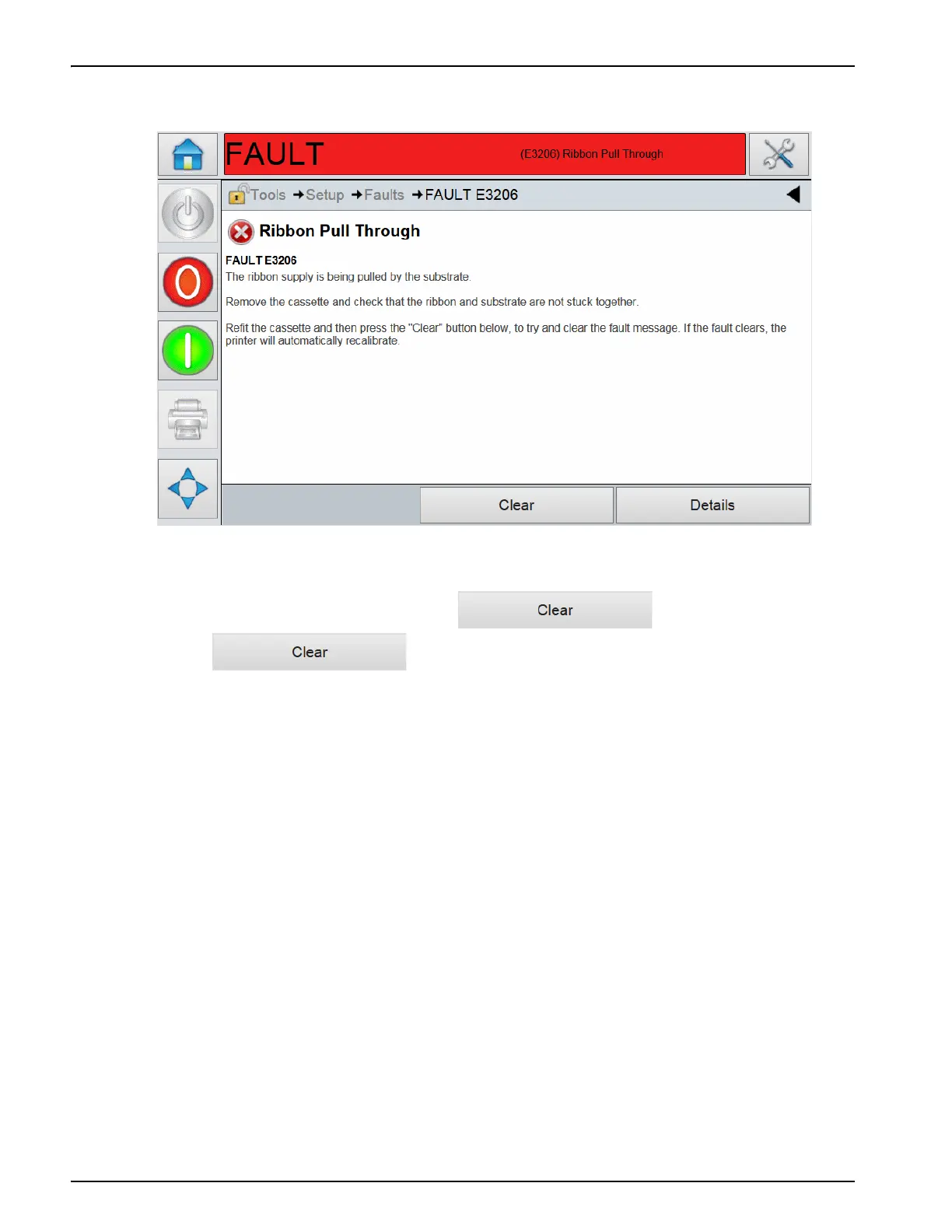
3. The details of the fault is displayed. Follow the on screen instruction for correcting the fault.
4. When you have corrected the fault, the button is activated.
5. Touch to remove the fault message.
For more information on how to clear CLARiTY faults and warnings, refer to Service Manual.
Figure 8-5: Fault Details Display



 To Next Page