Videojet DataFlex 6530 Operator Manual - Rev AA 4-15
Startup
4.8.6 Checking the Printer Ribbon Supply
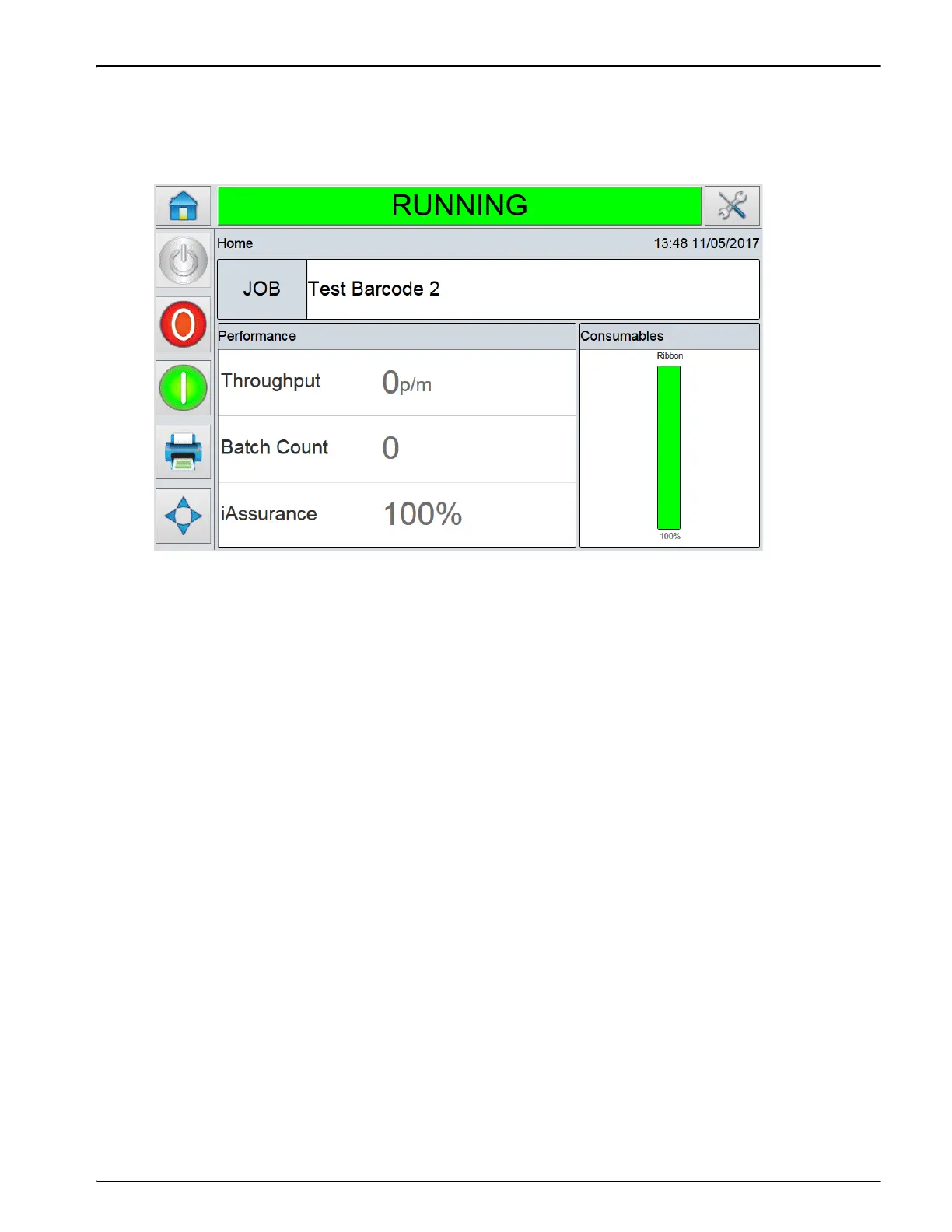
The Consumables area of the Home Screen (Figure 4-19) displays a ribbon meter, showing the
amount of unused ribbon remaining in the cassette.
The meter displays three different colors to help check the ribbon level at a glance.
• GREEN = Adequate ribbon availability
• YELLOW = Approximately 50 m (164 ft) of ribbon remaining
• RED = Approximately 20 m (66 ft) of ribbon remaining
Figure 4-19: Printer Ribbon Supply



 To Next Page