4-14 Videojet DataFlex 6530 Operator Manual - Rev AA
Startup
Different colors of ribbon have different thickness. To ensure accurate end of reel warnings,
select the correct color of the ribbon being used by the printer. To select ribbon color, proceed as
follows:
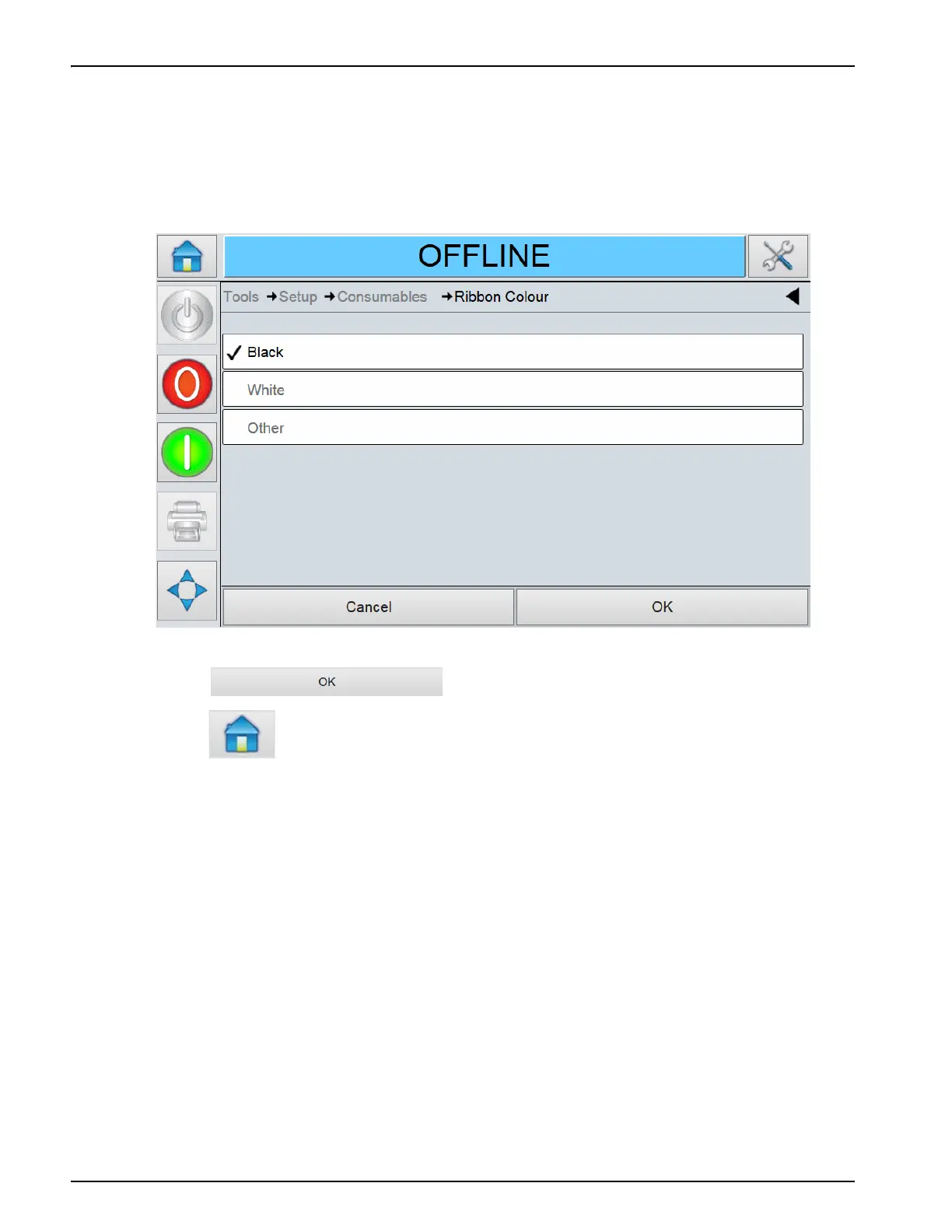
1. Navigate to Tools > Setup > Consumables > Ribbon Colour as shown in Figure 4-16 on page 4-13.
2. Select the correct colour from the list as shown in Figure 4-18.
3. Touch to save the settings.
4. Touch to return to the Home Screen.
Figure 4-18: Printer Ribbon Colour



 To Next Page