5-36 Videojet DataFlex 6530 Operator Manual - Rev AA
CLARiTY Operating System
5.3.2 Using the Database Screen
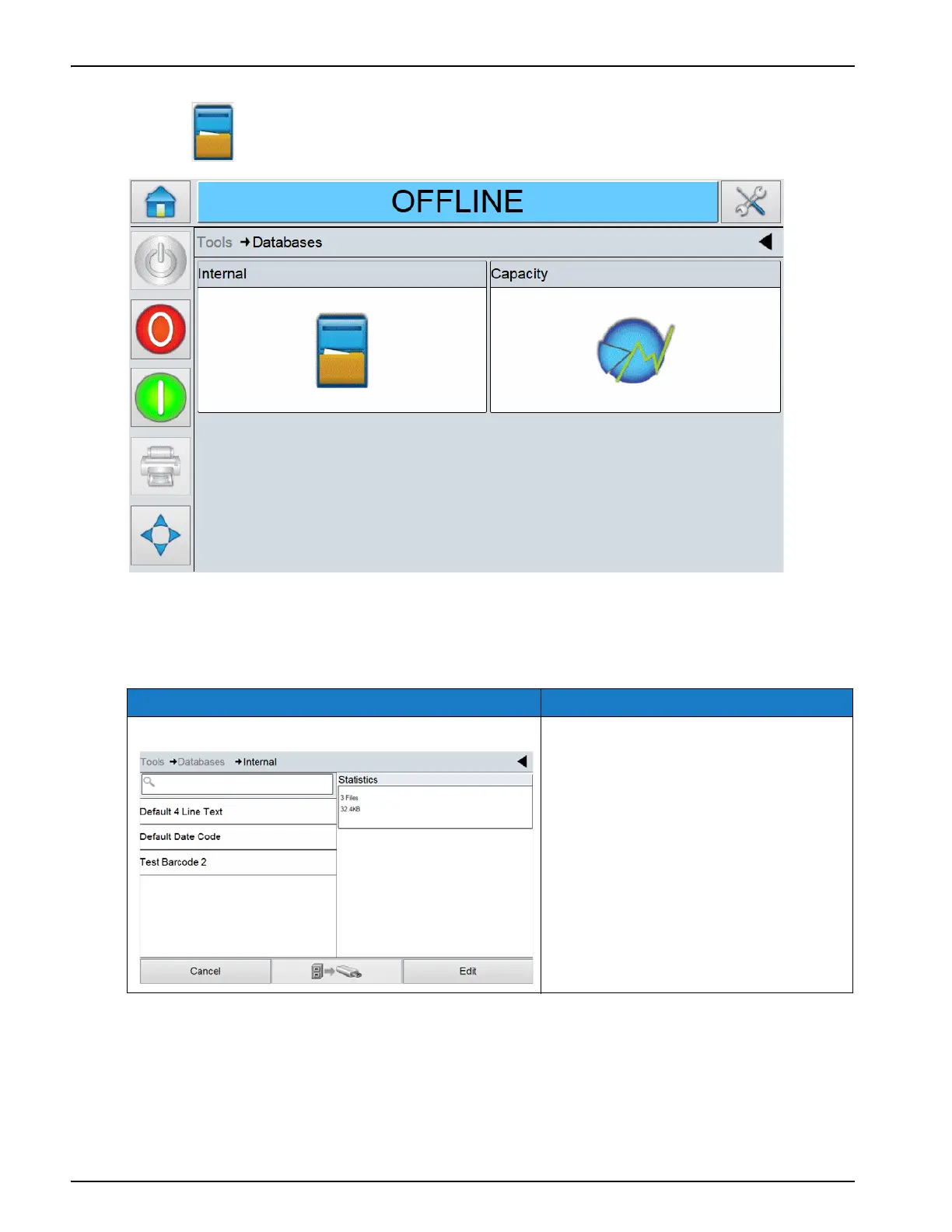
Touch on the Tools screen to access the Databases screen (Figure 5-32).
The Databases screen displays the following parameters:
Option Description
Internal The job list stored in the printer.
Selected jobs can be transferred to the
USB memory stick (if available). The
Edit button provides the option to
delete jobs from the internal database.
Table 5-24: Databases Screen Description
Figure 5-31: Databases Screen



 To Next Page