MXPRODV USER GUIDE CHAPTER 7
94
d The video row is not used when the Color or Background Audio channels are
being routed.
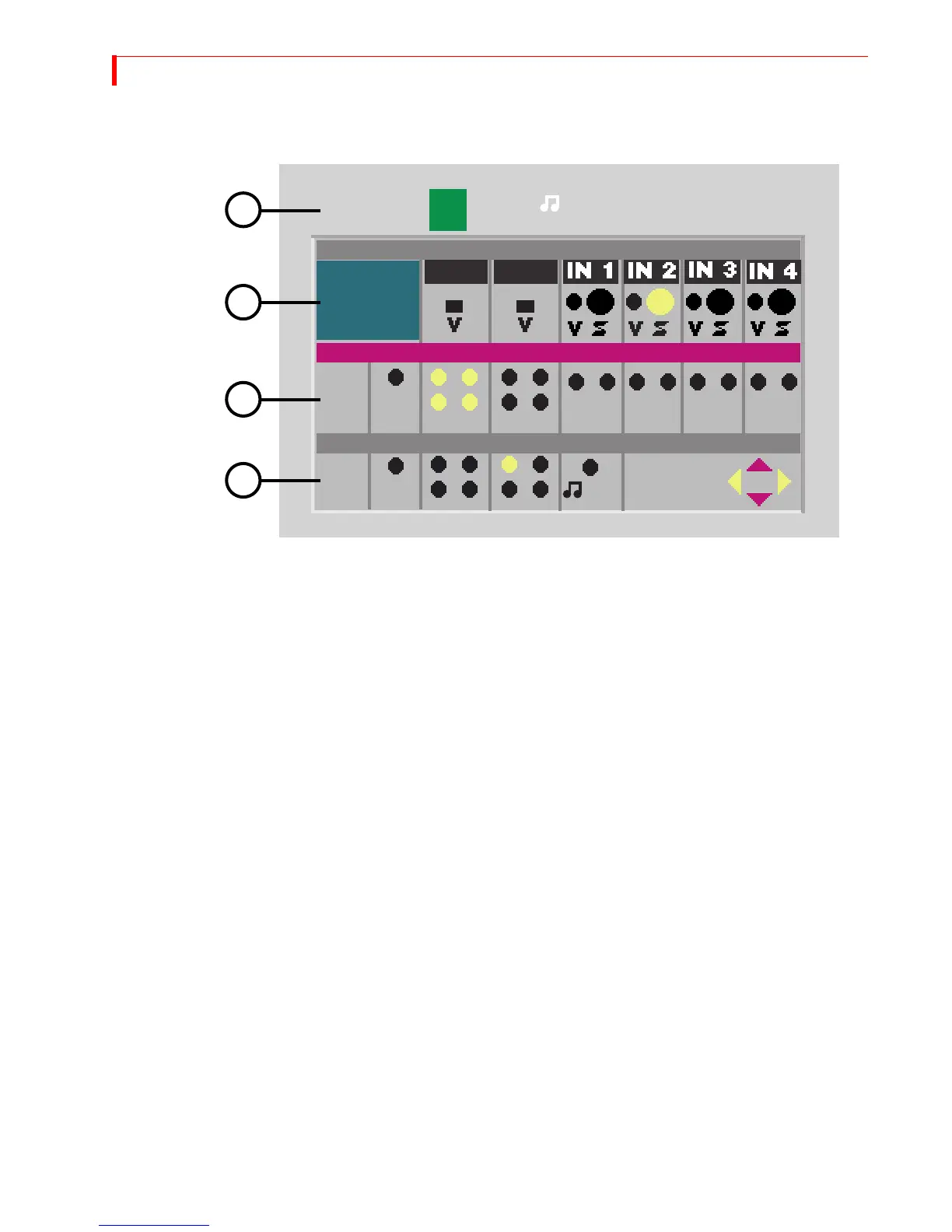
4 Select the Audio 1 source to use for this channel. Use the
UP ARROW/DOWN ARROW
keys to highlight the Audio 1 row, then use the
LEFT ARROW/RIGHT ARROW keys to
select an audio source.
a Audio 1 is usually a stereo pair (left + right, or channels 1 & 2) of inputs from a DV
source or from analog inputs IN 1, 2, 3 or 4.
b Audio 1 is output on DV audio channels 1 and 2, on analog outputs L1 and R1,
and also on analog outputs L2 and R2 if 2-channel audio output is selected in
Setup.
c IN3 and IN4 can be either mono or stereo sources: you can select the left input,
the right input, or both.
d DV sources can have two or four channels of audio input. If 4-channel sources are
used and 4-channel output is selected in the Setup menu, you can select L1, R1,
L1+R1, L2, R2, L2+R2 or L1+ R1+ L2+R2 as the source for the audio. In this last
case, L1 and L2 are combined on the left output of audio pair 1 and R1 and R2 are
combined on the right output.
e If 2-channel Audio Output is selected in the Setup menu, you can select L1, R1 or
L1+R1 only.
f Select
MUTE if you do not want audio routed to this channel.
5 Select the Audio 2 source: If 2-channel Audio Output is NOT selected in the Setup
menu, you can route audio to channel 3 and 4 by using the Audio 2 section of the
Route menu. Use the
UP ARROW/DOWN ARROW keys to highlight the Audio 2 row, then
use the
LEFT ARROW/RIGHT ARROW keys to select an audio 2 source.
a Audio 2 is usually the second stereo pair (R2 and L2) from a DV input, but can be
any available choice from the DV inputs, or it can be the Audio routed to the
Background Audio channel. (Background Audio can come from an Audio 1 source
only.)
DV IN1
1
2
DV IN2
1
2
1
2
1
2
MUTE
MUTE
AUDIO 1
VIDEO
AUDIO 2
BKGD
A
L
R
L
R
L
R
L
R
L
R
L
R
BCD
COLOR
BKGD
2
3
4
5



 To Next Page